
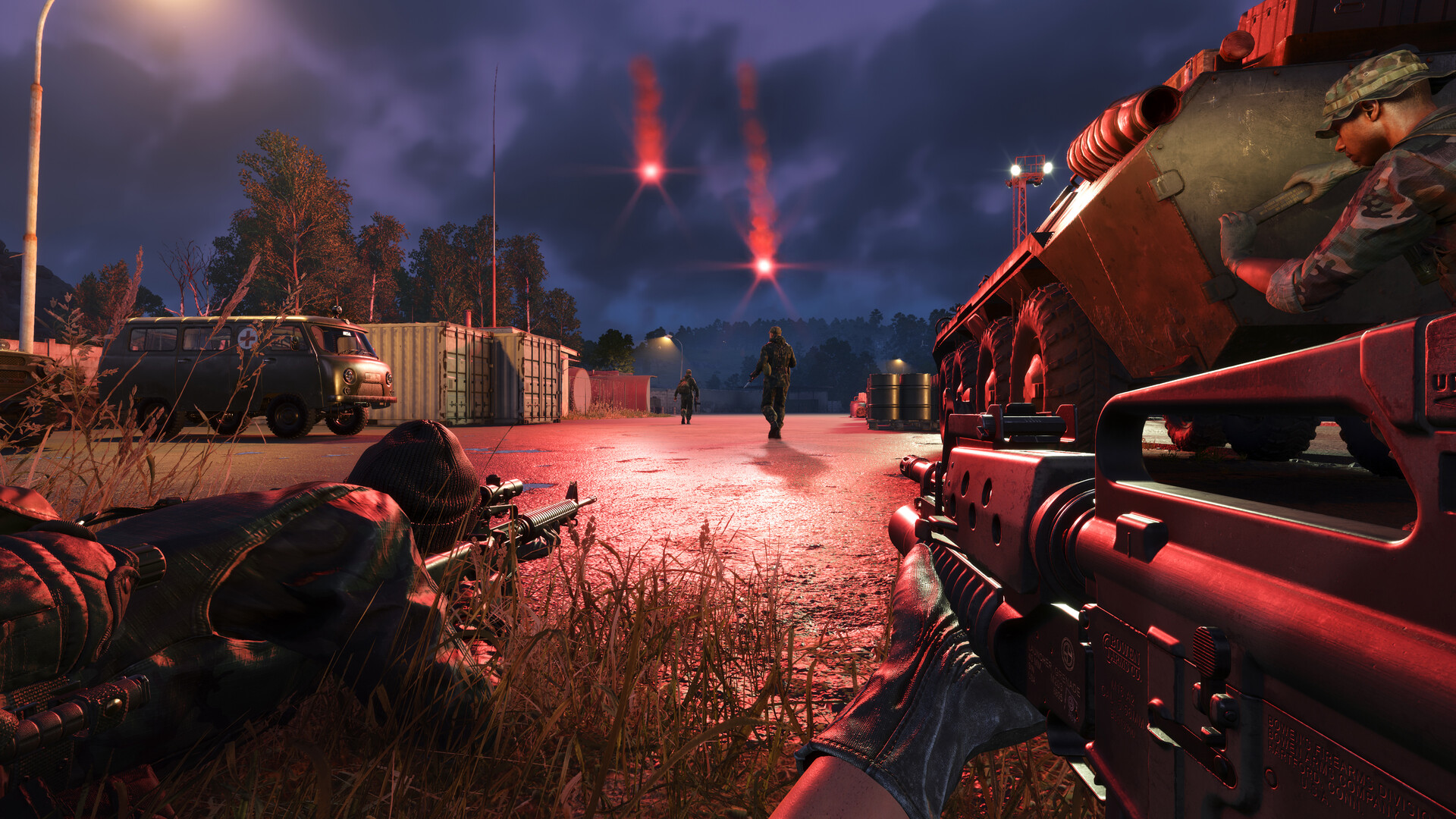
Radio discipline separates coordinated squads from disorganized ones in Arma Reforger. Whether you’re pushing an objective in Conflict mode, calling for medical support, or deploying a radio backpack behind enemy lines as a forward spawn point, understanding how the communications system works is a force multiplier. This guide covers every radio type, how to tune frequencies, radio backpack deployment, and the habits that keep your team talking effectively.
The Four Core Radios
Arma Reforger has four base-game radios split across two categories — handheld and manpack — with each faction fielding its own equipment. Knowing which radio you carry determines your effective range and inventory trade-offs.
| Radio | Faction | Type | Range | Frequency Band | Weight | Supply Cost |
|---|---|---|---|---|---|---|
| AN/PRC-68 | US Army | Handheld | ~1.3 km | 32–68 MHz | 1.3 kg | Spawn default |
| R-148 | Soviet / FIA | Handheld | ~1.3 km | 38–54 MHz | 3 kg | Spawn default |
| AN/PRC-77 | US Army | Manpack (backpack slot) | ~2 km | 30–76 MHz | 9 kg | 50 Supply Points |
| R-107M | Soviet Army | Manpack (backpack slot) | ~2 km | 20–52 MHz | 18.5 kg | 50 Supply Points |
| RF-10 | FIA | Manpack (backpack slot) | ~2 km | 30–76 MHz | 3.1 kg | 50 Supply Points |
The FIA’s RF-10 is worth highlighting: it is based on a real Czech military radio and is significantly lighter than the Soviet R-107M (3.1 kg versus 18.5 kg), making it far more practical to carry alongside combat load. FIA players running the manpack role will feel the difference immediately.
Key Controls Every Player Needs
- Press G — open the Radio Select radial menu and toggle between your two active channels. You can monitor both simultaneously.
- Hold Caps Lock — transmit over your currently selected radio. Double-tap Caps Lock to lock transmission open so you don’t have to hold the key.
- L-Ctrl + Caps Lock — transmit over a manpack radio (backpack slot) specifically, useful when you carry both a handheld and a manpack.
- Scroll Wheel — adjust frequency in 0.5 MHz increments while the radio menu is open.
- Q / E — cycle through preset channel slots quickly.
- R (while channel is highlighted) — toggle the radio’s power on or off.
Game frequencies are simplified compared to reality — the game uses 0.5 MHz steps rather than the real-world 50 kHz steps. This keeps the system approachable while still requiring squads to coordinate channel selection before an operation.
Understanding Frequencies and Channels
All radios operate in the VHF band (roughly 20–76 MHz depending on the model). Each faction’s radios come pre-programmed with two default channels when you spawn: a Group channel for your immediate squad and a Platoon channel that allows you to hear broader team traffic without switching away from squad comms.
The US Army and Soviet/FIA sides use different default platoon frequencies, which means a US player on the correct channel cannot hear Soviet traffic even if both happen to be on numerically similar settings — each faction’s radios use a different encryption key that is baked in at spawn. Enemy players intercepting your frequency will hear static, not your transmissions.
When setting up a coordinated attack, squad leaders should agree on a dedicated channel before moving out. A common practice is to use the Group channel for within-squad traffic and the Platoon channel for cross-squad or commander-level calls. Keep those two channels open in the G menu simultaneously so you never miss a critical report from higher up.
Long-Range Radios and the Manpack Role
Manpack radios (AN/PRC-77, R-107M, RF-10) extend your squad’s communications range to approximately 2 km compared to the 1.3 km limit of handhelds. More importantly in Conflict mode, a player carrying a manpack and meeting the appropriate rank threshold can enable allied players to respawn within signal range of their position — effectively turning your radio operator into a forward operating base.
The trade-off is real. Manpack radios occupy your backpack slot and cost 50 Supply Points from the arsenal. The R-107M in particular weighs 18.5 kg — load it alongside a full combat kit and you will feel the stamina penalty. Pair your manpack role choice with the stamina and weight management guide to understand how carrying a heavy radio affects sprint endurance and recovery. The lightweight FIA RF-10 is the most practical option if you want the range upgrade without crippling your mobility.
Radio Backpacks as Mobile Spawn Points
The radio backpack is one of the highest-impact items in Conflict. When deployed in a safe position, it creates a squad spawn point that your teammates can select from the respawn screen. This lets your team push a forward objective, die, and respawn close to the action rather than walking from the main base.
To deploy one, pick up the radio backpack from the arsenal or supply depot, move to a covered position, drop it (use your inventory to remove it from the backpack slot), then interact with it to activate it as a spawn point. Teammates will see it as an available spawn on the map.
A few important constraints to know:
- In standard Conflict mode, radio backpack spawning is active and can be configured server-side (unlimited, supply-gated, ticket-based, or disabled).
- As of the December 2025 update (version 1.6.0.87), radio backpack spawning is disabled by default in Conflict HQ mode. Server administrators can re-enable it.
- Enemy players can destroy your deployed backpack, removing the spawn point — always place it behind cover, not in the open.
- The backpack radio does not require faction radio signal range to function as a spawn point, but it does need to be accessible by your teammates on the map.
If you run a community server and want to tweak these settings, check the Arma Reforger server documentation for the relevant Conflict scenario parameters.
Radio Range and Conflict Mode Territory
In Conflict, radio range is not just about voice comms — it determines which objectives your faction can capture. Your team’s radio coverage radiates outward from the Main Operating Base and is extended by:
- Capturing Communication Stations at military sites across the map
- Securing Relay Towers, which extend the coverage bubble further
- Deploying Mobile Command Units (MCUs) — vehicles that project radio coverage from wherever they are parked
You cannot seize an enemy-held position if it falls outside your faction’s current radio coverage area. This makes communication infrastructure a strategic priority, not just a logistics detail. A well-coordinated squad should prioritize capturing a communication station immediately after securing any new base — it extends coverage, unlocks further objectives, and enables respawning at the new position.
Radio Etiquette and Clear Communication
Technical setup is only half the equation. How you use the radio under pressure determines whether your squad acts on accurate information or gets confused. Standard military brevity codes make transmissions faster and less ambiguous:
- Roger — message received and understood
- Copy — information received
- Wilco — will comply (do not say both “Roger” and “Wilco” — they overlap)
- Over — finished transmitting, awaiting reply
- Out — conversation ended, no reply needed
- Say Again — repeat your last transmission (never say “Repeat” — it means fire another artillery round)
- Contact — enemy is actively engaging you; distinguish from “Visual” (spotted but unaware)
Call out enemy positions using bearing (compass direction), approximate distance, and a landmark. Avoid using place names from the map over the radio — Arma Reforger assigns randomized phonetic callsigns to objectives each session, so use those session callsigns instead. Enemy players near you can hear proximity voice chat, and while they cannot decrypt encrypted radio transmissions, careless chatter close to the front line gives away your position. For a full breakdown of the Voice over Network system and when to use direct speech versus radio, see our Arma Reforger VoN and voice chat guide.
Setting Up a Squad Before an Operation
Before you move out, run through this checklist with your squad:
- Confirm everyone is on the same Group channel frequency
- Designate one player as the manpack radio carrier for the squad’s extended range and potential respawn anchor
- Agree on the Platoon channel for cross-squad coordination
- Identify who is carrying the radio backpack for forward spawn deployment
- Establish a fallback frequency in case the primary channel gets crowded
If you want to take that coordination to the next level with a private community server, a dedicated Arma Reforger community server lets you lock down player slots, configure radio spawn rules, and build the milsim experience your squad needs.
Frequently Asked Questions
What is the difference between the handheld radio and the manpack radio in Arma Reforger?
Handheld radios (AN/PRC-68 for US, R-148 for Soviet/FIA) fit in your inventory and offer roughly 1.3 km of effective range. Manpack radios (AN/PRC-77 for US, R-107M for Soviet, RF-10 for FIA) occupy your backpack slot, extend range to approximately 2 km, and cost 50 Supply Points from the arsenal. Only manpack radios can serve as respawn anchors for allied players in Conflict mode, which makes the role far more tactically significant than simply boosting chat range.
How do I change my radio frequency in Arma Reforger?
Press G to open the Radio Select menu. With the channel you want to adjust highlighted, use the scroll wheel to move up or down in 0.5 MHz steps. You can also press Q or E to jump between preset channel slots. Both of your active channels are always receiving simultaneously — you transmit on whichever one is selected when you press Caps Lock.
Can enemy players hear my radio transmissions in Arma Reforger?
No. Each faction’s radios are programmed with a different encryption key at spawn. An enemy player on the same numerical frequency will only receive static, not your voice. However, proximity voice chat has no such protection — if an enemy is physically close enough to hear your direct speech, they will. Keep your voice chat disciplined near the front line and use radio for anything sensitive. This is also why Arma Reforger uses randomized phonetic callsigns for objectives per session: it limits the intelligence value of intercepted position callouts even in mixed-community contexts.
Ready to play?
Run your own Arma Reforger server with XGamingServer
Spin up an always-on Arma Reforger server your friends can join in minutes — no port-forwarding, no tech headaches.



