

Want to improve your Minecraft server experience? Installing plugins is a great way to add new features and customization and If you are new to running a server don’t worry! because in this article we will guide you through the process of installing and managing plugins!
How to install plugins on your server:
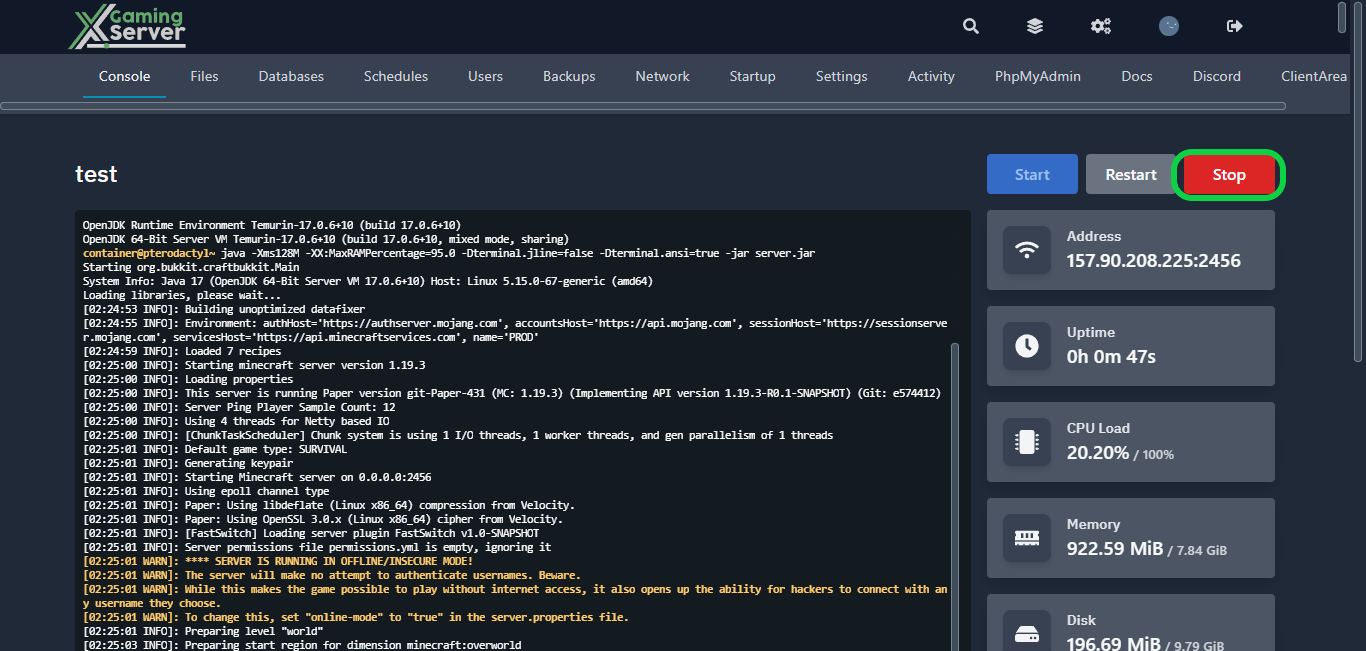
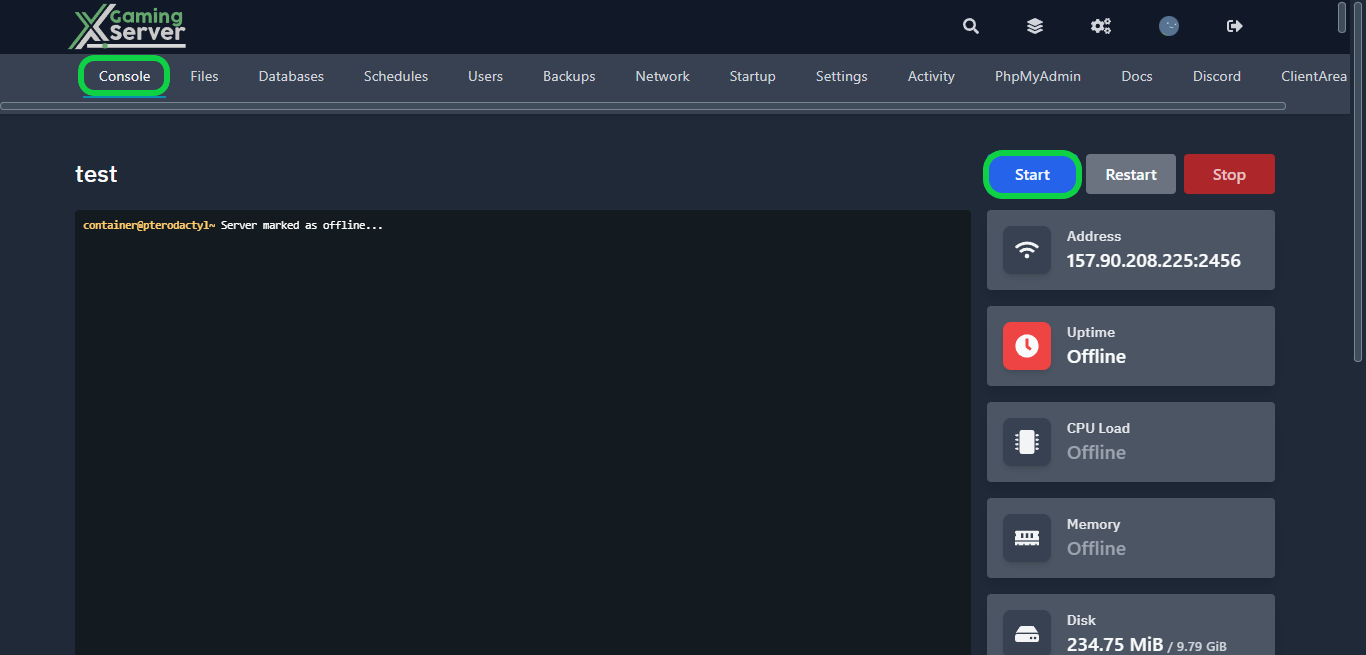
1- Go to your server’s control panel, then hit “Stop” to stop your server
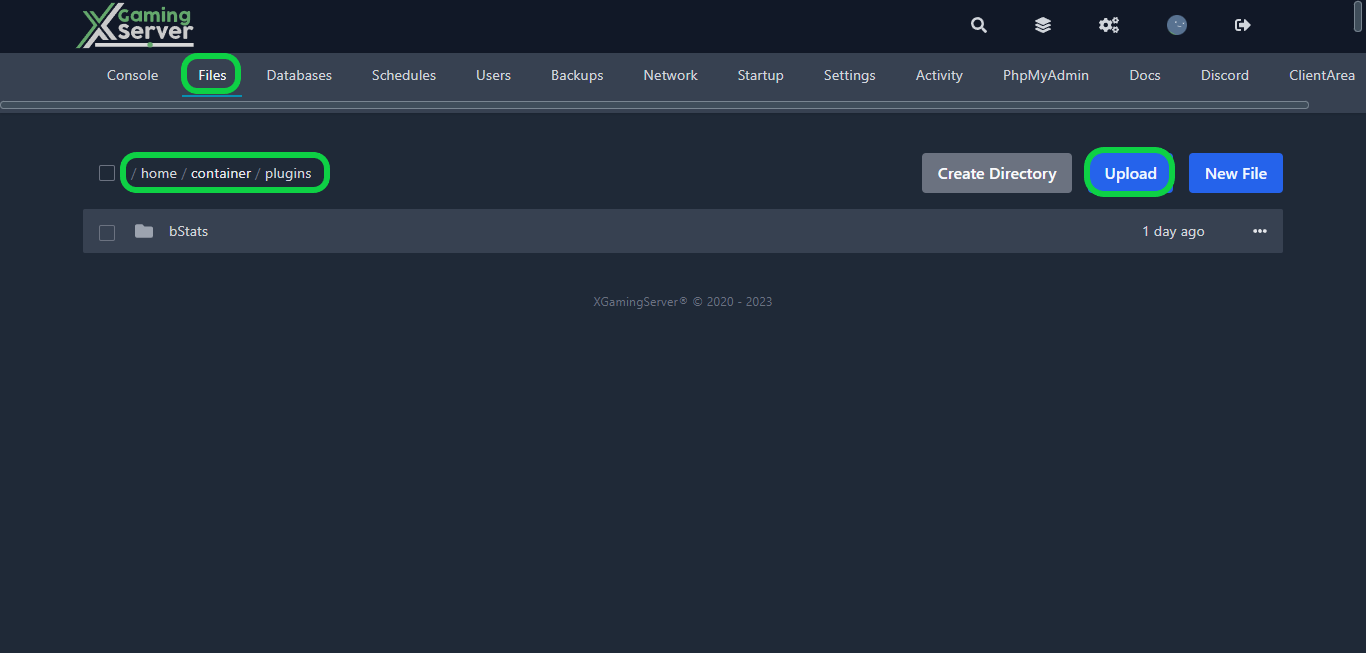
2- Go to the “Files” tab, then go to the “plugins” folder, and here you will upload your plugins by clicking the “Upload” button
How to download plugins:
While there are numerous websites to download Minecraft plugins from, it is recommended that you obtain your plugins from reliable sources such as “Spigot” or “Bukkit” Downloading plugins from untrusted sources may expose your server to malware or other security threats
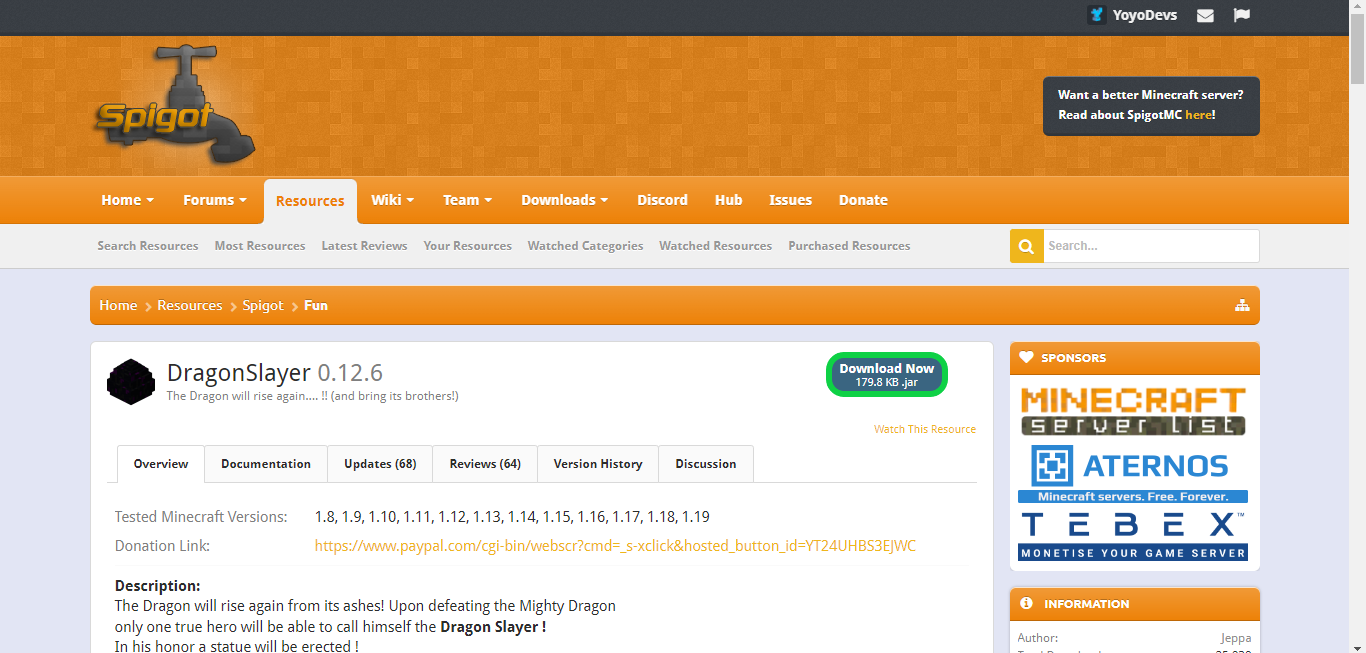
1- Go to “Spigot” and choose the plugin you want to download

2- Click on the “Download Now” button to download the plugin
3- After uploading the plugin you downloaded go to your server’s console then hit “Start” to start your server
If you need any help with your service don’t hesitate to contact us through our support tickets at https://billing.xgamingserver.com/submitticket.php
Free Minecraft Tools
Speed up your server with our free Minecraft tools:
Ready to play?
Run your own Minecraft server with XGamingServer
Spin up an always-on Minecraft server your friends can join in minutes — no port-forwarding, no tech headaches.





