
As your Minecraft server changes over time, some installed plugins may become unnecessary or even problematic. To maintain optimal performance and stability, and this is why in this article we will show you how to remove them!
How to uninstall plugins from your server:
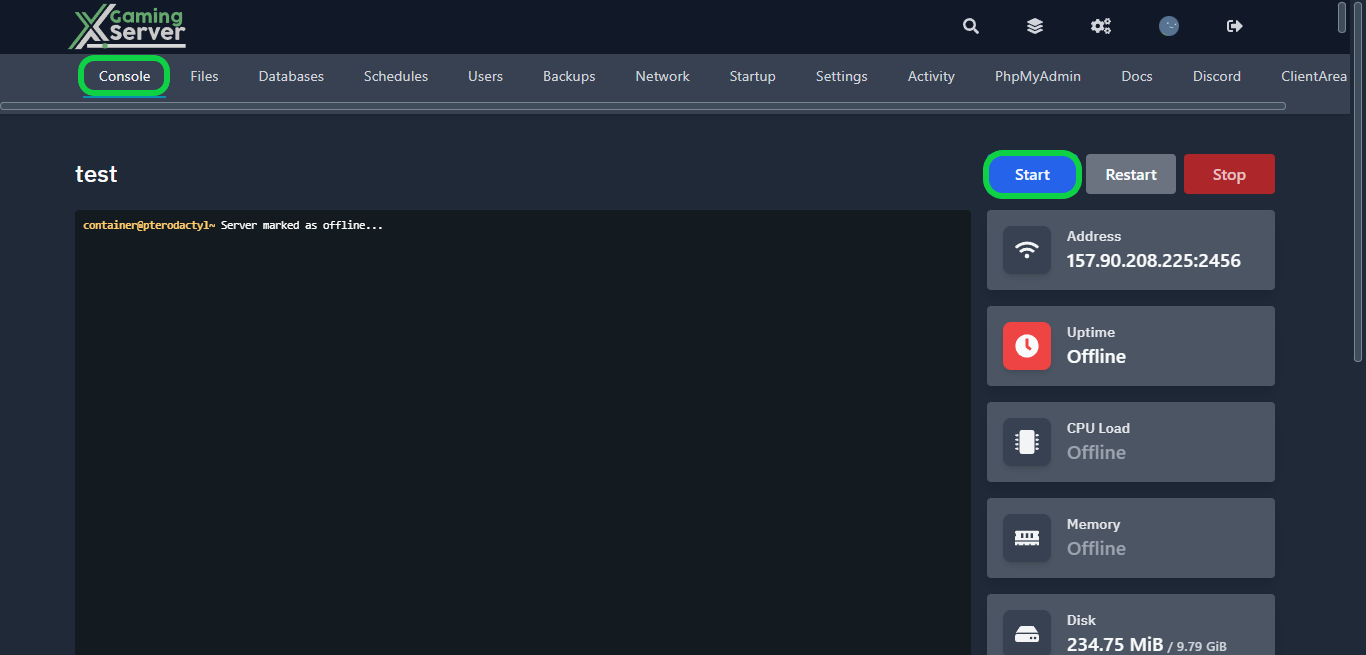
1- Go to your server’s control panel, then hit “Stop” to stop your server
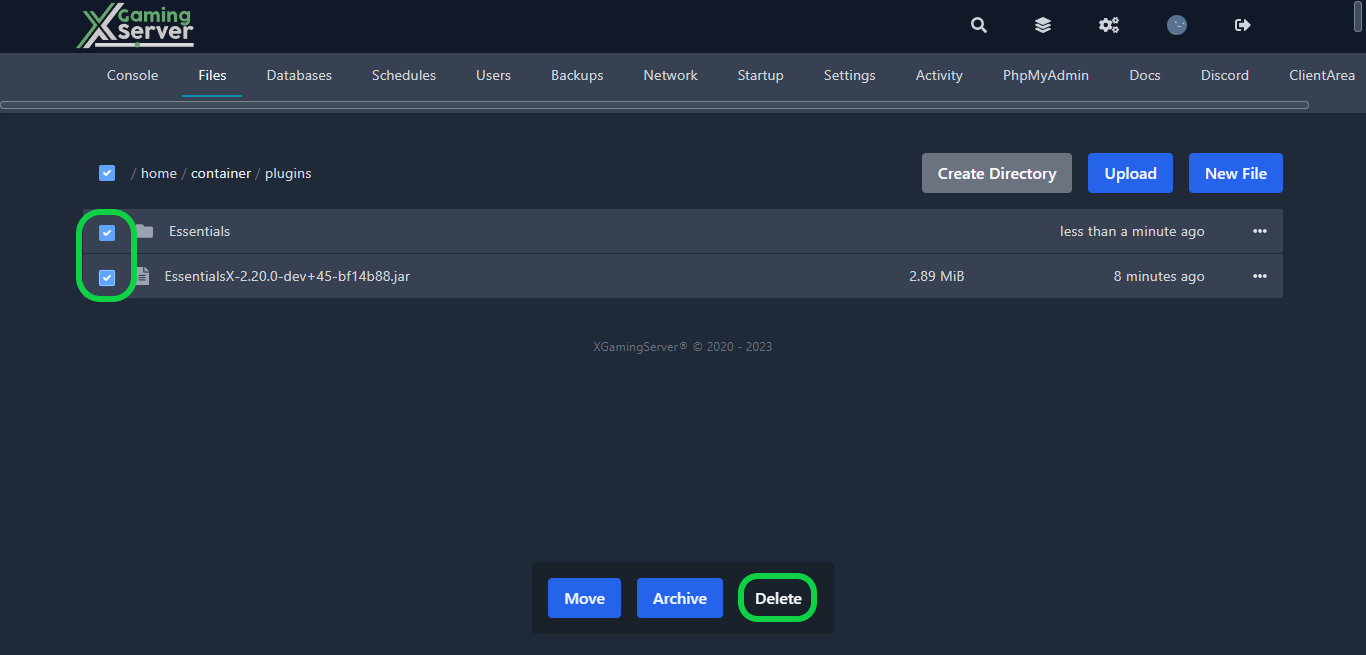
2- Navigate to the “Files” tab, access the “plugins” folder, and select the plugin you wish to uninstall. Confirm that it is a jar file and check if there’s an associated folder to remove. Once you’ve confirmed this, select both the file and folder, and then click on the “delete” button
3- After removing the plugin go to your server’s console then hit “Start” to start your server
If you need any help with your service don’t hesitate to contact us through our support tickets at https://billing.xgamingserver.com/submitticket.php
Free Minecraft Tools
Speed up your server with our free Minecraft tools:
Ready to play?
Run your own Minecraft server with XGamingServer
Spin up an always-on Minecraft server your friends can join in minutes — no port-forwarding, no tech headaches.






