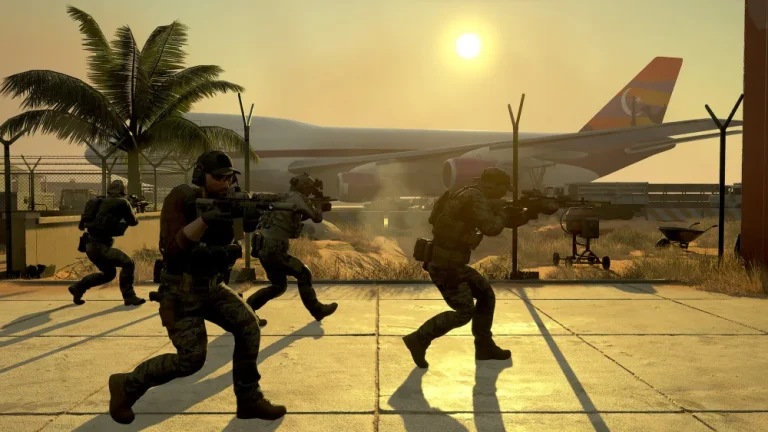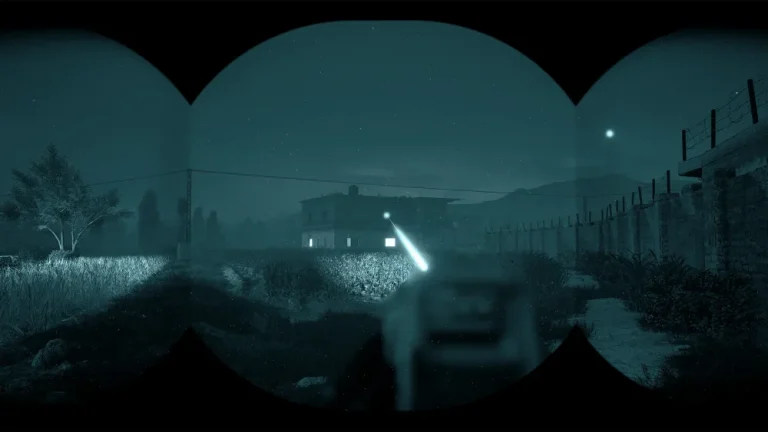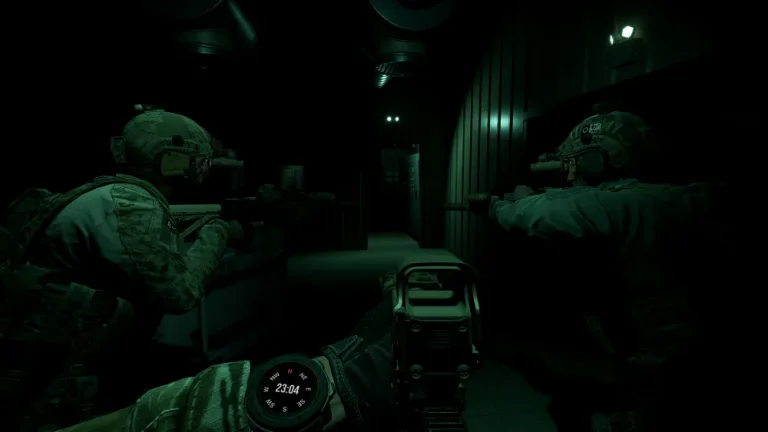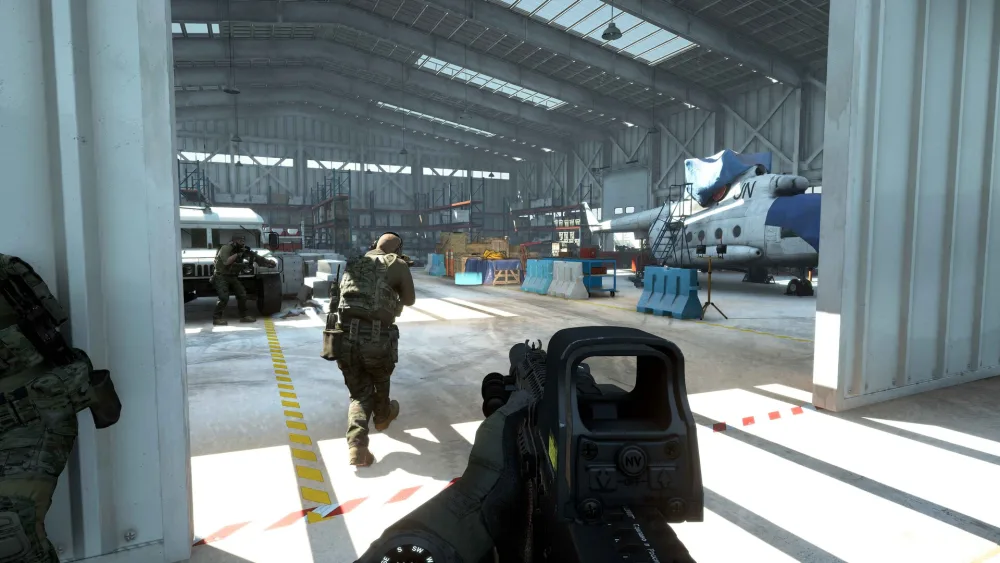
GROUND BRANCH’s enemy AI got a substantial rework in V1.0 (July 16, 2026), making opponents far more reliable and dangerous. If you host your own server, you also control exactly how many AI spawn and how tough they are. This guide covers what changed in the AI, and how to tune AI count and difficulty on your dedicated server.
What changed in the V1.0 AI rework
- Smarter targeting — AI now default to aiming at the pelvis; if only your head is exposed they target it instead of losing you, and higher-skilled AI default to chest or head shots.
- Longer perception — maximum view distance increased from 100 m to 200 m, with alertness tuned so enemies don’t just stare without reacting.
- Suppression & punishment — AI react to being shot even while unaware; a hit applies suppression and location data and can trigger flee behavior without line of sight. Miss a lethal shot and the wounded AI seeks cover before you can finish them.
- Defender AI — enemies in guard mode are now tethered to their guard points but turn toward sounds, so they hold rooms (e.g. on Hospital) instead of funneling into fatal choke points.
- Morale — AI suffer suppression and morale loss when they witness allies die, so your actions genuinely shape their decisions.
- Retreat scaling & performance — flee duration scales with skill (tougher AI hold cover longer), and the behavior tree was moved from Blueprint to C++ for better performance.
Difficulty levels (1–4)
On the co-op PvE modes (Terrorist Hunt, Intel Retrieval), AI skill is set by the Difficulty value, from 1 (easiest) to 4 (hardest), with 0 reserved for custom tuning. Higher difficulty means better accuracy, faster reactions and — thanks to the V1.0 changes — more resilient, longer-holding enemies. New squads should start around difficulty 1–2 and climb as coordination improves.
Controlling how many AI spawn
- MaxAI (0–50) — the absolute cap on AI your server will spawn. Set it to
0to disable modes that require enemies. - OpForCount (1–MaxAI) — how many AI actually spawn in a given Terrorist Hunt or Intel Retrieval round.
You set these per map line in MapList.ini, or with a click in the panel on managed hosting. Example — a heavy 30-AI Terrorist Hunt at difficulty 3:
?Mission=.../TerroristHunt?opforcount=30?difficulty=3Tuning tips
- More AI needs more CPU. Large OpForCounts and the new C++ behavior trees run best on high-single-thread hardware — one reason our servers use the AMD Ryzen 9 7950X.
- Difficulty > numbers for challenge. A smaller number of difficulty-4 AI that hold cover and suppress is often harder than a swarm of easy ones.
- Match the map. Tight maps like Hospital benefit from the new defender behavior at moderate counts; open maps can take more.
Dial in your own AI on a dedicated server
The best way to find your squad’s sweet spot is to experiment on a server that’s always online. XGamingServer’s GROUND BRANCH hosting runs on AMD Ryzen 9 7950X hardware with a visual panel to change AI count and difficulty instantly — plus instant setup, one-click updates and DDoS protection. See the configuration docs to get started.
Read more
- GROUND BRANCH Server Settings Guide
- GROUND BRANCH Game Modes Explained
- GROUND BRANCH 1.0: Everything New
Ready to play?
Run your own Ground Branch server with XGamingServer
Spin up an always-on Ground Branch server your friends can join in minutes — no port-forwarding, no tech headaches.