
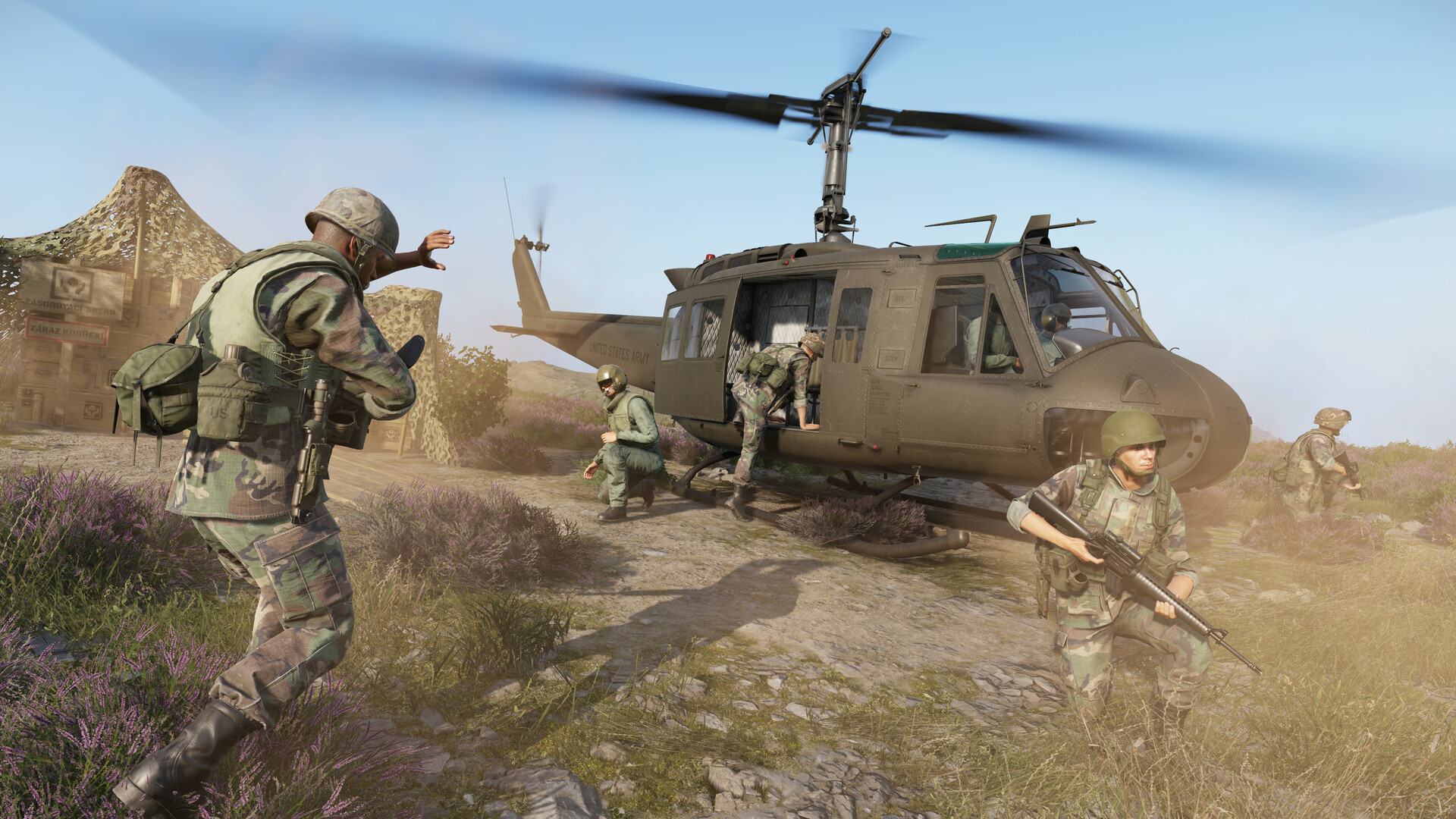
Arma Reforger rewards soldiers who know their equipment as well as their rifle. Navigation tools keep you oriented across Everon’s forests and towns; smoke grenades and flares shape the battlefield; and something as simple as a flashlight can mean the difference between a stealthy approach and getting spotted from 300 metres. This guide covers every non-weapon gadget in the base game — how each item works, which faction carries it, and the keybinds that matter.
Navigation Toolkit: Map, Compass, and Wristwatch
The map (M) is your first stop every time you spawn. Arma Reforger uses the Military Grid Reference System (MGRS): eastings (vertical lines) come before northings (horizontal lines), so grid reference 027-013 means vertical line 27 and horizontal line 13. Right-click anywhere on the map to place a custom marker; use the icon picker and press Enter to confirm. Your current position appears in the bottom-right corner of the map screen whenever you have a compatible GPS device equipped.
The compass (K, or hold K for a persistent overlay) is an analog dial showing your cardinal bearing. Tap it for a quick bearing check while moving; hold it when you need to hold a precise azimuth with your squad. You can also read both compass and clock directly from the toolbar icons at the top of the map screen — no need to close the map to check your heading.
The wristwatch (O, or hold O) shows the in-game time of day, which matters for planning dusk/dawn operations or estimating how long until a night phase begins. Faction-specific digital watches — available as quick-slot gadgets — go further, displaying live MGRS coordinates much like a GPS device. Equip one to a numbered quick slot, inspect it (R), then press the keypad button to cycle through readout modes.
GPS Devices: DAGR and Digital Navigation
The DAGR (AN/PSN-13) is the BLUFOR handheld GPS receiver. Drop it into a quick slot, then hold R to enter inspection mode — grey dots appear over the buttons. Press F (the PWR/Quit key) to power it on; coordinates appear within seconds in MGRS format (for example, 26U WR 03246N 04726E on the Everon map). The device powers off automatically after roughly 30 seconds of inactivity to simulate battery management.
Once the GPS is active and you have the map open, a globe icon appears in the top toolbar — click it to overlay your live position on the map. This combination of GPS + map is far faster than resecting with compass bearings alone, and it is the primary navigation method for most organised squads. If the DAGR is unavailable, the in-game map ruler (one division = 10 m) and compass resection still work — and knowing how to navigate without GPS is worth practising on every server.
Binoculars and Rangefinding
Equip binoculars and press B to raise them. Both factions carry faction-specific models, each with a milliradians reticle used for range estimation:
| Item | Faction | Magnification | Rangefinding |
|---|---|---|---|
| M22 Binoculars | US / BLUFOR | 7× | Milliradians reticle — formula: (target length m × 1000) ÷ mrad reading |
| B8 Binoculars | Soviet / REDFOR | 8× | Milliradians reticle — align target silhouette with 100 m increment scale |
| B12 Binoculars | Soviet / REDFOR | 12× | Same milliradians system as B8, higher magnification for longer observation |
To range a target with the M22, measure how many milliradians the target spans horizontally, then apply the formula. For the B8/B12, align the target’s silhouette against the scale marks (calibrated in 100 m increments) and read off the range directly. Use Page Up / Page Down to adjust your zeroing once you have a range. Binoculars are especially valuable for forward observers calling fire missions and for leaders assessing positions before committing the squad — pair them with the artillery and mortar guide to put accurate grid references to use.
Flashlights
Flashlights in Arma Reforger are handheld devices, not weapon-mounted accessories. Press L to toggle the light on or off; hold L to adjust the beam in supported scenarios. Each main faction has its own variant — they function identically but look different, preserving visual faction identity.
Since Update 1.2.1.169 (December 2024), you can change the flashlight’s colour by equipping it and then inspecting the item — cycle through white, red, and other colours depending on your faction’s model. Red light is the standout tactical choice: it preserves night vision, stays visible to nearby friendlies, and is far less conspicuous at distance than white light. Use white only when you need to read a map or treat a casualty indoors. Flashlights can also be set down on the ground as a semi-permanent light source, handy for marking a landing zone or illuminating a building interior for your team. Pair flashlight discipline with the tips in the night vision and combat guide for effective low-light operations.
Smoke Grenades
Smoke is one of the most tactically powerful tools in any infantry kit. Arma Reforger includes faction-specific smoke grenades:
- AN-M8 HC — US BLUFOR white smoke grenade; produces a dense white cloud used for concealment and signalling.
- M18 — US BLUFOR coloured smoke grenade; same AN-M8 model visually in the base game, but labelled separately and available in multiple colours for marking landing zones and coordinating with aircraft.
- RDG-2 — Soviet REDFOR smoke grenade; functionally equivalent to the US models, used for area denial and movement concealment.
Unlike Arma 3, Reforger does not allow quick-throwing grenades with a dedicated button. You must first equip the smoke grenade as a weapon (select it from your quick slot), then press Fire (left mouse button / right trigger on controller) to pull the pin and enter the throwing stance. Releasing the button after the pin is pulled results in an immediate throw; holding briefly lets you time the release for a longer arc. Smoke obscures both optical sights and infrared sensors — drop it between you and the threat before breaking cover, use it to mark a casualty extraction point, or pump multiple clouds across a road to screen a vehicle crossing.
Flares and Illumination
Arma Reforger introduced flare illumination in two phases. Underbarrel grenade launcher (UGL) flares — fired from the US M203 and Soviet GP-25 — arrived with Update 1.2 “Reinforcements” (June 2024). These are Star Parachute Flares that deploy a small parachute on launch, drifting slowly to the ground while bathing the area in bright light for an extended period. They are invaluable in night operations when your team lacks night-vision equipment, and equally effective for signalling a helicopter for extraction.
Handheld flares — carried as equipment rather than fired from a launcher — were added later in Update 1.6. These are shorter-range but require no UGL attachment, making them accessible to any loadout. To use either type effectively: fire UGL flares high and slightly downwind of the area you want lit, giving the parachute time to open and drift back over the target zone. For vehicle recognition or LZ marking, a single handheld flare on the ground is sufficient and draws less attention than a sky-burst.
Managing Your Gadget Slots
Arma Reforger does not have a single locked “gadget slot” — instead, you assign items to numbered quick slots in your inventory and access them via the radial menu (Tab hold on keyboard; the equivalent radial on controller). As of Update 1.2.1.169, the quick-slot radial supports up to seven items, giving squads enough room to carry a GPS device, compass, flashlight, binoculars, smoke grenades, flares, and a medical item simultaneously.
A practical loadout principle: treat weight as a real constraint (see the stamina and weight guide for the numbers). Navigation tools — GPS and compass — cost almost nothing; binoculars are slightly heavier. Where weight bites hardest is carrying extra smoke grenades and flare rounds on top of your combat load. Assign navigation gadgets to high-numbered slots you access infrequently; keep combat-ready items like smoke and flares on low-numbered slots for fast access under fire. If you run a community or milsim server, consider configuring role-specific loadouts so each position gets the gadgets it actually needs — running your own server gives you full control over arsenal contents and starting loadouts, which you can manage through your Arma Reforger community server panel.
FAQ
How do I use the compass without stopping my movement?
Press K (tap) for a momentary compass overlay you can read while walking. Holding K keeps the compass open continuously. If you are on the map screen (M), the compass and clock are always visible in the top toolbar icons — no extra keypress needed. For heading calls to your squad, read the bearing in degrees (0–360) from the compass face and give it as a three-digit number, e.g. “bearing zero-four-five.”
What is the difference between the M18 and AN-M8 HC smoke grenades?
Both are US BLUFOR smoke grenades. The AN-M8 HC produces dense white smoke primarily for concealment and screening movement. The M18 is the coloured-smoke variant — used for marking landing zones, signalling aircraft, and identifying positions for supporting arms. In the base game the physical model is shared, but the inventory labels and intended tactical roles differ. REDFOR uses the RDG-2 for equivalent purposes.
Do I need a GPS to navigate, or can I manage with just map and compass?
A GPS device (like the DAGR for BLUFOR) makes pinpointing your location fast and accurate, but it is not required. With only a map and compass you can use a two-point resection: take a bearing to two known landmarks (buildings, hilltops), draw back-bearings from those points on the map, and your position is where the lines cross. It takes more time but is a core mil-sim skill and the only option when GPS devices are unavailable in a loadout. Practise it in the tutorial or a quiet Game Master session before relying on it in a live Conflict match.
For setup guides, server settings, and mod recommendations for your community, visit the Arma Reforger server documentation.
Ready to play?
Run your own Arma Reforger server with XGamingServer
Spin up an always-on Arma Reforger server your friends can join in minutes — no port-forwarding, no tech headaches.



