Stationeers throws you onto a hostile world with a space suit and not much else. It’s famously deep, but your first hour comes down to a few priorities. This guide gives you the order to do them in so you survive long enough to enjoy the engineering.
First-hour priority order
| Step | Do this | Why |
|---|---|---|
| 1 | Watch suit O₂, waste filter & battery | Running out of suit air is the #1 early death |
| 2 | Build a small sealed room + airlock | A safe place to take your helmet off |
| 3 | Solar panels + a battery, wired up | Most atmospherics gear needs power |
| 4 | Fill the room with breathable air | Check it with a Gas Sensor first |
| 5 | Expand: mining, smelting, IC10 | One system at a time |
1. Watch your suit
Your suit keeps you alive — track your oxygen filter, waste (CO₂) filter and battery. Refill air from a tank and swap filters before they clog. Most early deaths are simply running out of suit air while distracted by building, so keep an eye on those gauges and carry spare filters and a full air canister.
2. Build a sealed starter room
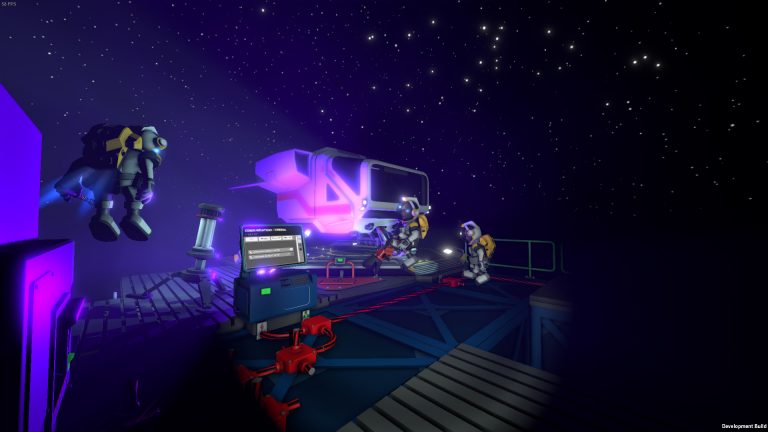
Place a small sealed room with frames, walls and a door — ideally an airlock. This becomes your safe space to take your helmet off, once it has breathable air. Don’t go big yet; a small 2×2 is plenty to start, and a small room is far easier to pressurise and heat than a sprawling base.
3. Get power online
Set up a couple of solar panels and a battery, wired with cable. Even basic power lets you run a light, an air conditioner and the machines you’ll need next. See the power guide — power comes before atmospherics because most atmospherics gear needs it.
4. Make breathable air
Use a tank or a basic atmospherics setup to fill your sealed room with a survivable oxygen mix at a comfortable temperature, then check it with a Gas Sensor before you remove your helmet. The atmospherics guide walks through the full process.
5. Then expand
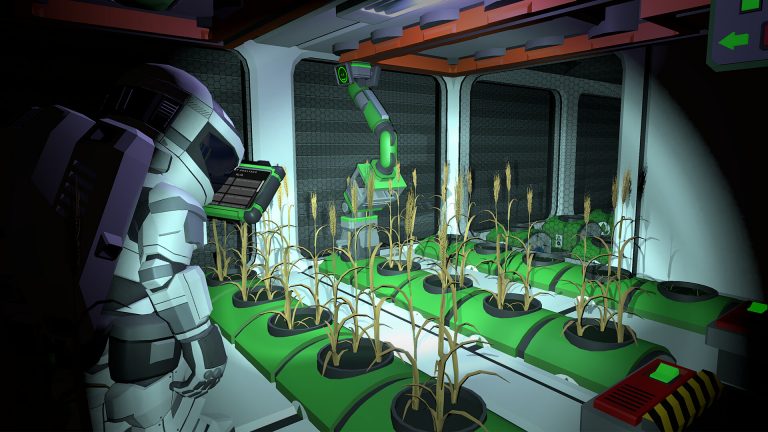
With air, power and a safe room secured, you can branch into mining, smelting, farming and IC10 automation at your own pace. The depth is the point — take it one system at a time rather than trying to do everything at once.
Frequently asked questions
What should I do first in Stationeers?
Watch your suit’s oxygen, waste filter and battery — most early deaths are running out of suit air. Then build a small sealed room with an airlock, get solar + a battery online, and fill the room with breathable air (check it with a Gas Sensor before removing your helmet).
Why do I keep dying in Stationeers?
Almost always suit management — a clogged filter or empty air canister while you’re busy building. Carry spare oxygen and waste filters and a full canister, and check your suit gauges constantly. After that, the killers are unsealed rooms and bad temperature, which the atmospherics guide covers.
Should I get power or air first?
Power first. Most atmospherics gear — vents, the air conditioner, sensors — needs electricity, so a couple of solar panels and a battery come before you can reliably make and manage breathable air in your sealed room.
Playing with friends is the best way to learn. Start a Stationeers server from $8.50/month and build together — 30% off with code XGAMEON.
Ready to play?
Run your own Stationeers server with XGamingServer
Spin up an always-on Stationeers server your friends can join in minutes — no port-forwarding, no tech headaches.