
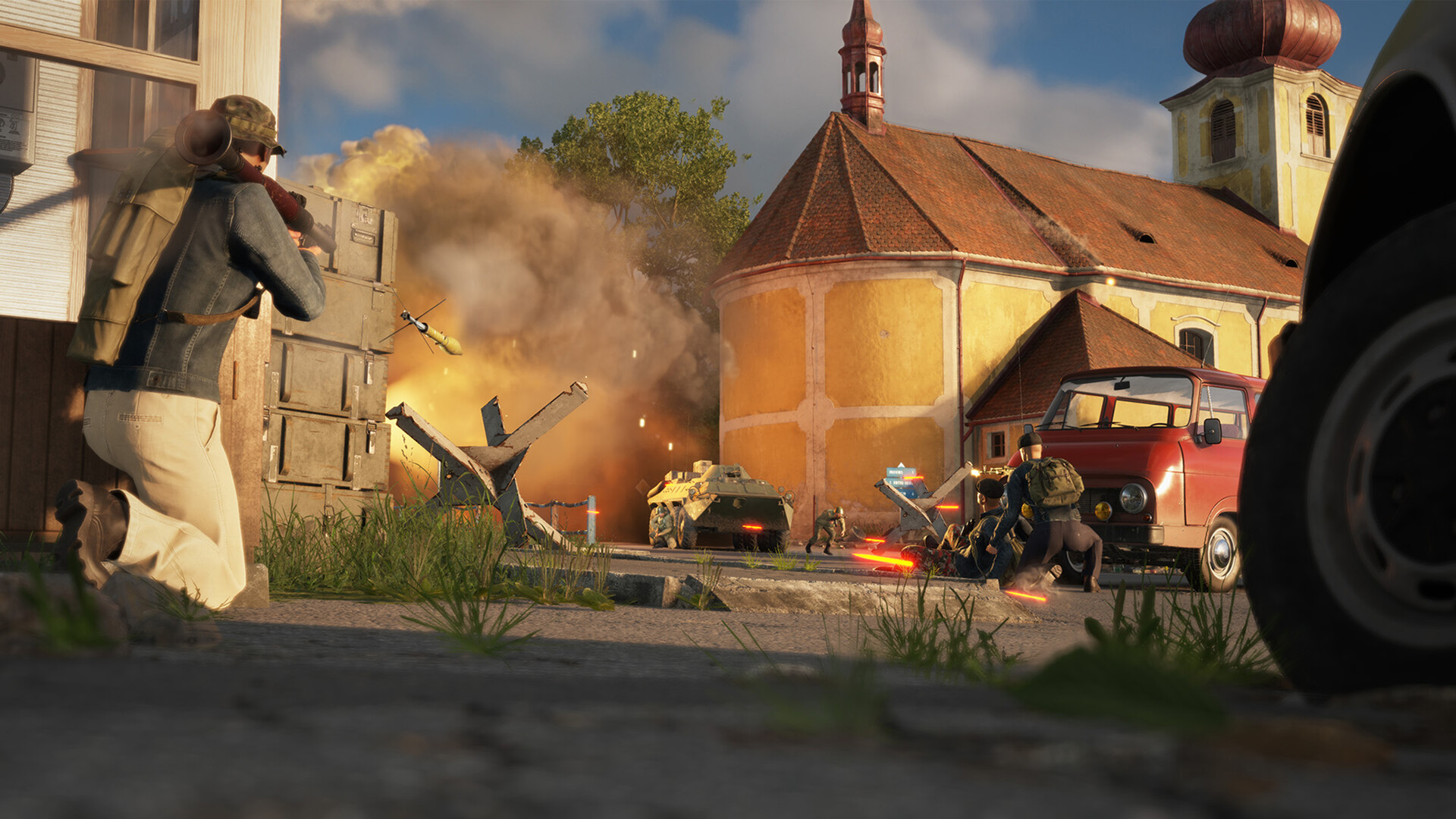
In Arma Reforger’s Conflict mode, bullets matter far less than the supplies that pay for them. Supplies are the economic backbone of every match — the currency your faction uses to build fortifications, spawn vehicles, refill arsenals, and put boots on the ground. A team that ignores logistics will find its forward bases running dry right when the enemy pushes hardest. This guide covers where supplies come from, how to move them, and how to spend them smartly.
What Are Supplies?
Supplies are a numerical resource stored at every military base and depot in Conflict mode. Think of them as a shared team budget. Every time a soldier spawns at a base, grabs gear from an arsenal, requests a vehicle, or builds a new structure, supplies are deducted from that base’s pool. When the pool runs empty, the base effectively goes dark — no more spawns, no more gear, no more construction.
Both US and Soviet factions draw from the same pool on their respective sides, so one teammate loading up a sniper rifle, full plate carrier, and RPG rounds affects every other player at that base. This shared economy is intentional — it forces squads to coordinate and discourages soloing expensive kits when the team is under pressure.
How to Earn Supplies
Supplies reach your bases through several channels, and understanding all of them is what separates a competent logistics player from someone who just runs ammo.
- Main Operating Base (MOB) generation. Your team’s main base passively generates around 200 supplies every five minutes as long as storage capacity has not been reached. This trickle is the baseline — nowhere near enough to sustain an active front on its own, but it keeps the lights on when no one is running trucks.
- Harbors and airports. Captured harbors receive resupply shipments roughly every ten to fifteen minutes, delivering a significant quantity of supplies up to their storage cap. These are the highest-value logistics targets on the map. Losing a harbor to the enemy — or seizing one they rely on — swings the economy hard.
- Neutral supply depots (FIA). Independent FIA forces hold supply depots scattered across the map, marked with a green icon. They regenerate over time and are usually defended by AI fighters. Clearing and looting these is one of the fastest ways to inject a large quantity of supplies into a starved forward base. Montignac on Everon, for example, holds multiple caches across barns, garages, and attics totalling several thousand supplies across the town.
- Hidden civilian caches. In standard Conflict mode (not HQ Commander), hidden supply crates are stashed inside barns, garages, and attics throughout towns and at dockyards or industrial areas. These are one-time hauls — they do not regenerate — but they can be a lifeline for a forward operating base that has run dry. Clear the area of enemies before driving your truck in to load up.
- Decommissioning gear and vehicles. Any weapon, vehicle, or base service your team no longer needs can be decommissioned at a maintenance point or via the command tent, returning a portion of its supply cost. Stripping abandoned enemy vehicles of usable equipment and selling back surplus gear you find on the battlefield adds up surprisingly quickly.
- Passive base regeneration. Bases with active radio links to the wider network receive a slow trickle of passive regeneration. The more connected a base is within your radio chain, the faster its local regen. This is a reason to prioritize radio relay infrastructure early — it pays dividends throughout the match.
Moving Supplies: Trucks, Helicopters, and the Delivery Loop
Supplies sitting at a harbor or MOB do nothing for a forward operating base two kilometers away. Getting them there is the job of the logistics player — and since update 1.3 (released March 2025), transport vehicles received a significant capacity boost that made the role far more rewarding.
The primary logistics vehicles are the US M923A1 cargo truck and the Soviet Ural-4320 open-top truck. Both now carry up to 1,500 supplies in a single load, meaning one competent truck run can refill a struggling FOB in a single trip. The lighter UAZ-452 cargo variant carries around 800 supplies — useful for quick runs or when a heavy truck is unavailable. Soviet helicopter pilots can use the Mi-8MT to airlift supplies rapidly across terrain that would take a ground convoy many minutes to cross.
The loading and unloading process is straightforward: approach the rear of the vehicle and hold the interaction key (F by default) to open the context menu, then select “Load Supplies” or “Unload Supplies.” Most trucks use the rear trunk; exceptions include the BTR-70 (side door) and the UH-1H (passenger door). Supplies must be loaded from a supply crate or depot — driving up empty and trying to transfer directly from a base structure will not work unless you are in range of a command tent that auto-pools nearby caches.
A practical delivery loop looks like this: spawn your truck at the MOB or the nearest harbor, load it to capacity, drive to the FOB that needs supplies most urgently, unload at the command tent, and return. Establishing a regular rotation — even just one player dedicated to this — keeps forward bases operational throughout the match. Note that you earn experience points toward your rank only by unloading supplies that were originally picked up from a dedicated supply point or harbor, not from a base you personally built up.
What Supplies Are Used For
Every drain on your supply pool falls into one of four categories:
| Category | Examples | Notes |
|---|---|---|
| Building structures | Radio relay station, vehicle depot, barracks, bunkers, sandbags, helipad, hospital, refueling station | Costs are fixed per structure type; radio relays and vehicle depots are typically among the pricier builds |
| Spawning | Respawning at any base other than the MOB | MOB spawns are always free; cost at other bases equals the supply value of your current kit; Living Quarters reduce spawn cost by 50% |
| Arsenal and loadouts | Weapons, optics, uniforms, armor, grenades, medical supplies | Heavier and rarer equipment costs more; default faction kits cost least; since 1.3, rank gates access to advanced gear |
| Vehicles | Requesting vehicles from a vehicle depot; repairing vehicles at a maintenance point | Combat vehicles cost more than transport vehicles; repairs at a heavy maintenance point also draw supplies |
The single biggest drain on most teams is not building — it is respawning in expensive custom loadouts. A player who spawns repeatedly at a frontline FOB with a full kit, optics, and an RPG can single-handedly drain a base’s pool faster than a supply truck can replenish it. Squads that survive longer, use default kits when a base is running low, and coordinate big-ticket gear requests preserve their supply advantage for when it matters most — like fortifying a newly captured point before the enemy counterattacks.
Building Fortifications: Prioritising Your Spend
When your truck arrives at a freshly captured base, the temptation is to build everything at once. Resist it. Build in order of necessity:
- Radio relay station first. Extending your radio network connects the new base to your supply chain, enables spawning, and counts the base toward your faction’s objective total. Without it, the base is nearly useless beyond a map marker.
- Living Quarters early. The 50% spawn cost reduction this building provides pays back its construction cost quickly in a contested base. It is almost always worth building second or third.
- Vehicle depot and arsenal once the base is stable. These are expensive and attractive targets for enemy raids. Build them once you are confident the base will hold and supplies are flowing in reliably.
- Defensive fortifications as supplies permit. Sandbags, bunkers, and razorwire are cheap per unit but add up fast if you try to ring an entire base. Focus on vehicle approaches and the obvious attack corridors first.
If you are running a community Arma Reforger server and want to fine-tune how quickly bases generate supplies, how much vehicles cost, or how much the MOB produces, these values are all adjustable in server settings — a major reason organized communities run private servers rather than relying on public lobbies. The Arma Reforger server documentation covers configuration options in detail.
For a deeper look at what you should be equipping at those arsenals, the fortifications guide and the combat roles guide cover how your position on the team should inform your gear choices and where you spend those team supplies.
Supply Running Tips for Serious Logistics Players
- Mark enemy ambush spots. Supply trucks are high-value, slow-moving targets. Convoys on main roads attract mines and ambushes mid-game. Use secondary routes or coordinate an escort when moving through contested territory.
- Clear before loading. At FIA supply depots, eliminate the defenders and confirm the area is clear before driving your truck in. Losing a fully loaded Ural to a stray RPG hurts the team twice — you lose the truck and the supplies.
- Communicate supply levels. Most squads ignore supply counts until a base is already empty. Calling out when a FOB drops to a critical threshold gives your logistics player time to respond before spawning locks out.
- Use HQ Commander tools. In Conflict: HQ Commander mode, you can assign AI logistics teams to run regular supply routes between harbors and forward bases, setting per-base priority levels and supply caps. This frees players to fight while AI handles routine transport.
- Decommission before retreating. If a base is about to fall, decommission as many vehicles and structures as you can at the maintenance point before you pull out. Recovering even a portion of the supply cost beats giving the enemy full use of everything you built.
Frequently Asked Questions
Does spawning at the main base cost any supplies?
No. Spawning at your Main Operating Base is always free, regardless of your kit. Supplies are only consumed when you spawn at a forward operating base or a deployed field radio. This is why the MOB is also the safest place to gear up with expensive loadouts — the cost comes when you redeploy forward, not when you kit out at home.
How do I load supplies onto a truck?
Drive your truck close to a supply crate, depot, or storage point and approach the rear of the vehicle. Hold the interaction key (F by default) to open the radial context menu and select “Load Supplies.” The process is the same in reverse to unload at a base — park near the command tent, approach the truck’s rear, and select “Unload Supplies.” For the BTR-70 or Mi-8 helicopter, use the side door rather than the rear. The truck needs to be in close proximity to the supply source for the option to appear.
What happens when a base runs out of supplies?
When a base’s supply pool hits zero, players can no longer spawn there, cannot request vehicles, and cannot take gear from the arsenal. Construction also halts. The base does not disappear from the map, but it becomes essentially inoperable until a supply truck arrives and unloads. This is why forward bases are always the most vulnerable to supply starvation — they are furthest from the MOB and harbors, draw the most spawns, and are the last stops on the logistics chain. Keeping at least one player rotating trucks to front-line FOBs is often the difference between holding a capture point and watching it flip back to the enemy.
Ready to play?
Run your own Arma Reforger server with XGamingServer
Spin up an always-on Arma Reforger server your friends can join in minutes — no port-forwarding, no tech headaches.



