
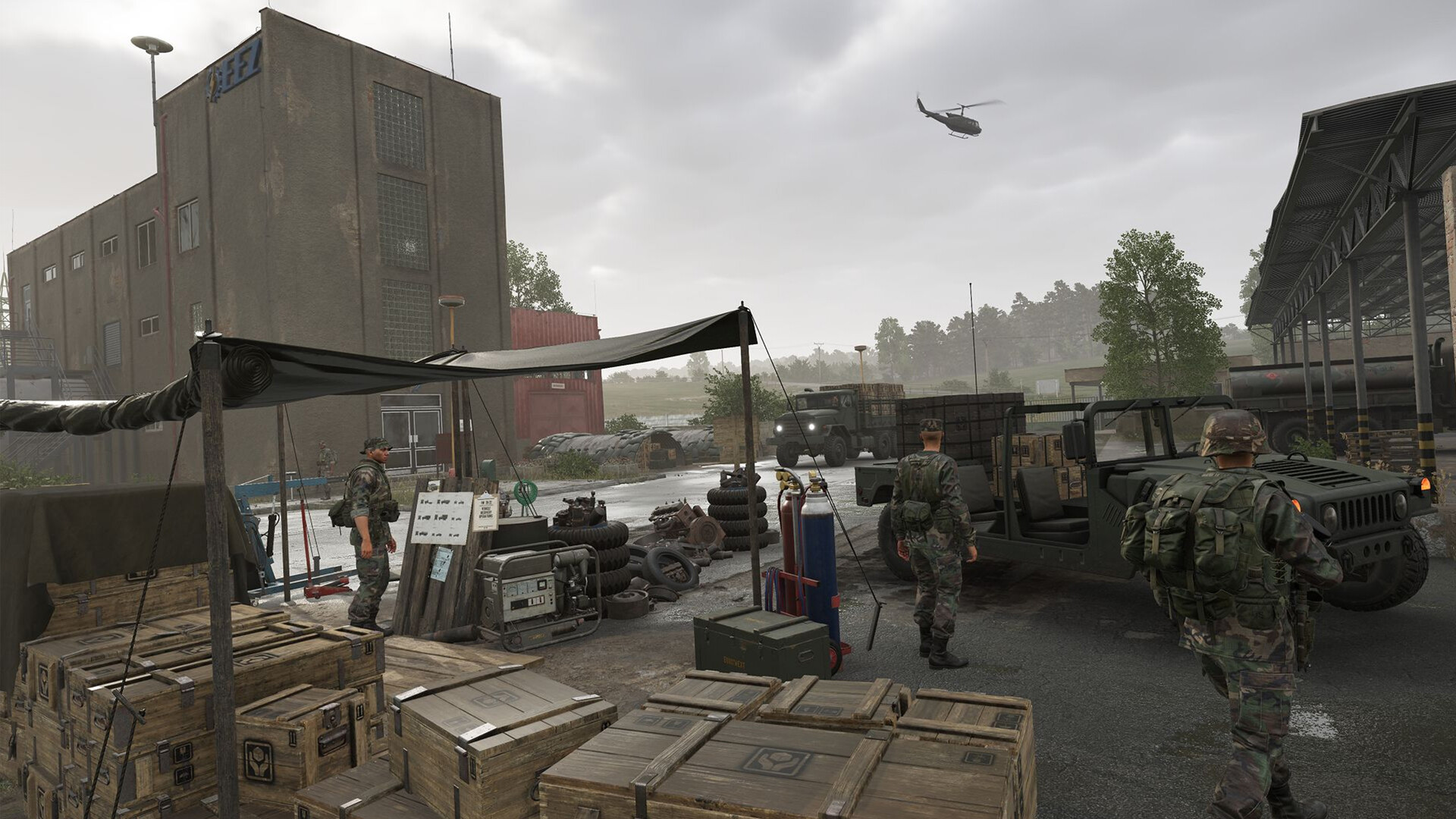
Why Spawn Points Win or Lose Matches in Conflict
In Arma Reforger’s Conflict mode, the team that controls where it respawns almost always controls the outcome. Spawning thirty seconds from the front line is worlds apart from spawning at the Main Operating Base and driving five kilometres back into the fight. Mastering spawn point deployment — the radio backpack, the Mobile HQ, and base infrastructure — is the single most impactful team skill you can develop, and the one most new players ignore.
This guide covers every method for creating and sustaining forward spawn positions, how the supply system intersects with respawning, and the tactical rules that separate good squads from great ones. If you run your own community server, the Arma Reforger server setup docs pair well with this guide for configuring spawn options server-side.
The Three Ways to Respawn in Conflict Mode
When you die, the deploy screen shows every available spawn option your faction currently controls. There are three categories, each with different costs, permanence, and tactical trade-offs.
1. Main Operating Base (MOB)
The MOB is your faction’s permanent rear base and the only spawn that is always free — it costs zero supplies regardless of your loadout. It is indestructible and always available. The downside is obvious: it is the furthest point from the front, meaning a long drive or helicopter ride each time you die. Never abandoning your MOB as an option is important if your forward spawns collapse.
2. Captured Bases Within Radio Range
Any base your faction has secured and that lies within your radio coverage network becomes a spawn point. Radio coverage radiates outward from the MOB and is extended by capturing communication towers and relay stations across the map, as well as by deploying a Mobile HQ. You cannot spawn — or even capture — a position outside your radio coverage, making network expansion a strategic priority rather than an afterthought.
A key mechanic introduced in patch 1.30 and reinforced in the 1.7 update: when a base becomes contested (enemies are inside the capture radius and your faction is outnumbered), defenders lose the ability to spawn there until the contest is resolved. This prevents the endless trickle of defenders that frustrated attackers in earlier versions and rewards coordinated assaults.
3. Deployed Forward Spawn Points
These are player-placed spawn anchors that push your respawn location deep into enemy territory or right on the edge of an objective. There are two types: the radio backpack and the Mobile HQ (command truck). Both are covered in detail below.
Deploying a Radio Backpack Spawn Point
The radio backpack is the infantry answer to forward spawning. It is a deployable item available at the arsenal that costs 200 supplies and, once placed, allows the entire team to select it as a respawn location from the deploy screen.
Here is the step-by-step process:
- Visit the arsenal at your base and equip the radio backpack (this consumes 200 supplies from the base’s pool).
- Move to your chosen position — ideally in cover, away from high-traffic enemy routes, and close enough to the objective that it saves meaningful travel time.
- Open your gear/action menu, drop the radio backpack, then interact with it to deploy it.
- The radio immediately appears as a spawn option for all friendly players on the deploy screen.
- When you need to reposition, interact again to pack it up and move it. Only one radio backpack can be active per player at a time.
Placement principles: Dead ground (a depression, a treeline, behind a building) is far more valuable than proximity to the objective. A radio that survives for twenty minutes in mediocre cover beats one discovered and destroyed in two minutes from a perfect location. Enemy players actively hunt for deployed radios, so distance from roads and unpredictability of placement matters enormously.
Important note for 2025–2026 servers: As of update 1.6, radio backpack spawning is disabled by default in the HQ Conflict scenario. Server admins can re-enable it via game settings, with options for unlimited, supplied, or a limited-count mode. If you are playing on a vanilla public server and cannot find the radio backpack in the arsenal, this is why. For Combat Ops scenarios, radio spawn limits have been removed entirely as of patch 1.7.
For a deeper look at the radio communication equipment itself — including the AN/PRC-68 and AN/PRC-77 for US forces and the R-148 and R-107M for Soviet/FIA — see our Arma Reforger radio communications guide.
The Mobile HQ: Your Team’s Forward Command Truck
The Mobile HQ (often called the command truck or MHQ) is a vehicle that, when deployed, allows every player in your faction to respawn on its location. It also extends your faction’s radio coverage in the same way a relay tower does, opening up capture opportunities in areas that would otherwise be outside your network.
To deploy the Mobile HQ:
- Request the vehicle from a vehicle maintenance point at your base — only one MHQ can be active per faction at any time.
- Drive it to a concealed position behind the front line, keeping it off roads and away from exposed ground.
- Interact with the rear of the vehicle to deploy the command module. There is a short activation delay before respawn options become available.
- Once deployed, its position is revealed to all friendly players on the map.
If the MHQ is moving, being packed for relocation, or is destroyed, your faction immediately loses both the extended radio coverage and the respawn option it provided. This makes the MHQ a high-value target for enemy scouts — and protecting it one of the most under-appreciated jobs in the game. A single enemy flanker who finds and destroys your MHQ can collapse an entire offensive line. Update 1.7 also patched a bug where enemy players could use the MHQ if a friendly crew member was inside, so that exploit is now closed.
Arsenal at Base: Gear Costs and Supply Management
Every item you take from the arsenal has a supply cost, and those supplies come from the base where you are spawning. Understanding this connection between loadout choices and team resources is fundamental to not accidentally starving your base of the supplies it needs for construction and vehicle requests.
The HQ Conflict variant uses an additional personal currency called MSAR (think of it as personal gear allowance tied to your rank). Your MSAR limit grows with promotion, from a modest allowance at Private up to a generous ceiling at Major. Your kit’s supply cost is deducted from your MSAR each time you spawn, which prevents any single player from perpetually draining team supplies with an ultra-expensive loadout.
Basic magazines for default rifles (the M16A2 for US forces, the AK-74 for Soviet forces) are free. Everything beyond that — specialist weapons, optics, explosives, heavier vests, and communication gear — costs supplies. The practical rule: the more specialised your role, the more you cost your team per death. Stay alive.
Building a Living Quarters structure at a base reduces spawn costs at that base by 50%, making it one of the highest-return-on-investment constructions in the game, especially at a base your team uses heavily as a staging point. For a full breakdown of the logistics chain that keeps supplies flowing to forward bases, see our Arma Reforger supply system guide.
Spawn Point Reference: Costs, Range, and Availability
| Spawn Type | Supply Cost | Who Can Use | Destroyable? | Radio Coverage Required? |
|---|---|---|---|---|
| Main Operating Base (MOB) | Free (0) | Entire faction | No | No |
| Captured base (within coverage) | Loadout cost | Entire faction | No (can be recaptured) | Yes |
| Radio Backpack | 200 to deploy + loadout cost to spawn | Entire faction | Yes | Varies by server setting |
| Mobile HQ (command truck) | Vehicle request cost | Entire faction | Yes (vehicle) | No — extends coverage itself |
| Living player with manpack radio (Game Master) | None | Friendly players in range | Indirect (carrier killed) | Yes |
Tactical Tips for Server Owners and Squad Leaders
- Rotate radio positions after every life. Enemy players who kill a radio-holding teammate know roughly where you were coming from. Move the backpack before they push in to clean it up.
- The MHQ is a strategic asset, not a taxi. Park it 300–500 metres behind the objective in dense vegetation, not immediately behind the push. If the attack fails and enemies flank, your MHQ should survive the collapse.
- Build Living Quarters early. The 50% spawn-cost reduction pays for the structure’s build cost within a handful of spawns at a busy base.
- Expand radio coverage before you attack. Capturing a communication tower one sector back enables the capture of the sector you actually want — don’t skip the network-building step or you will find yourself unable to hold the point even after taking it.
- Contested base mechanics now reward coordinated assaults. Bring enough players to outnumber defenders at the moment of attack; doing so triggers the contested state and cuts off their local respawn, giving your team a clean window to complete the capture.
- Server admins: The spawn cost multiplier for individual spawn points is adjustable in Game Master from 0× to 4×, letting you tune the supply economy for your server’s population size and playstyle.
Running your own community server and want full control over these settings? Our Arma Reforger community server hosting includes a full control panel where you can configure spawn rules, supply regeneration rates, and game mode parameters without touching config files directly.
Frequently Asked Questions
Why can’t I find the radio backpack in the arsenal on some servers?
As of Arma Reforger update 1.6 (December 2025), radio backpack spawning is disabled by default in the HQ Conflict game mode. Bohemia Interactive’s reasoning was that the feature was originally designed to keep squads together before helicopters existed, and the negative side effects now outweigh the benefits in most public-server contexts. Server administrators can re-enable it through the game settings with three sub-options: unlimited, supply-limited, or a finite count per game. If you are playing on a vanilla public server without a custom config, the radio backpack simply will not appear unless the host has opted back in.
Can I spawn on a base while my team is capturing it?
No — not from the defending side. When a base enters a contested state (attackers outnumber defenders within the capture radius), defending players lose the ability to spawn at that base until the contest ends. This mechanic was introduced to fix the frustrating “infinite defender trickle” problem and make coordinated assaults genuinely rewarding. Attackers can still spawn on nearby radio backpacks or the MHQ positioned behind the assault, so offensive spawn infrastructure becomes critical to sustaining the push through the contested window.
Does the Mobile HQ also extend my faction’s radio coverage, or just provide a spawn point?
Both. A deployed Mobile HQ acts as a mobile relay node, extending your faction’s radio network outward from its position. This means you can use it to push radio coverage into an area where your team wants to start capturing objectives, without first needing to capture an intermediate communication tower. This dual role — spawn point plus network extender — is what makes the MHQ so strategically powerful and why destroying the enemy MHQ (or protecting your own) is one of the highest-impact actions any individual player can take in a Conflict match.
Ready to play?
Run your own Arma Reforger server with XGamingServer
Spin up an always-on Arma Reforger server your friends can join in minutes — no port-forwarding, no tech headaches.



