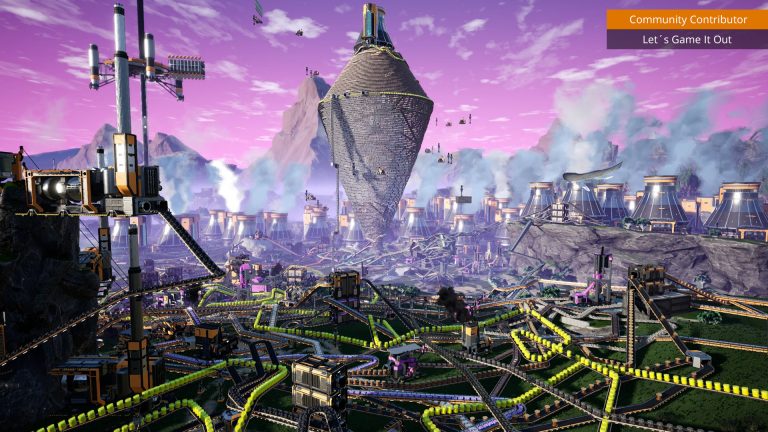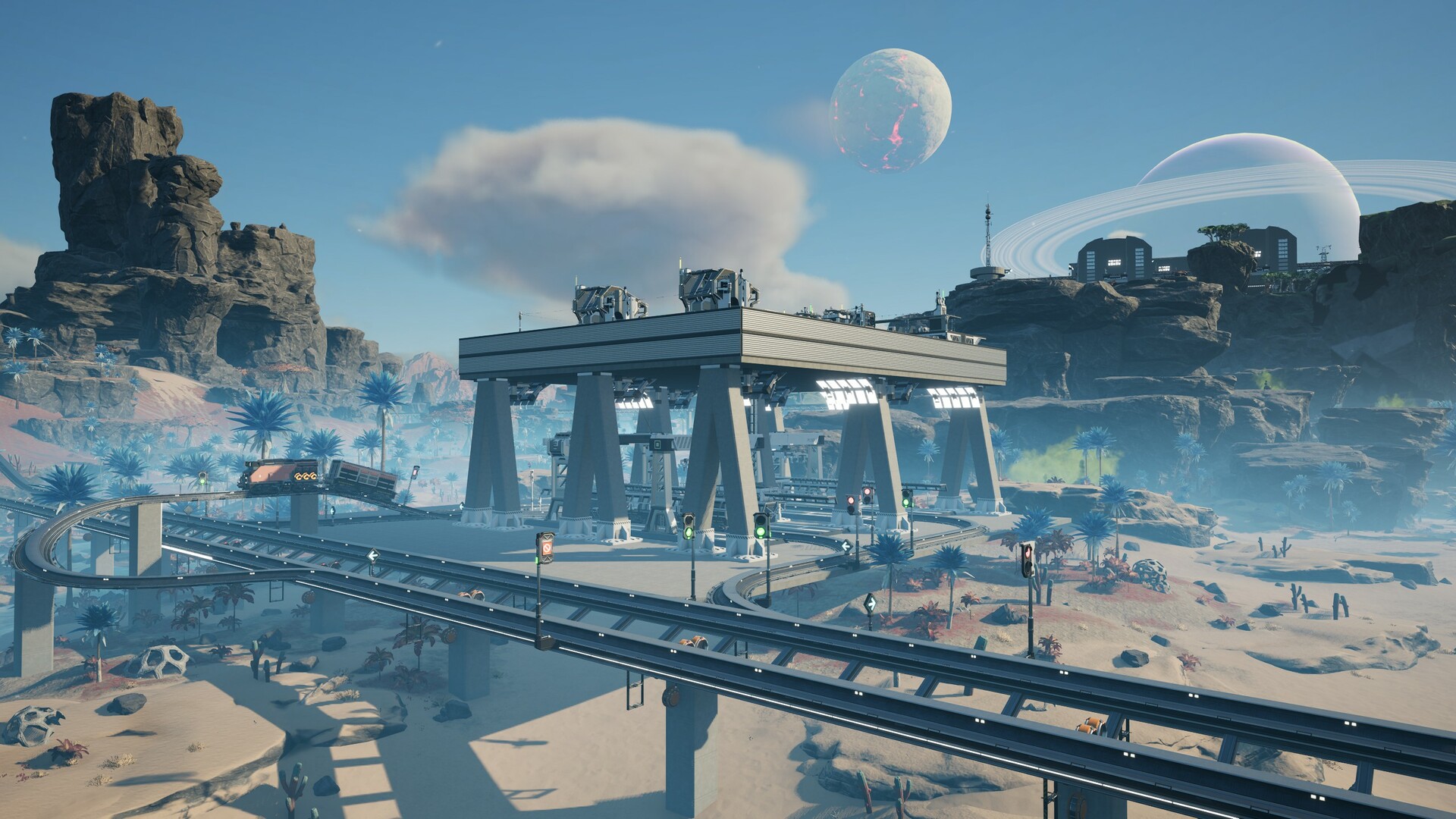
Satisfactory landed on PlayStation 5 and Xbox Series X|S on November 4, 2025, and the first question most console pioneers ask is whether they can run a dedicated server the way PC players do. The short answer is no: there is no dedicated server option on console, and Coffee Stain has confirmed there are no plans to add one. That doesn’t mean console players are stuck with a world that only exists while someone is online, though. This guide explains exactly what console multiplayer can and can’t do, and how console players can still get an always-on factory.
Can you host a dedicated server on Xbox or PS5?
No. According to the official wiki, “Dedicated servers are not available for the console release, without any plan to introduce the support later.” The dedicated server binaries Coffee Stain ships only run on 64-bit Windows and Linux, distributed through SteamCMD, the Steam client as a tool, or as a free add-on on the Epic Games Store. None of that exists in a form a PS5 or Xbox can install or run.
What consoles do get is co-op multiplayer. One player loads a save and hosts a session directly from their console (a “listen server”), and friends join that session. The catch is that the world is only live while the host is actually playing. Close the game and the factory pauses for everyone.
Co-op only: the 4-player cap
Satisfactory is “played in multiplayer, with up to four players officially supported,” and on console that four-player limit is a hard cap. The wiki is explicit that a console session “cannot have more than 4 players able to play in one session simultaneously.” On PC, players can edit config files to push past four (the wiki notes up to 127–128 participants is theoretically possible but not practical), but that config route is not available on console.
To join a console co-op game you use the standard methods: friend-list invites through the Join Game menu, a shared Session ID (which resets when the host quits to the main menu), or direct invites for private sessions. There is no server browser and no IP/port to type in on console.
Crossplay: who can actually play together?
This trips a lot of people up. PlayStation and Xbox players can play together, but neither can connect to PC. Per the wiki, “There is currently no crossplay between PC and console.” Cross-progression is also off the table: “It’s not possible to share save files between Xbox, PlayStation or desktop,” so a save can’t move from one ecosystem to another.
| Capability | PC (Steam/Epic) | Xbox Series X|S | PS5 |
|---|---|---|---|
| Dedicated server (self-host) | Yes (Windows/Linux) | No | No |
| Co-op listen server | Yes | Yes | Yes |
| Default player cap | 4 (config-editable) | 4 (hard) | 4 (hard) |
| Crossplay with consoles | No | Yes (PS5) | Yes (Xbox) |
| Crossplay with PC | — | No | No |
| Cross-save between platforms | No | No | No |
How console players get an always-on world
Here’s the nuance worth understanding before you rent anything: because there’s no PC-to-console crossplay, a rented PC dedicated server is only useful to a group that all plays on PC. If your whole crew is on PS5 and Xbox, a hosted server cannot accept their connections today, since the join path between PC and console doesn’t exist.
Where renting a server shines is the common real-world setup: friends who play on PC (Steam or Epic) and want a factory that keeps producing 24/7 instead of pausing whenever the host logs off. A dedicated machine runs the world continuously, anyone can hop in and out independently, and progress never stalls. If that describes your group, a managed box removes the headache of port forwarding, the two required ports (default 7777 and 8888), and keeping a home PC running. You can spin one up with a ready-to-run Satisfactory server and have it claimed in minutes; our Satisfactory setup docs walk through claiming the server and setting the admin password.
For console-only groups, the practical “always-on” answer for now is simpler: agree on one person to host, lean on cloud saves so the world survives, and watch the roadmap. Coffee Stain has stated there are no current plans for console dedicated servers or PC-console crossplay, so don’t buy hardware expecting that to change overnight.
Before you commit: a few things to check
- Confirm what platform your friends are on. PC and console cannot mix, so a rented server only helps an all-PC group.
- If you’re on PC and want a 24/7 world, check the RAM and port requirements first (16 GB RAM is recommended for larger saves or hosting more than 4 players).
- Plan to migrate from local co-op to a server? Read the save backup guide so you don’t lose progress in the move.
Frequently asked questions
Can my PS5 friend join my PC dedicated server?
No. The wiki states there is currently no crossplay between PC and console, so a console player cannot connect to a PC-hosted dedicated server. PS5 and Xbox players can only play with each other or in console co-op sessions.
Will Satisfactory ever get dedicated servers on console?
As of the November 4, 2025 console launch, the official wiki says dedicated server support is not available “without any plan to introduce the support later.” That could change, but there’s no announced timeline, so treat console dedicated hosting as unavailable for the foreseeable future.
How many players can join a console game?
Four. Console sessions are capped at four players simultaneously and can’t be expanded, because the PC config edits that raise the limit aren’t accessible on console. If you need more than four, that requires a PC setup.
Ready to play?
Run your own Satisfactory server with XGamingServer
Spin up an always-on Satisfactory server your friends can join in minutes — no port-forwarding, no tech headaches.