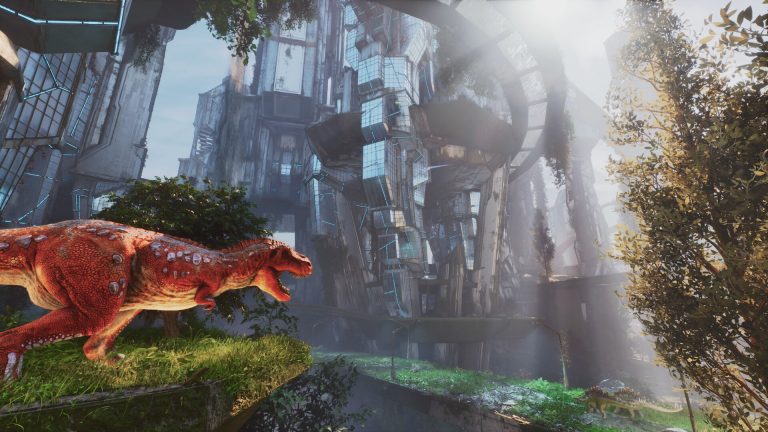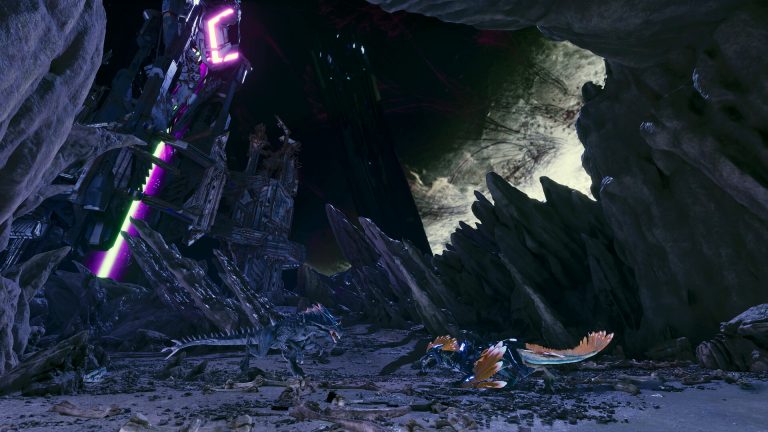
ARK: Survival Ascended completely changed how modding works compared to Survival Evolved. This guide explains the new CurseForge system, how to add mods to your server, why load order matters, and the kinds of mods worth running.
CurseForge, not the Steam Workshop
The biggest change: ASA mods are distributed through CurseForge via the game’s built-in mod system, rather than the Steam Workshop that Survival Evolved used. The huge upside is that this made mods cross-platform — for the first time in ARK, console players can use mods too, as long as the server runs them. You browse and enable mods from the in-game mod menu.
Installing mods on a server
- Find a mod on CurseForge (or the in-game browser) and note its mod ID.
- Add the mod IDs to your server’s mod list in the launch parameters, in the order you want them to apply.
- Restart the server — it downloads the mods, and players download them automatically when they connect (no manual subscribing).
Mod types worth running
| Type | What it adds |
|---|---|
| Quality-of-life | Stacking, better structures, tooltips, admin tools — the easiest wins |
| Building | Extra pieces, snap points and decor for creative bases |
| Maps | Whole new community worlds to explore |
| Creatures & content | New dinos, gear and total-conversion overhauls |
Why load order matters
When two mods change the same thing, the one later in the load order wins. Put broad overhaul mods first and specific tweak mods after, so your small fixes aren’t overwritten. Getting the order wrong is a common cause of mods “not working.”
Keep the list lean
Start with a handful of mods and add more only as needed. Too many overlapping mods cause instability, conflicts and longer load times — a lean, well-chosen list runs far better than a giant one.
Frequently asked questions
How do you install mods on an ARK: Survival Ascended server?
Find the mod on CurseForge, note its mod ID, add the IDs to your server’s mod list in the launch parameters (in load order), and restart. The server downloads the mods and players get them automatically on join — no manual subscribing like the old Steam Workshop.
Can console players use ARK mods now?
Yes — because ASA mods run through CurseForge and the built-in mod system, they’re cross-platform. Console players can play on modded servers for the first time in ARK, as long as the server runs the mods. That’s the biggest change from Survival Evolved’s Workshop-only modding.
Why aren’t my ARK mods working?
Usually load order — when two mods edit the same thing, the one later in the list wins and overrides the other. Put broad overhauls first and small tweaks last. Too many overlapping mods also cause conflicts, so keep the list lean and test after each addition.
Run a modded ARK server with easy mod management from the panel. ARK: Survival Ascended hosting from $7/month — 30% off with code XGAMEON.
Ready to play?
Run your own ARK: Survival Ascended server with XGamingServer
Spin up an always-on ARK: Survival Ascended server your friends can join in minutes — no port-forwarding, no tech headaches.