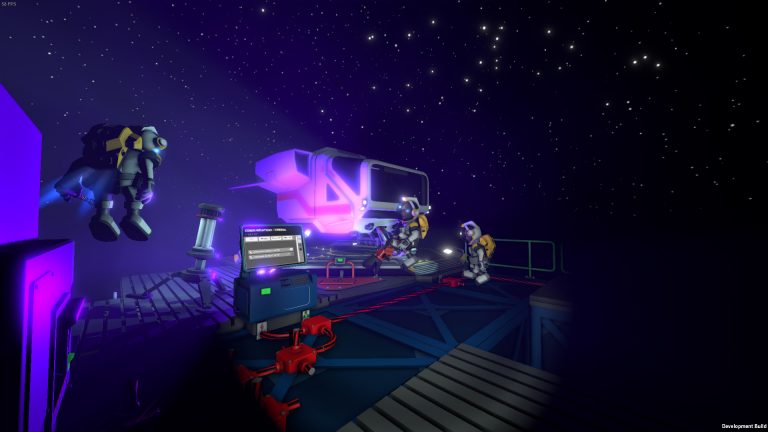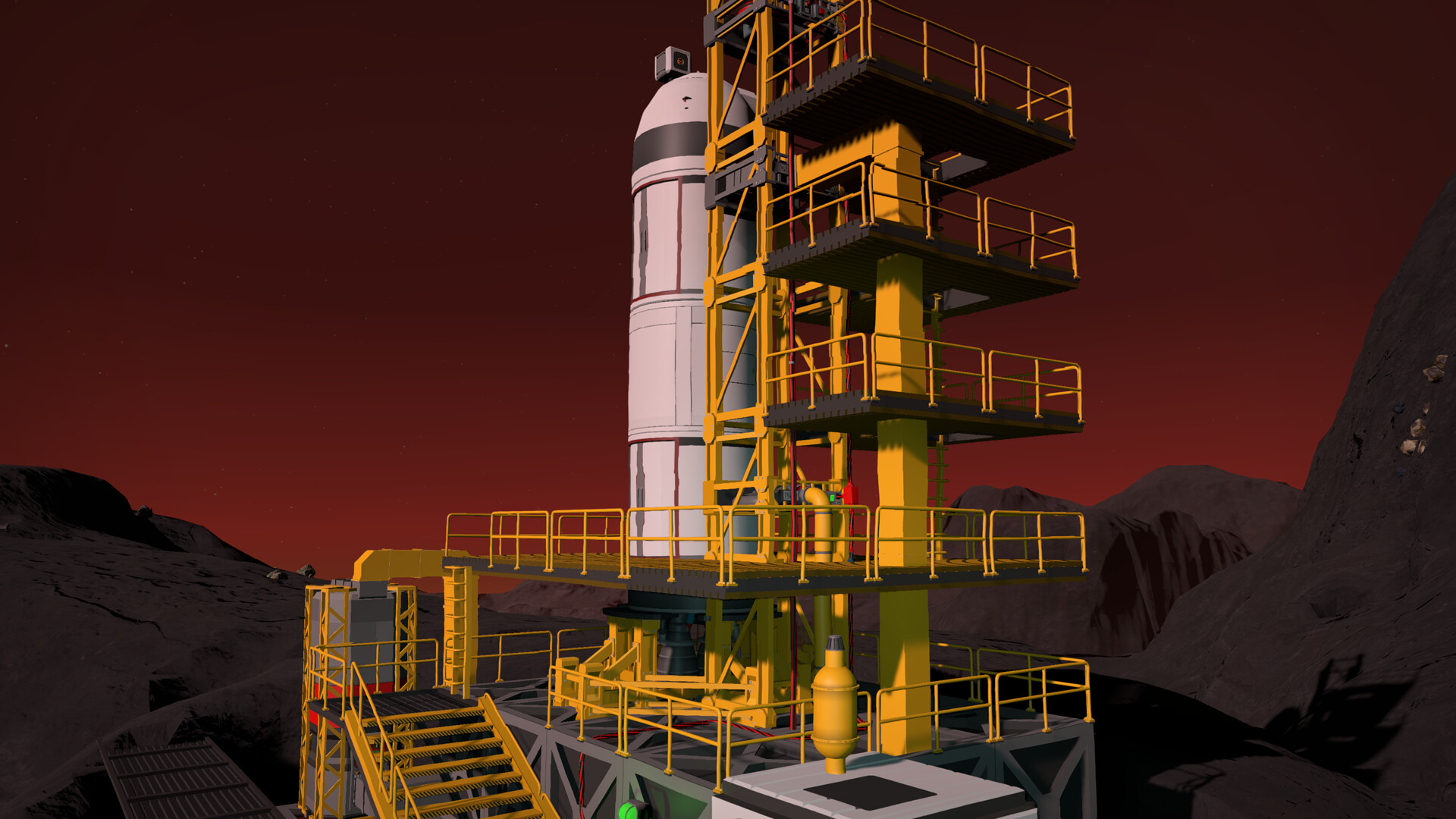
Stationeers is far better with friends — one person runs atmospherics while another mines and a third writes IC10 automation. This guide covers the two ways to play multiplayer, how to port forward correctly, and how to get a persistent server your whole crew can join any time.
Listen server vs dedicated server
| Host from game | Dedicated server | |
|---|---|---|
| World available | Only while host is online | Always online |
| Performance | Host PC carries the sim | Dedicated CPU, consistent |
| Setup | Instant, but needs port forwarding | Deploys ready (managed) |
| Home IP exposure | Yes | No |
| Best for | Quick sessions with a friend | A real community |
Two ways to play Stationeers multiplayer
- Host from the game (listen server) — the simplest option. One player loads a world and hosts; friends join their session. The catch: the world only exists while the host is online, and the host’s machine carries the whole heavy simulation.
- Dedicated server — a separate server process that runs independently of any player. The world is always available, performance is consistent, and anyone can join whenever they like. This is the right choice for a real community.
Hosting from the game
- Start a new or saved world from the main menu.
- Make sure the server is set to visible, or share your IP for a direct connect.
- Have friends open the Join Game screen and either find your server in the browser or use Direct Connect with your public IP and port.
For anyone outside your home network to connect, you’ll need to port forward.
Port forwarding for Stationeers
- Find the game port (default 27015) and update/query port (default 27016) your server uses — set in your server’s
default.ini(see the settings guide). - Log in to your router’s admin page and open the port-forwarding section.
- Forward those ports to the local IP of the machine running the server.
- If your router asks UDP or TCP, choose UDP — Stationeers uses UDP for game traffic. Forwarding the wrong protocol is the single most common reason friends can’t connect.
- Save, reboot the router if needed, and test with your public IP via Direct Connect.
Running a managed server skips this entirely — the ports are already open and your server has a public IP from the moment it deploys.
Why a dedicated server is worth it
- Always online — your station keeps running and your crew can log in on their own schedule.
- Consistent performance — Stationeers’ atmospheric, gas and electrical simulation is heavy; dedicated CPU avoids the lag and calculation errors that wreck hours of engineering on a weak listen-host.
- Full control — choose your world, difficulty, Steam Workshop mods and save schedule.
- No home-network exposure — you’re not opening ports on your personal PC or sharing your home IP.
Frequently asked questions
What ports do I forward for a Stationeers server?
The game port (default 27015) and update/query port (default 27016), both as UDP, pointed at the local IP of the host machine. Choosing TCP instead of UDP is the most common reason friends can’t connect.
Why can’t my friends join my Stationeers server?
Almost always port forwarding — the ports aren’t forwarded, are pointed at the wrong local IP, or were set to TCP instead of UDP. Double-check 27015/27016 UDP to the host machine, then test via Direct Connect with your public IP. A managed host avoids this by deploying with a public IP and open ports.
Do I need a dedicated server for Stationeers?
Not for quick sessions — hosting from the game works. But for a persistent world that’s always available and doesn’t lag, a dedicated server is worth it: the heavy gas/electrical simulation gets its own CPU, and you avoid exposing your home IP or losing the world when the host logs off.
Skip the port forwarding and host headaches. Stationeers hosting from $8.50/month, deployed in ~60 seconds — 30% off with code XGAMEON.
Ready to play?
Run your own Stationeers server with XGamingServer
Spin up an always-on Stationeers server your friends can join in minutes — no port-forwarding, no tech headaches.