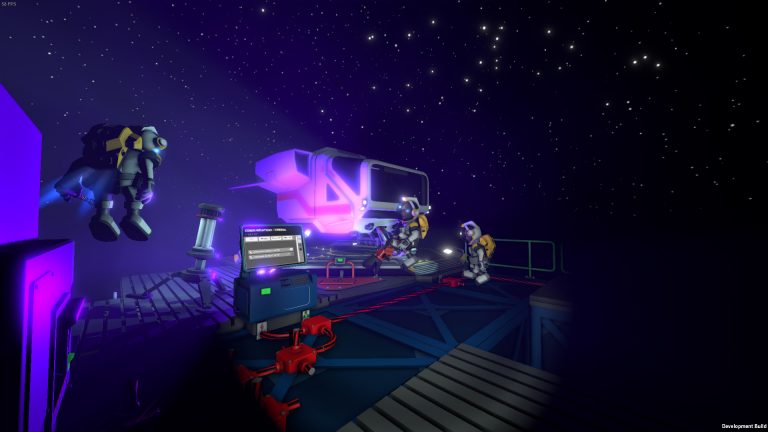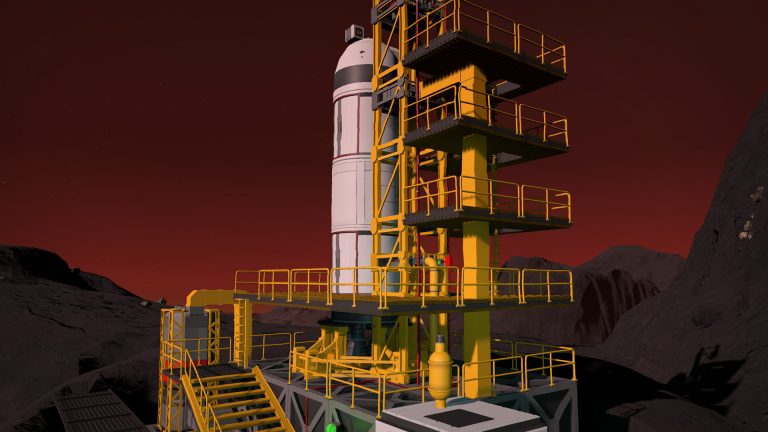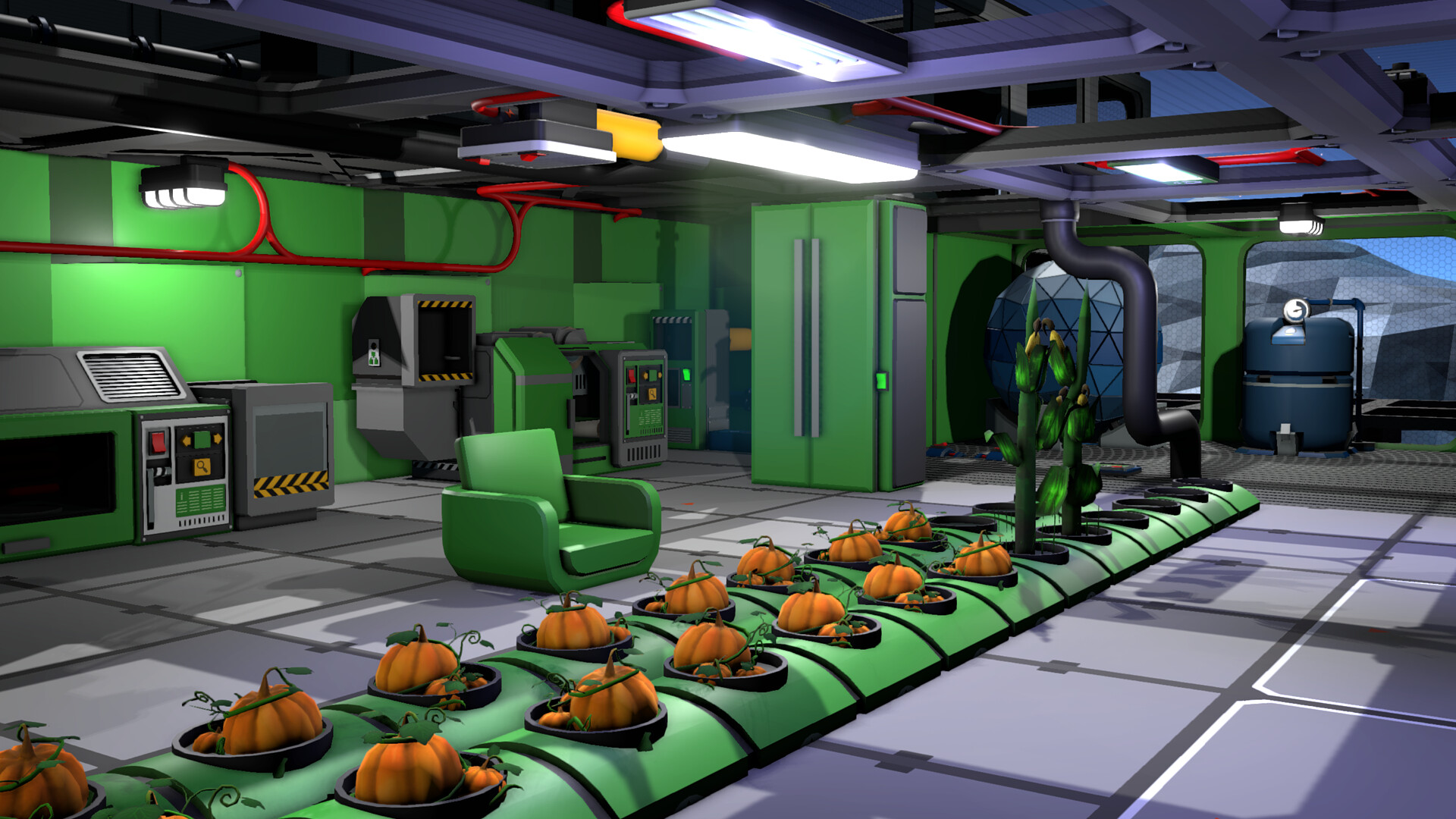
Steam Workshop mods extend Stationeers with quality-of-life tweaks, new building options and automation helpers. This guide covers how the modding system works, how to subscribe and order mods, how to run them on a dedicated server, and the mod categories worth your time.
Mod types worth running
| Type | What it adds |
|---|---|
| Quality-of-life | Better tooltips, Stationpedia tweaks, info panels & search |
| Building & decor | Extra structure pieces, lighting, cosmetics |
| Automation helpers | Pre-made IC10 housings & logic conveniences |
| Cleanup & performance | Tidy abandoned items, keep the server healthy |
Subscribing to mods (client)
On the Stationeers Steam Workshop page, click Subscribe on any mod and it downloads automatically. In-game, open the Mods menu to enable, disable and set the load order. Order matters: mods lower in the list can override changes from ones above, so a small tweak mod should sit below a big overhaul it adjusts.
Running mods on a dedicated server
A dedicated server needs the mod list defined so it loads the same mods as your players. The server references the Workshop items and applies them in order. Every player who joins needs the same mods enabled in the same order — mismatched mod lists are the single most common cause of connection problems on a modded server. On a managed XGamingServer plan, Workshop mods sync to clients automatically, which removes most of that hassle.
Keep your list lean
Start with a handful of mods and add more only as you need them. A lean, well-chosen mod list is far more stable than dozens of overlapping ones, and it loads faster for everyone joining. Test new mods before rolling them out to a busy server.
Frequently asked questions
How do I install Stationeers mods?
Subscribe on the Steam Workshop and the mod downloads automatically, then enable it and set its load order in the in-game Mods menu. For a server, define the same mod list so it loads identical mods to your players — and everyone must run the same mods in the same order.
Why won’t players connect to my modded server?
Mismatched mod lists — the server and a joining player have different mods or a different load order. Make sure everyone runs the exact same set in the same order. A managed host that syncs Workshop mods to clients automatically removes this problem.
Does load order matter in Stationeers mods?
Yes — mods lower in the list override changes from those above. Put broad overhauls higher and small tweak mods that adjust them lower, so your fixes win. Wrong order is a common cause of mods appearing not to work.
Get a Workshop-ready Stationeers server from $8.50/month — 30% off with code XGAMEON.
Ready to play?
Run your own Stationeers server with XGamingServer
Spin up an always-on Stationeers server your friends can join in minutes — no port-forwarding, no tech headaches.