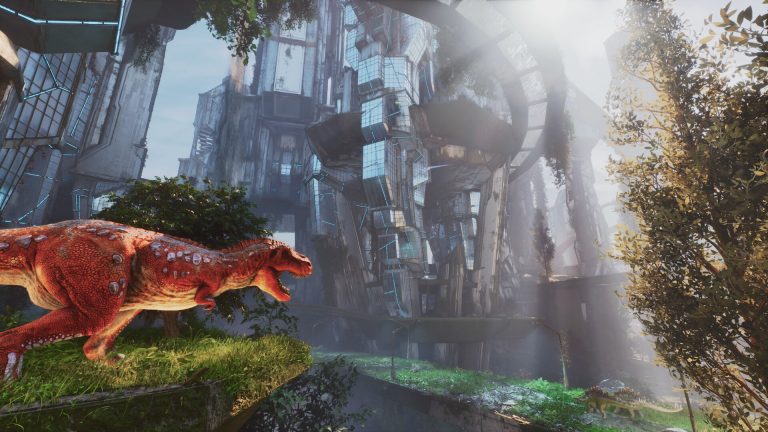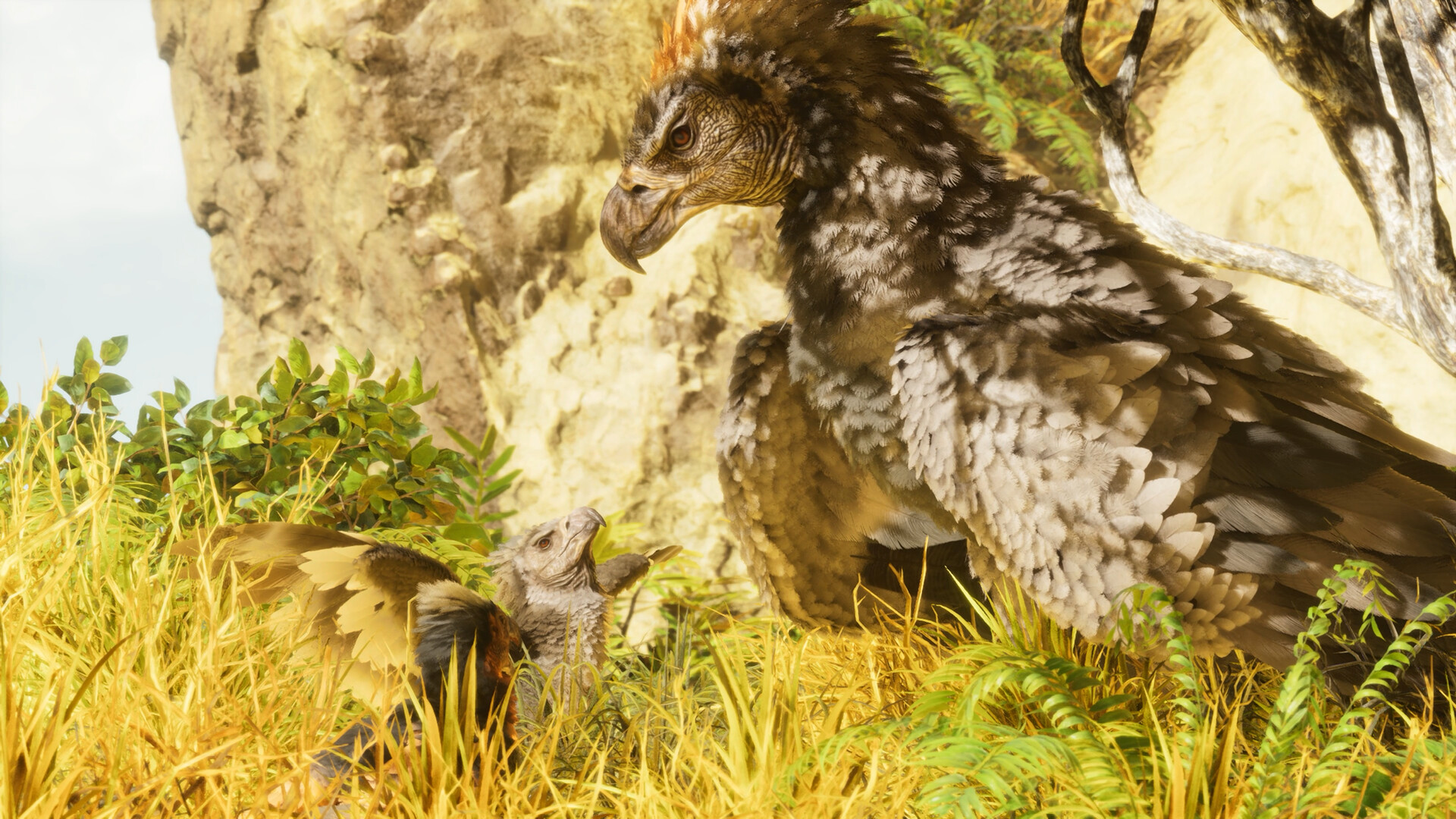
Want a blood-red Rex, a pure-black Wyvern or a perfectly matched breeding line? ARK: Survival Ascended uses a system of color regions and color IDs to paint every creature, and as an admin you can set any colour you like. This guide explains how regions work, the ID system, the exact command to recolour a creature, and how to breed for natural colours.
Color regions & ID system
| Element | Detail |
|---|---|
| Color regions | Up to 6 per creature, numbered 0–5 (body, highlights, belly, spikes, wings…) |
| Region 0 colour | ID 0 means “unset” — that region isn’t repainted |
| Standard colours | IDs 1–100 — the natural creature colours |
| Dye shades | IDs 128–254 — vivid dye/event colours |
| Total | ~227 usable colour IDs |
| Example IDs | 18 = White, 211 = Magenta dye |
How color regions work
Every creature is divided into up to six color regions, numbered 0 to 5. Each region is a different part of the body and is painted by a single color ID. Importantly, not every creature uses every region — some have only two or three active regions, and the rest are unused. The active regions are what give each species its recognisable look.
The recolour command
With cheats enabled (see our admin commands guide), look at a creature and run:
admincheat SetTargetDinoColor <region> <colorID>For example, SetTargetDinoColor 0 18 paints region 0 (body) white, and SetTargetDinoColor 4 211 paints region 4 magenta. To fully customise a creature, run the command once for each active region. You must be in single-player or have admin access on a dedicated server, and look directly at the creature.
Finding naturally coloured creatures
On a normal (non-admin) playthrough you can’t paint creatures — but wild ones spawn with random colours, so striking combinations are out there to tame. Many players hunt for a rare-coloured wild creature (a bright Rex, an all-white Argentavis). During seasonal events, wild creatures can spawn with special event colours, making event periods the best time to hunt for unusual looks.
Breeding for colours
Colours are heritable. A bred baby inherits region colours from its parents, so by pairing creatures with the colours you want, you work toward a consistent look across a line. On top of that, mutations can roll a brand-new colour in a region — which is how breeders create truly unique schemes. See our breeding guide for how mutations work, and browse every colour with a live preview in our ARK Color IDs tool.
Frequently asked questions
How do you change a dino’s colour in ARK?
With admin/cheats enabled, look at the creature and run admincheat SetTargetDinoColor <region> <colorID> — e.g. SetTargetDinoColor 0 18 for a white body. Repeat for each active region. You need single-player or admin access on a dedicated server.
How many color regions does a creature have?
Up to six, numbered 0–5. Most creatures only use a subset — painting an unused region does nothing, so check which regions a species actually uses before recolouring (the print-colour-regions command shows them).
What are the ARK color ID ranges?
IDs 1–100 are the standard natural creature colours; IDs 128–254 are the brighter dye/event shades. ID 0 means “unset” (leave the region unchanged). That’s roughly 227 usable colours in total.
Run a creative ARK server with full admin control. ARK: Survival Ascended hosting from $7/month — 30% off with code XGAMEON.
Free ARK Tools
Speed up your server with our free ARK tools:
Ready to play?
Run your own ARK: Survival Ascended server with XGamingServer
Spin up an always-on ARK: Survival Ascended server your friends can join in minutes — no port-forwarding, no tech headaches.