
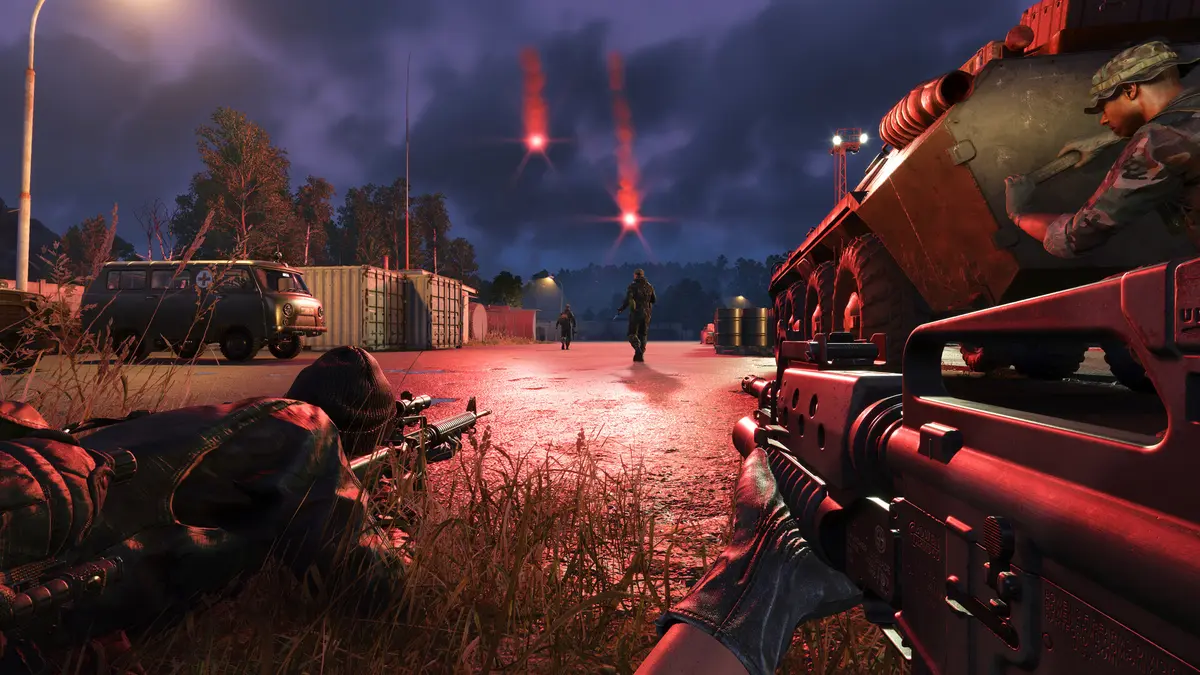
Arma Reforger has a deep control scheme — it’s a milsim, after all — but the core keys are straightforward once you learn them. This guide covers the default Arma Reforger controls and keybinds.
Core keyboard controls
| Action | Default key |
|---|---|
| Move forward / back | W / S |
| Strafe left / right | A / D |
| Jump / vault | Spacebar |
| Crouch | X |
| Prone | Z |
| Aim down sights | Right Mouse Button |
| Inventory | Tab |
| Map | M |
| Chat | Enter |
Rebinding
Every action can be remapped. Go to Options → Controls to rebind anything to your preferred keys or controller buttons — handy for vehicle and helicopter controls, which have their own layouts. Console players use the gamepad layout (Arma Reforger was designed for controller too).
Tips for new players
- Stance matters — crouch and prone for cover and accuracy; standing still steadies your aim.
- Use the map (M) and compass — there’s no minimap; navigation is part of the milsim.
- Learn vehicle controls separately — driving and especially flying have distinct binds (practice in an empty server; see our vehicles guide).
- Voice/radio comms are essential in Conflict — set your push-to-talk early.
Practice on your own server
The best place to learn the controls is a low-pressure dedicated server or Game Master session with your crew, across PC, Xbox and PS5.
Frequently asked questions
What are the default controls in Arma Reforger?
WASD to move, Space to jump/vault, X crouch, Z prone, right-click to aim, Tab for inventory, M for the map, Enter for chat. All are rebindable.
How do I change keybinds in Arma Reforger?
Go to Options → Controls and remap any action to your preferred key or controller button.
Is there a minimap in Arma Reforger?
No — open the full map with M and use the compass. Navigation is part of the milsim experience.
Ready to play?
Run your own Arma Reforger server with XGamingServer
Spin up an always-on Arma Reforger server your friends can join in minutes — no port-forwarding, no tech headaches.



