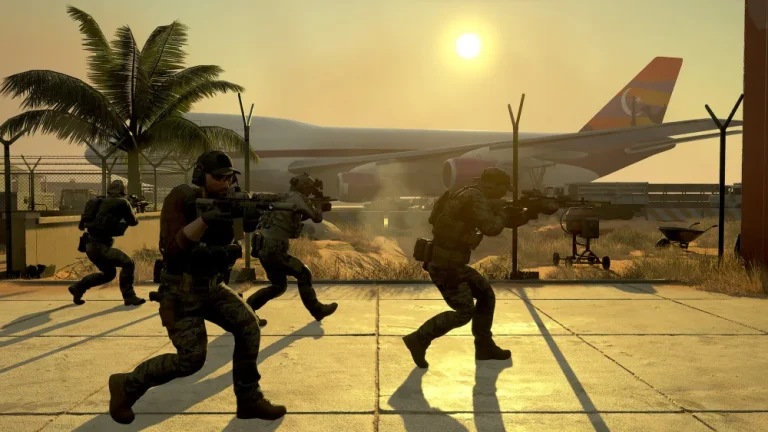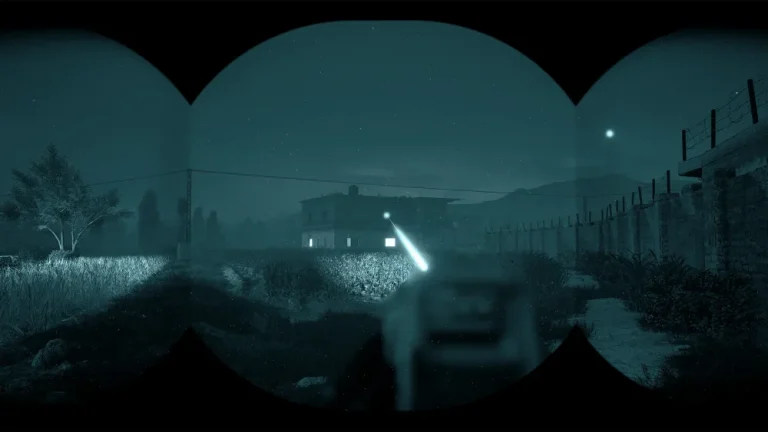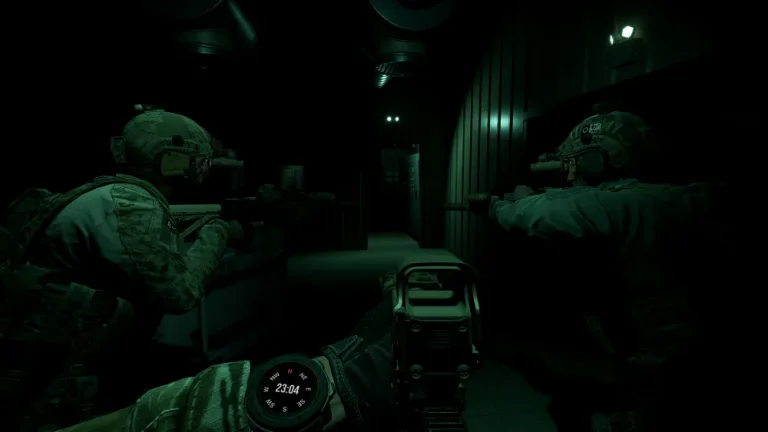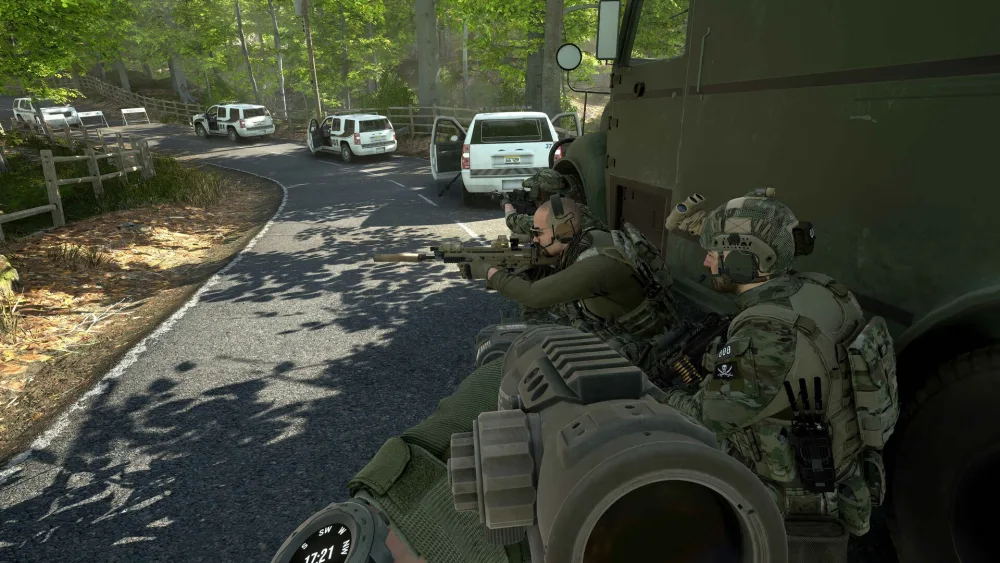
Want to run your own GROUND BRANCH server so your squad can play co-op and PvP anytime — no host PC required? With V1.0 live (July 16, 2026), now’s the time. This guide covers both ways to do it: the manual Windows/SteamCMD route, and the managed one-click route.
What you need to know first
- The GROUND BRANCH dedicated server is officially Windows-only (there’s no official Linux binary).
- It runs headless — no GPU or monitor needed — and is free to run (you don’t need a game copy on the server itself).
- You configure it through plain-text files:
Server.ini,Admin.iniandMapList.ini. - Default ports are 7777/UDP (game) and 27015/UDP (query) — these must be open/forwarded.
Option A — Manual setup on a Windows server (SteamCMD)
- Install SteamCMD on your Windows machine/VPS.
- Download the server files with the GROUND BRANCH dedicated server app ID:
login anonymous force_install_dir C:\gbserver app_update 476400 validate quit - Launch the server — run
DedicatedServer.bat(or theGroundBranchServerexecutable) from the install folder to generate the config files on first boot. - Open your ports — forward 7777/UDP and 27015/UDP in your firewall/router so players can find and join.
- Edit your config — set your server name, player limit and starting map/mission in
Server.iniandMapList.ini, and add admin Steam IDs toAdmin.ini. See our server settings guide for every option.
The manual route works, but you’re responsible for the Windows box, updates, port forwarding, DDoS exposure and uptime.
Option B — Managed hosting (one-click)
If you’d rather skip SteamCMD, port forwarding and hand-editing INIs, a managed host handles all of it. XGamingServer’s GROUND BRANCH server hosting gives you:
- Instant setup — your server is provisioned automatically the moment payment clears; no
app_update 476400by hand. - AMD Ryzen 9 7950X hardware, DDR5 RAM and NVMe storage for smooth 8v8 PvP and heavy Terrorist Hunt AI counts.
- A visual config panel for maps, missions, AI count, difficulty and player slots — no INI editing required.
- One-click updates, DDoS protection and low-latency locations worldwide.
After setup: configure and connect
Once your server is up, set your map rotation and modes (see change map & mission), add your admins (adding admins), and share your IP so your squad can connect. Then jump into co-op Terrorist Hunt, the new Extraction mode, or 8v8 PvP.
Read more
- GROUND BRANCH Server Settings Guide — Server.ini, MapList & admins
- GROUND BRANCH Game Modes Explained
- GROUND BRANCH 1.0: Everything New
Ready to play?
Run your own Ground Branch server with XGamingServer
Spin up an always-on Ground Branch server your friends can join in minutes — no port-forwarding, no tech headaches.