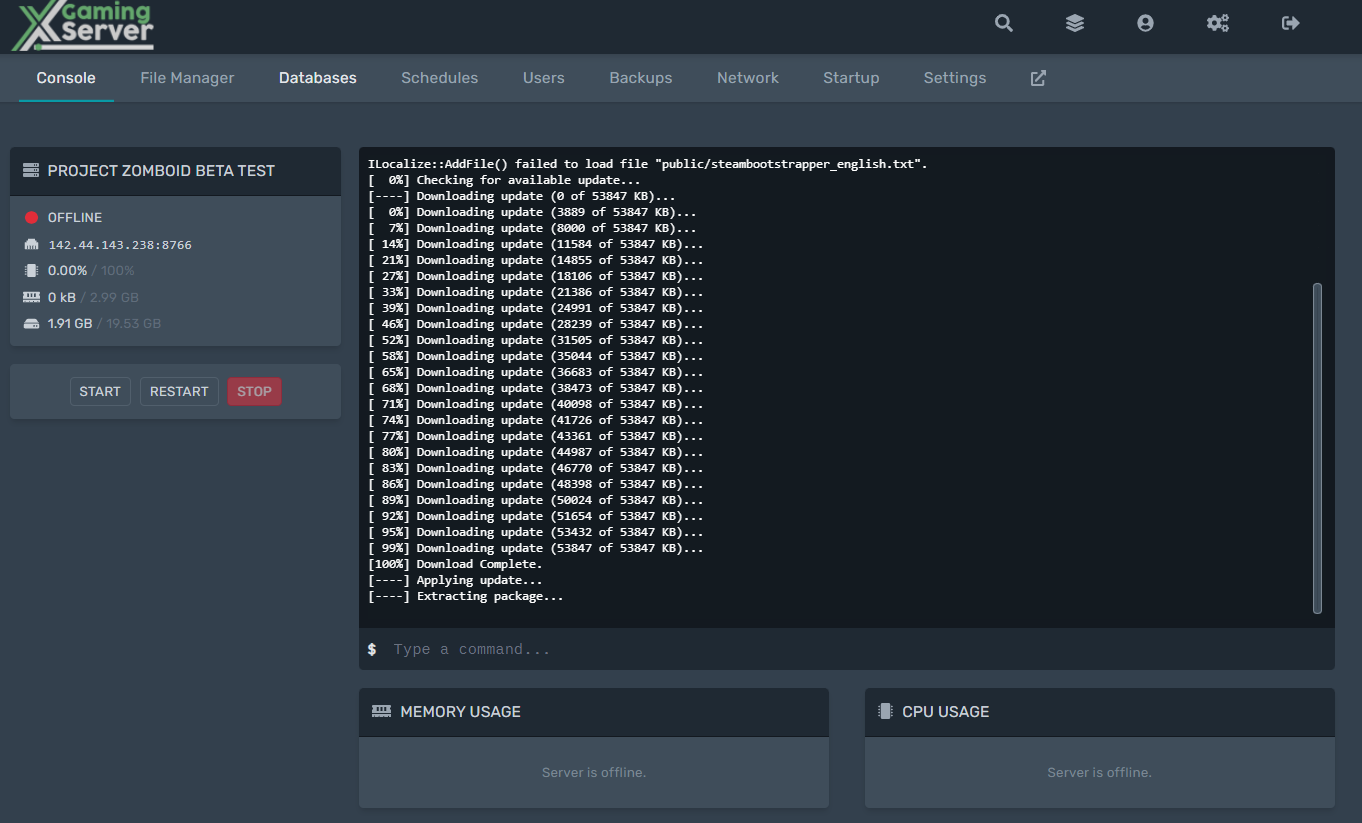
In this guide, we will show you how to update a Project Zomboid server.
- Login to the game server panel.
- Stop your server
- Make sure you set auto-update to 1
-
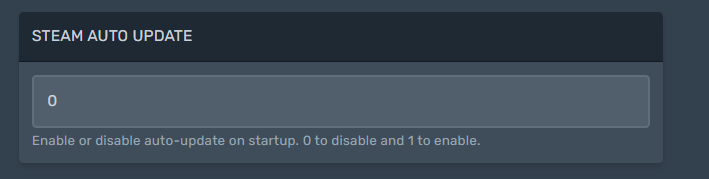
Pz server auto update - Restart the server
-

restart
When you restart the server the update will install automatically
How to install beta branch
Want a beta branch installed to your PZ server? In this guide we will show you how to install a specific project zomboid beta branch
- Go to the startup menu

- Enter the beta branch you want to be installed eg b41multiplayer
-
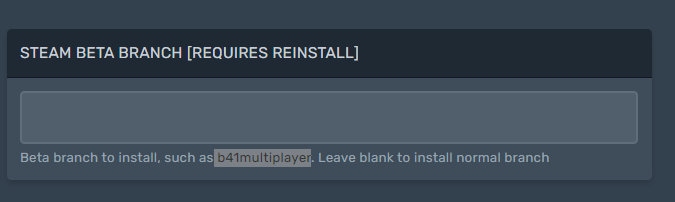
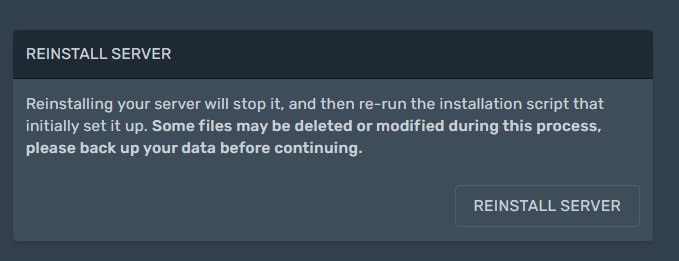
pz beta branch - Go to the settings tab and click reinstall
-
Looking for a Project Zomboid Server to rent? Rent one from us

Ready to play?
Run your own Project Zomboid server with XGamingServer
Spin up an always-on Project Zomboid server your friends can join in minutes — no port-forwarding, no tech headaches.
99.9%Uptime SLA
< 5 minInstant setup
24/7Human support
DDoSProtected
Instant setup
Your server is live in minutes with a one-click control panel.
Mods & plugins
Install mods, plugins and workshop content in a few clicks.
DDoS protected
Enterprise DDoS mitigation keeps your server online 24/7.
Low-latency hardware
Premium CPUs & NVMe SSDs for lag-free multiplayer.
Free backups
Automatic backups so your world is never lost.
Real human support
Gamers helping gamers — 24/7, no bots, no scripts.