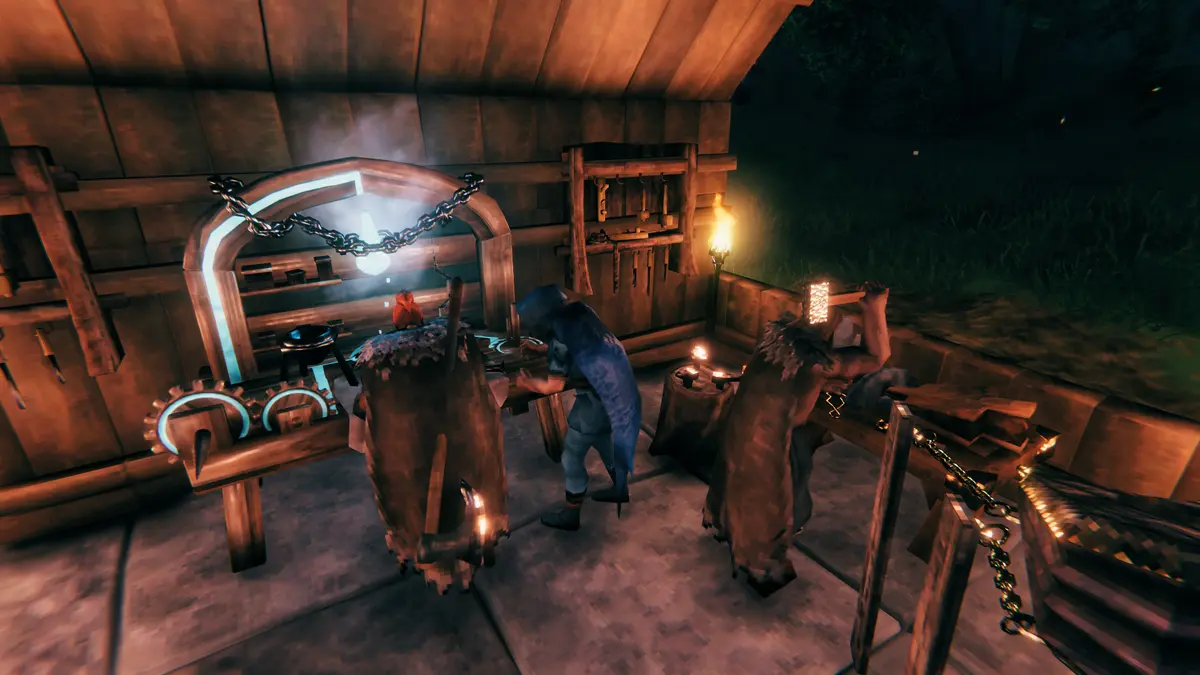
With Valheim 1.0 launching September 9, 2026, the game finally arrives on PlayStation 5 and Nintendo Switch 2 — and Iron Gate has confirmed full crossplay across every platform. That means PC, PS5, Xbox and Switch 2 Vikings can all explore, build and fight bosses together in the same world. Here’s how cross-platform play works and how to set it up.
Which platforms support Valheim crossplay?
At the 1.0 launch, Valheim supports crossplay between all of these:
- PC (Steam)
- PlayStation 5
- Xbox One and Xbox Series X|S (including Game Pass / Microsoft Store)
- Nintendo Switch 2
There are no separate “PC-only” or “console-only” lobbies — a single Valheim world can host players from any combination of these platforms.
How crossplay works in Valheim
Valheim’s multiplayer runs in two ways: a quick peer-to-peer session hosted from one player’s game, or a dedicated server that stays online independently. Crossplay works in both, but they behave very differently for a cross-platform group:
| Peer-to-peer (in-game host) | Dedicated server | |
|---|---|---|
| Stays online when host leaves | No | Yes — 24/7 |
| Console players can host | Limited | Rent one — any platform joins |
| Performance with a full group | Tied to host’s machine | Dedicated CPU & RAM |
| Best for | Quick co-op sessions | Persistent shared worlds |
Why console players need a hosted server
This is the key thing for mixed PS5/Switch 2/Xbox groups: consoles can’t run their own dedicated server. With peer-to-peer, the world only exists while the host is in the game, and everyone’s performance depends on that one console. A hosted Valheim server solves both problems — it runs 24/7 on dedicated hardware, so any friend on any platform can log in and keep progressing whenever they like, even when you’re offline.
The crossplay + mods trade-off
One important limitation to plan around: crossplay and BepInEx mods are mutually exclusive. A crossplay-enabled server can’t load BepInEx-based mods, because console clients have no way to install them. So you have two choices:
- Want console friends in? Run a crossplay server with vanilla or server-side-only tweaks (world modifiers, admin tools).
- Want a heavily modded world? Keep the server Steam-only and skip crossplay.
You can still customise a crossplay world heavily through world modifiers — combat difficulty, death penalty, resource rates, raids and portals — without any client mods. The free Valheim server config generator builds those settings for you.
How to set up a crossplay Valheim server
- Deploy a Valheim dedicated server (live in about 60 seconds).
- Enable crossplay in the server settings — our crossplay setup guide walks through the exact steps.
- Share the join code or server details with your group.
- PS5, Switch 2, Xbox and PC friends connect to the same world.
Frequently asked questions
Does Valheim have crossplay on PS5 and Switch 2?
Yes. From the 1.0 launch on September 9, 2026, Valheim supports full crossplay across PC, PS5, Xbox and Nintendo Switch 2.
Can PS5 and PC players play Valheim together?
Yes — all platforms share the same worlds. The easiest way to keep a cross-platform world online is a hosted dedicated server.
Can I use mods on a Valheim crossplay server?
No. Crossplay and BepInEx mods are mutually exclusive. Use a Steam-only server for mods, or a crossplay server with server-side world modifiers instead.
Do I need a dedicated server for Valheim crossplay?
Not strictly — peer-to-peer supports crossplay too — but consoles can’t host one, and P2P worlds go offline when the host leaves. A dedicated server keeps one shared world online 24/7 for any platform.
Ready to play?
Run your own Valheim 1.0 server with XGamingServer
Spin up an always-on Valheim 1.0 server your friends can join in minutes — no port-forwarding, no tech headaches.