In this guide, I will show you how to Wipe your world in a Valheim server.
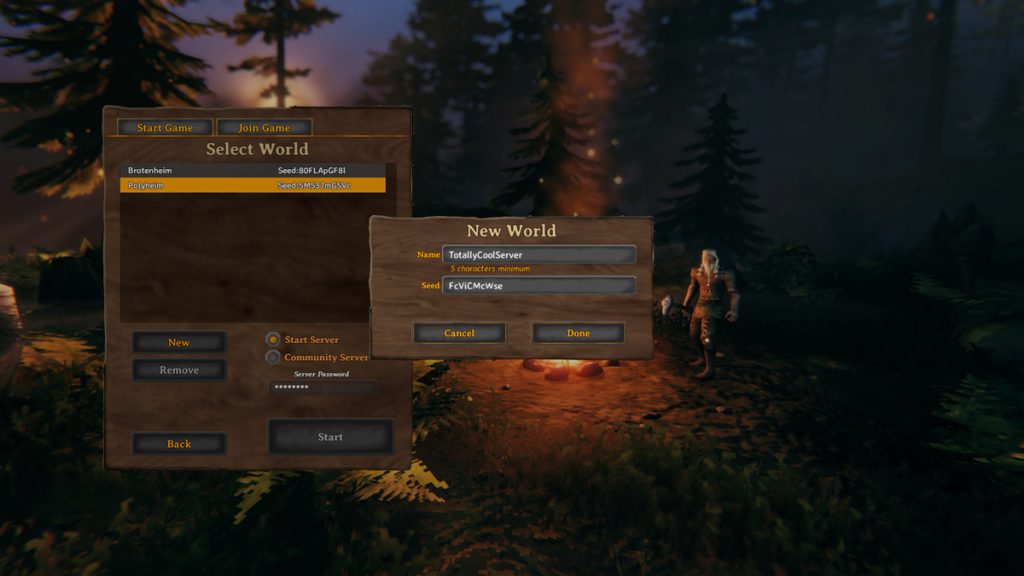
Tired of your current world and want to start your Velheim on a new slate? Then this tutorial is going to show you how to do that.
1. Login to the panel and shutdown your Valheim server using the stop button

2. Navigate to the folder
/home/container/.config/unity3d/IronGate/Valheim/worlds

3. Here you’ll find your worlds and backups as shown below. (If you added a custom world or changed the world it may be named differently )
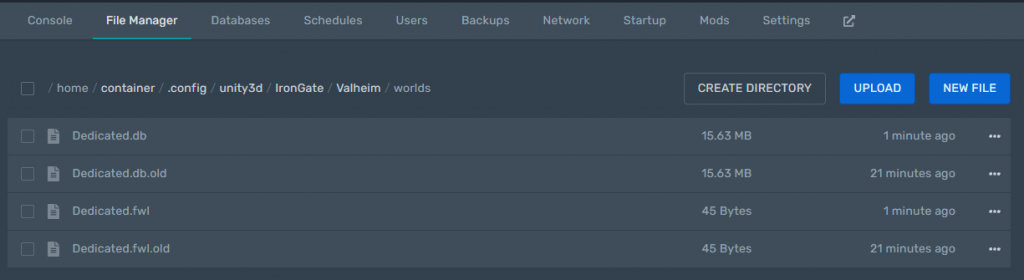
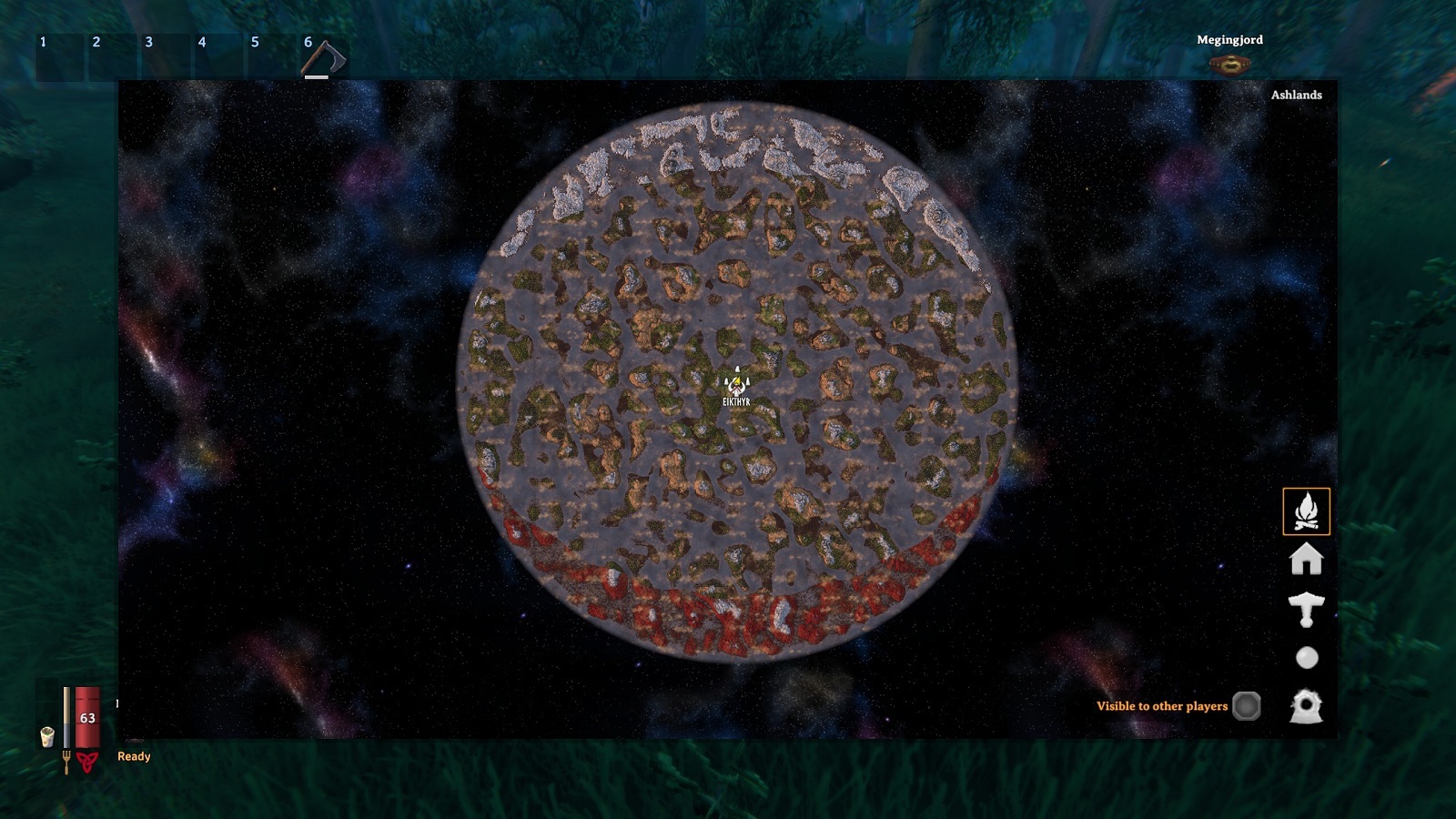
5. Delete the files below Valheim world maps
Dedicated.db, Dedicated.db.old, Dedicated.fwl and Dedicated.fwl.old
Start your server.
By starting your Valheim server a new world will be generated and you can now enjoy your clean Valheim world.
Looking to rent a Valheim Server? Rent a server with us
Ready to play?
Run your own Valheim 1.0 server with XGamingServer
Spin up an always-on Valheim 1.0 server your friends can join in minutes — no port-forwarding, no tech headaches.