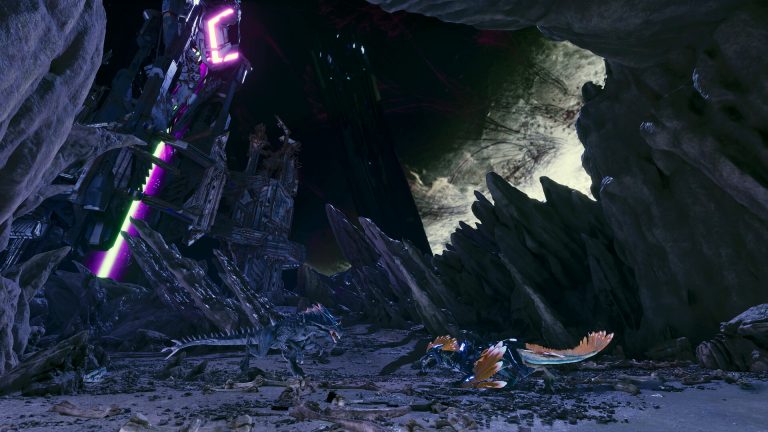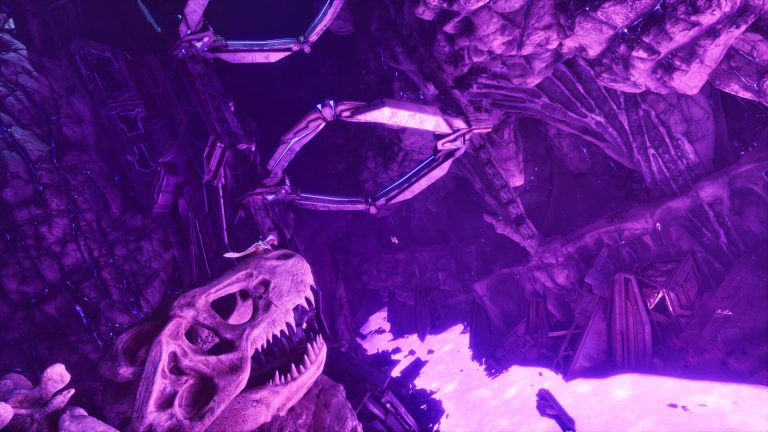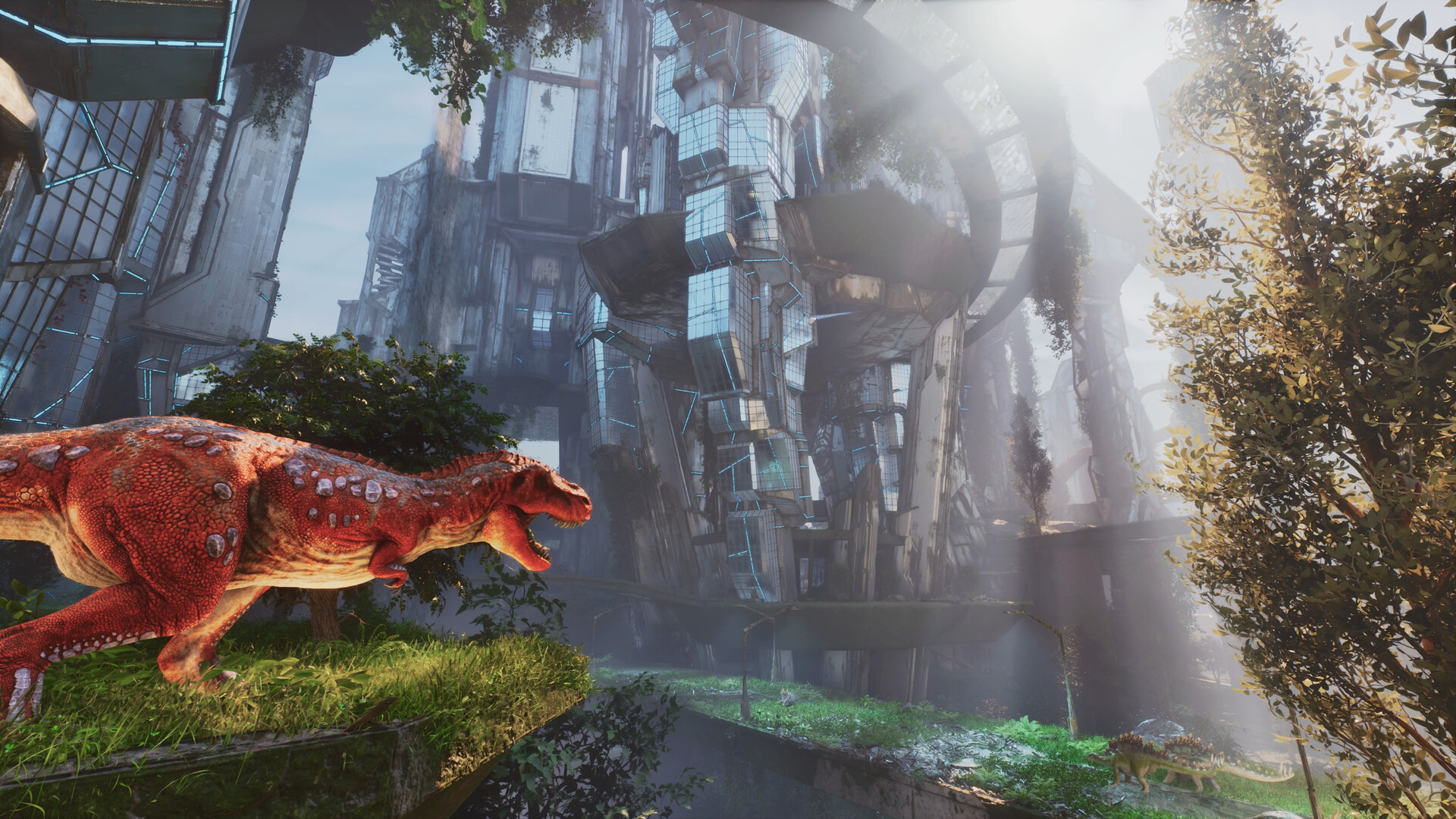
A cluster links several ARK: Survival Ascended maps so players carry their character, tames and items between them — the full, official-style ARK experience. This guide explains what a cluster is, how transfers work, and what it takes to run one.
What a cluster is
A cluster is a group of ARK servers — one per map — that share a transfer system. Players move between, say, The Island, Scorched Earth and Aberration, bringing their character (with levels and engrams), tames and items with them. This is exactly how the official server network works, and it’s the only way to enjoy map-exclusive creatures (Wyverns, Rock Drakes) across your whole playthrough.
What transfers between maps
| Transfers | How |
|---|---|
| Your character | With all levels & engrams |
| Tames | Stored in cryopods, uploaded at an obelisk |
| Items & resources | Uploaded to the transfer terminal |
| Where | Obelisk, Supply Crate terminal or Tek Transmitter |
| Admin control | You can restrict what’s allowed to transfer |
How transfers work
Servers in a cluster share a cluster ID and a transfer directory. To move, a player uses an Obelisk, Supply Crate terminal or Tek Transmitter to upload their character, dinos (in cryopods) and items on one map, then travels to another server in the cluster and downloads them. As the admin you control what’s allowed to transfer.
What it takes to run one
Each map runs as its own server instance with the same cluster ID and matching transfer settings, plus a shared cluster directory so they can pass character and item data between them. That means a cluster needs the resources to run multiple ARK servers at once — and ASA servers are hardware-hungry, so plan accordingly.
The easy way
Wrangling multiple ASA servers and a shared cluster config by hand is fiddly. On XGamingServer you can run a multi-map ARK cluster without hand-editing the cluster setup — see our cluster setup docs and the maps guide to plan which maps to link.
Frequently asked questions
What is a cluster in ARK?
A group of servers — one per map — that share a transfer system so players move their character, tames and items between maps. It’s how the official network works and the only way to use map-exclusive creatures like Wyverns and Rock Drakes across your whole playthrough.
How do you transfer dinos between maps?
Put each dino in a cryopod, then upload your character, pods and items at an Obelisk, Supply Crate terminal or Tek Transmitter. Travel to another server in the same cluster and download them. The servers must share a cluster ID and transfer directory for this to work.
How many servers does a cluster need?
One server instance per map, all sharing the same cluster ID and a transfer directory. A three-map cluster is three ASA servers running at once — and because ASA is hardware-hungry, a cluster needs real resources, which is why most people run one through a host.
ARK: Survival Ascended hosting from $7/month — 30% off with code XGAMEON.
Free ARK Tools
Speed up your server with our free ARK tools:
Ready to play?
Run your own ARK: Survival Ascended server with XGamingServer
Spin up an always-on ARK: Survival Ascended server your friends can join in minutes — no port-forwarding, no tech headaches.