
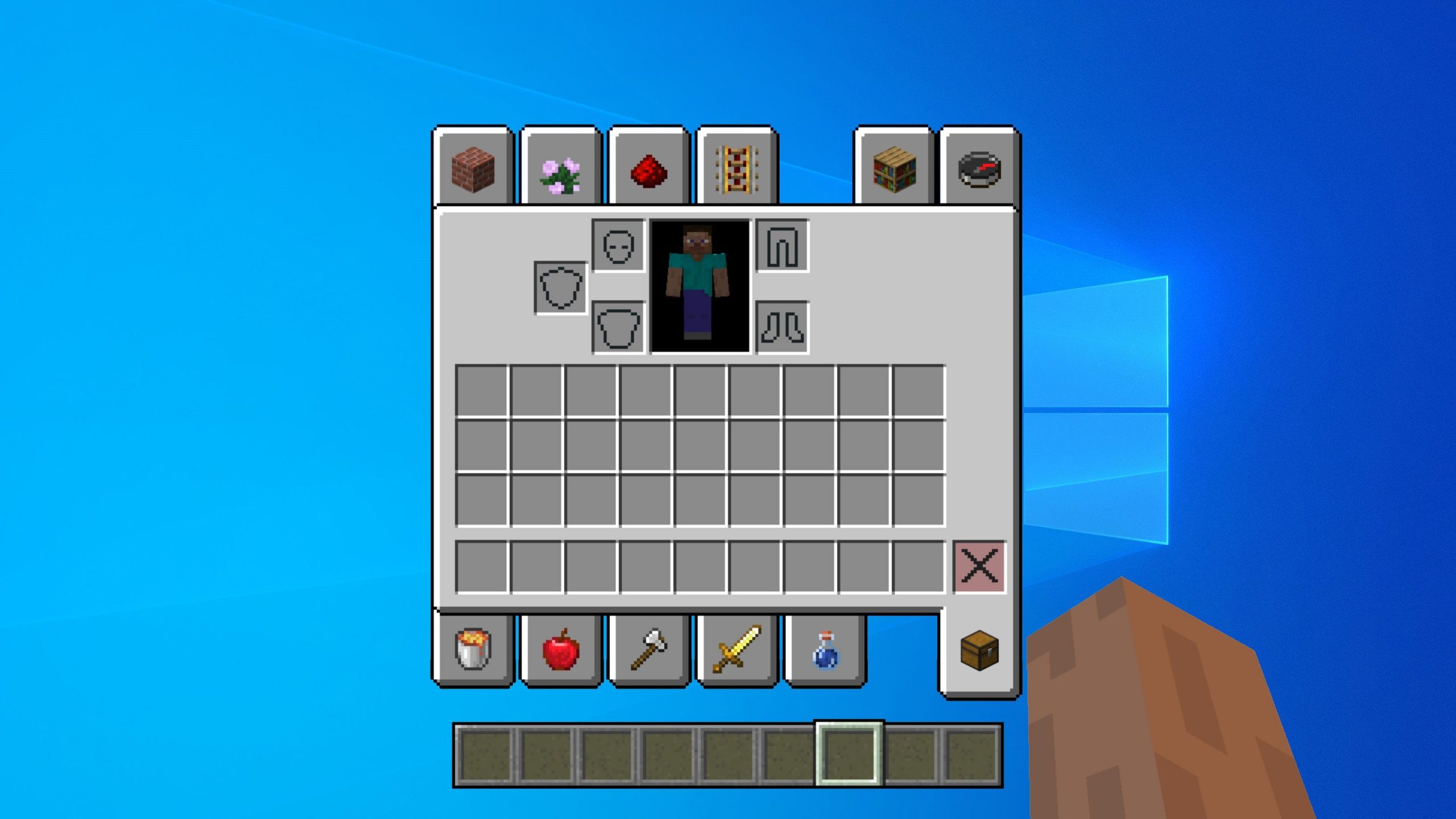
Quick answer: The /give command drops one or more item stacks straight into a player’s inventory. The exact syntax in Minecraft Java Edition 26.2 is /give — for example, /give @p diamond 64 hands the nearest player a full stack of diamonds. You need operator permissions (permission level 2) or a single-player world with cheats enabled to run it.
Below is the complete breakdown for Java Edition 26.2 (“Chaos Cubed”, released June 16 2026), including the modern data-component item format, copy-paste examples, and how Bedrock does things differently. Want to build commands without memorizing SNBT? Use our free Minecraft Give Command Generator to point-and-click your item, enchantments, and name, then copy the finished command.
Syntax
The base command takes three arguments — two required, one optional:
/give - [
] | Argument | Required | What it accepts |
|---|---|---|
| Yes | An entity argument that must resolve to player(s) — a player name, a UUID, or a player-type target selector such as @p, @a, @r, or @s. |
| Yes | An item in the form item_id[data_components]. The bracketed components are optional; omit them for a plain item. The minecraft: namespace prefix is optional. |
[ | No | Integer from 1 to 2147483647. Defaults to 1 when omitted. |
The data-component item format
Since Java Edition 1.20.5, custom item data is written with data components, not the old NBT {tag} syntax. The format is item_id[component=value,component=value], where each component is a namespaced ID and each value is written in SNBT. Multiple components are comma-separated inside a single pair of square brackets. You can suppress a default component with an exclamation prefix, e.g. stone[!custom_name]. Any pre-1.20.5 guide using diamond_sword{Enchantments:[...]} is out of date for 26.2.
| Component | Purpose | Example value |
|---|---|---|
enchantments | Map of enchantment ID to level | {sharpness:3,knockback:2} |
custom_name | Anvil-renamable display name (text component) | {text:"Magic Wand",color:"light_purple",italic:false} |
item_name | Base name that cannot be overwritten in an anvil | "Dirt" |
lore | Array of tooltip lines | [{text:"A shiny Emerald!",italic:false,color:"gold"}] |
damage | Durability damage already applied | 500 |
unbreakable | Item never loses durability (presence alone is enough) | {} |
max_stack_size | Override max stack size (1–99) | 64 |
Need item IDs or enchantment IDs to plug in here? See our Minecraft item IDs reference and the full enchantments list.
Examples
All of these are ready to paste into chat or a command block.
1. A full stack of diamonds to the nearest player:
/give @p diamond 642. A golden apple to every online player using the @a selector:
/give @a golden_apple 13. An enchanted sword to yourself. The enchantments component takes a map of enchantment ID to integer level:
/give @s wooden_sword[enchantments={sharpness:3,knockback:2}] 14. A named, unbreakable pickaxe. Combine multiple components inside one set of brackets, separated by commas:
/give @p diamond_pickaxe[custom_name={text:"Magic Wand",color:"light_purple",italic:false},unbreakable={}] 15. The full worked example — enchanted, named, and unbreakable in one command:
/give @s diamond_sword[enchantments={sharpness:5},custom_name={text:"Excalibur",color:"gold",italic:false},unbreakable={}] 1Note on the enchantments value: the documented data-component format uses the flat {id:level} map shown above. The Minecraft Wiki also shows a wrapped form, enchantments={levels:{sharpness:5}}; if one form is rejected by your server, try the other. Our give command generator always outputs the correct shape for you.
Permissions, op level, and mechanics
/give is a cheat command. It requires permission level 2 — meaning you must be an operator (op), or be in a single-player world with cheats enabled. This “permission level 2” phrasing is Java-Edition-specific. If you run a server, grant yourself op through your control panel console; on our hosting you can do this from the panel in one click. See our Minecraft server hosting for panels with instant console and command access.
How the items are delivered: /give places the requested item stack(s) directly into the target’s inventory. If the inventory is full, the overflow is dropped at the player’s feet rather than lost.
About the target selectors: /give requires a player-type target. @p (nearest player), @a (all players), @r (random player), and @s (the executor, i.e. yourself) are all valid. A raw @e (all entities) or @n (nearest entity) will error unless filtered to players, because those can resolve to non-players. Learn more in our target selectors guide.
Version context: 26.2 is the first release on Mojang’s new year.drop.hotfix versioning scheme (so “26.2” = year 2026, drop 2). Nothing in the 26.2 changelog changes how /give works; the command and the data-component item format are inherited unchanged from the 1.20.5+ component era.
Java vs Bedrock
This is where the two editions diverge significantly. Bedrock’s /give does not use Java’s item_id[...] bracket component syntax. Instead it uses positional numeric arguments plus a trailing JSON components object:
give [amount: int] [data: int] [components: json] | Java Edition | Bedrock Edition | |
|---|---|---|
| Custom item data | item_id[component=value] brackets (SNBT) | Positional amount/data ints + trailing JSON components |
| Enchanting via /give | Yes, via enchantments component | No full data-tag support |
| Permission | Permission level 2 (op / cheats) | Cheats / op |
A Bedrock example that gives an item with a component looks like this:
/give @p diamond_sword 1 0 {"keep_on_death":{}}Here the 1 is the amount, 0 is the data/aux value, and the JSON object is the components field. Bedrock also uses the data value for variants — e.g. /give @a potion 1 5 gives a specific potion type by number. Because the syntaxes are incompatible, always confirm which edition you’re on before copying a command.
Frequently asked questions
How much can I give with one command?
The count argument accepts any integer from 1 up to 2147483647. Items beyond a stack’s normal maximum are placed as additional stacks (or dropped if the inventory fills up).
Why does my command say I don’t have permission?
/give needs permission level 2. Make yourself an operator on your server, or enable cheats in your single-player world. Without op or cheats, the command is blocked.
Can I give an item to everyone at once?
Yes — use the @a selector, which targets every online player, for example /give @a golden_apple 1. Use @r for a single random player.
How do I make an item unbreakable or rename it?
Add data components in brackets. Use unbreakable={} for infinite durability and custom_name={text:"..."} for an anvil-renamable name. Use item_name instead if you want a name that can’t be overwritten in an anvil.
Why won’t my old /give command work anymore?
If it uses NBT {tag} syntax like diamond_sword{Enchantments:[...]}, it’s from before 1.20.5 and is outdated. Java 26.2 uses the data-component format item_id[component=value] instead. Convert it, or rebuild it with our give command generator.
Keep exploring commands
- Full Minecraft commands list
- /summon command guide
- /teleport commands
- Game rules list
- Keep inventory command
Ready to play?
Run your own Minecraft server with XGamingServer
Spin up an always-on Minecraft server your friends can join in minutes — no port-forwarding, no tech headaches.






