Project Zomboid’s Custom Sandbox menu is where the real game is decided. Long before you pick a trait or a base, the sandbox sliders set how many zombies exist, how fast they move, how hard they are to kill, how often they come back, and how scarce loot is. Get these wrong and Knox County is either a boring stroll or an instant death sentence. This guide walks through the settings that matter most for tuning a run, with verified option names and values from the official Project Zomboid documentation. Note that the game has two relevant versions: Build 41.78 is the long-standing stable branch, while Build 42 (“Expanded Crafting and Balance”) is still on the unstable beta branch as of mid-2026, with multiplayer added late in its cycle. The core sandbox options below exist on both branches.
Zombie Population: How Many Zombies Exist
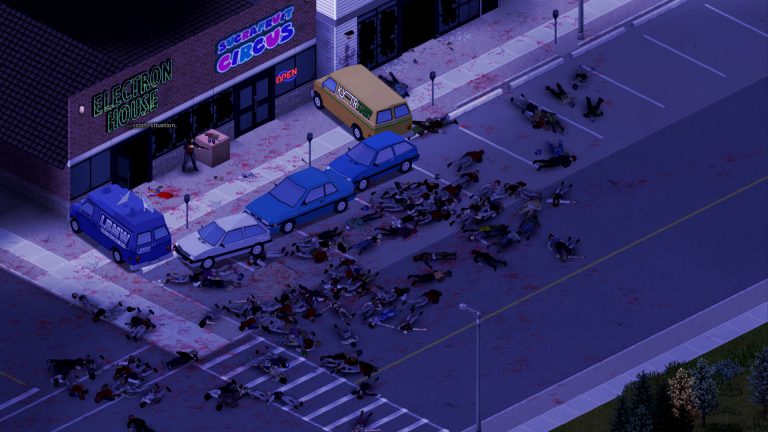
Population is controlled by a multiplier that ranges from 0.0 (None) up to 4.0 (Insane), where 1.0 is Normal and 2.0 is High. Rather than a single flat number, the sandbox splits population over time so the world can ramp up:
- Population Start Multiplier — the desired population at the very start of the game.
- Population Peak Multiplier — the desired population once the world reaches its busiest point.
- Population Peak Day — the in-game day on which the peak multiplier is fully reached.
- Zombie Distribution — whether zombies are spread evenly across the map or concentrated in urban areas.
The classic Apocalypse-style experience starts lighter and climbs toward a heavy peak over the first couple of weeks, simulating survivors who fled the cities crowding in. If you want a calmer co-op base-builder, lower the peak multiplier; if you want pressure that never lets up, raise the start multiplier so the early game is already dangerous.
Respawn: Why Cleared Areas Refill
One of the most misunderstood systems is respawn. Zombies you kill can come back, governed by three settings. Respawn Hours is the number of in-game hours that must pass before zombies may respawn in a cell, and setting it to zero disables respawn entirely (default is 72). Respawn Unseen Hours is how long a chunk must go unobserved before it is eligible to repopulate (default 16). Respawn Multiplier sets the fraction of a cell’s desired population that may respawn during each respawn cycle.
For a server where players want to permanently clear and hold territory around a base, set Respawn Hours to 0 — but be aware the desired population is also redistributed across the map over time, so a cell can still drift back toward its target. For a relentless world, keep respawn on and raise the multiplier. If you are picking a base to defend, our guide to the best base locations in Knox County pairs well with low-respawn settings.
Zombie Lore: Speed, Strength and Toughness
The Zombie Lore section is where you sculpt what a zombie actually is. The official sandbox options confirm fields for Speed, Strength, Toughness, Transmission, Mortality, Reanimate, Cognition, Memory, Decomposition, Sight and Hearing, among others. The three that define the feel of combat most are speed, strength and toughness.
- Speed — choices include Sprinters (fastest, run at speed), Fast Shamblers, and Shamblers (the default upright slow walker). A “Random” option mixes types. (Crawlers are not a speed setting — they are a knocked-down zombie state that crawls at very low speed.)
- Strength — how hard zombies hit and shove; weaker settings make them easier to push back, tougher settings make grabs and lunges far more dangerous.
- Toughness — governs zombie hitpoints and how easily they fall over when struck. Fragile zombies drop quickly; Tough zombies soak hits and resist being knocked down.
These combine to create distinct difficulty profiles. Sprinters with fragile toughness die in a hit but will catch you instantly, demanding firearms and space — a very different tension from tough shamblers that you can outrun but never stop coming. The default Project Zomboid lore uses Shamblers, which is what makes melee, stealth and good weapon choices viable.
Sandbox Settings Cheat Sheet
| Setting | Options / Range | Notes |
|---|---|---|
| Population Multiplier | 0.0 (None) to 4.0 (Insane); 1.0 Normal, 2.0 High | Split into Start + Peak over time |
| Population Peak Day | In-game day number | When peak multiplier is reached |
| Respawn Hours | Default 72; 0 disables respawn | Hours before a cell may respawn |
| Respawn Unseen Hours | Default 16 | Chunk must be unseen this long |
| Speed | Sprinters / Fast Shamblers / Shamblers / Random | Default lore = Shamblers |
| Strength | Weak to Superhuman tiers | Shove/attack force |
| Toughness | Fragile / Normal / Tough | Hitpoints + knockdown |
| Day Length | 15 min, 30 min, 1 hour (default) up to real-time | Affects hunger/thirst pacing |
Loot Rarity: Scarcity vs Abundance
Loot is tuned per category — food, weapons, medical supplies and more each have their own rarity slider rather than one global control. The vanilla rarity tiers act as spawn multipliers: Extremely Rare (about ×0.2), Rare (about ×0.6), Normal (×1), Common (×2) and Abundant (×3), with an even harsher Insanely Rare option available. Lower categories make a scavenging-focused, survival-against-starvation run; higher categories suit a combat-heavy or building-focused server where you don’t want players spending every session looking for canned beans.
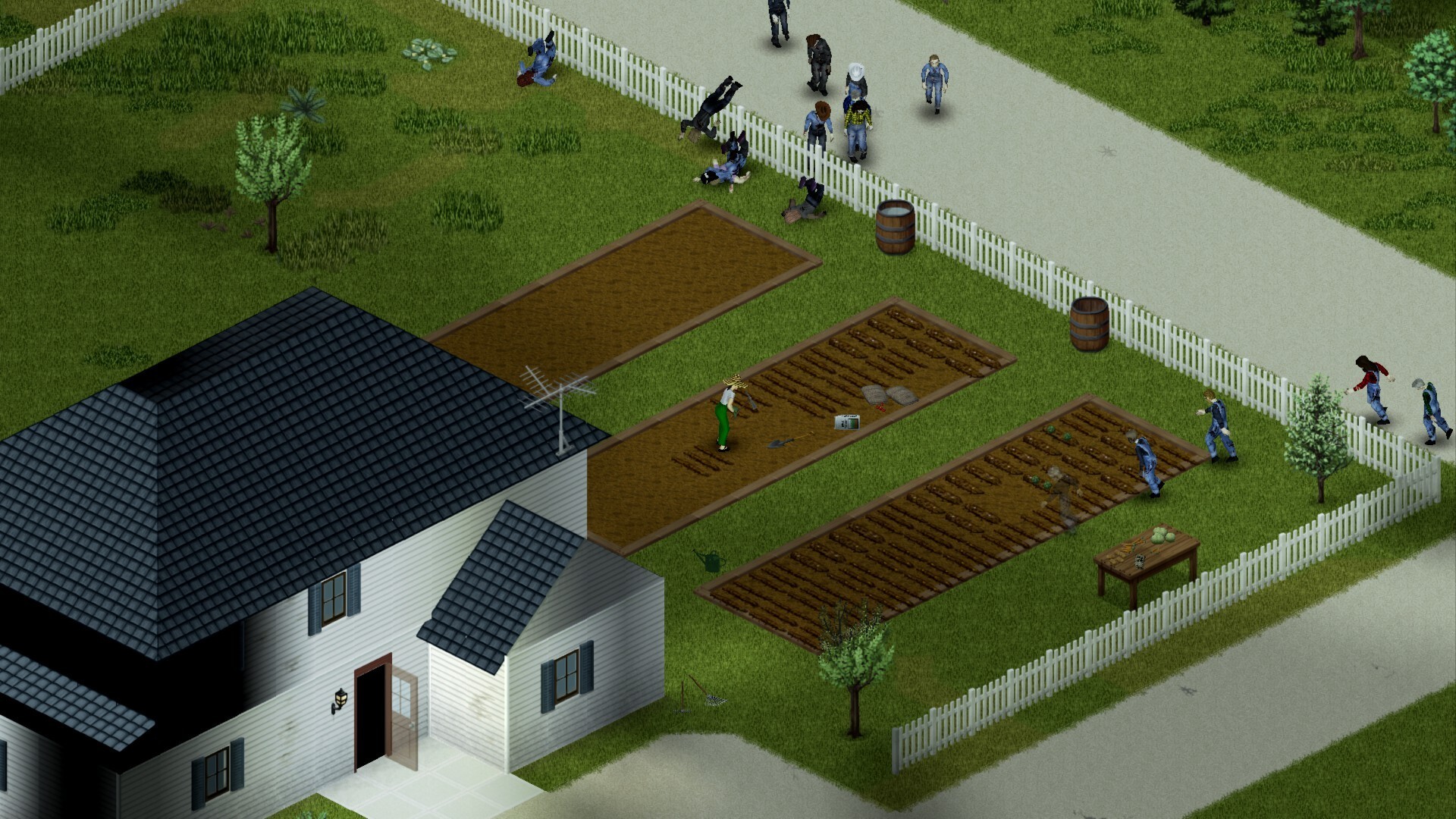
If you set food to Rare or below, lean hard into farming and self-sufficiency and plan your cooking and food preservation early, because the map alone will not feed a group for long.
Day Length and Time
Day Length sets how long an in-game day takes in real time, with the default at 1 hour and options stepping from 15 minutes and 30 minutes up to a full 24-hour real-time day. Longer days slow how quickly hunger, thirst and fatigue accumulate, which makes a single survival session feel less frantic and gives more daylight for tasks. Shorter days accelerate the survival clock and the seasons. On a multiplayer server, longer days are popular because players log in at different times and a 1-hour day can cycle through several night dangers while someone is offline.
Putting It Together for a Server
There is no single “correct” sandbox config — the point is to match the settings to the experience your group wants. A relaxed co-op base build might use Normal population with respawn disabled, Shamblers, Normal loot and a 2–3 hour day. A hardcore server might use a High peak population, sprinters or fast shamblers, Rare loot and active respawn. Whatever you choose, change one cluster of settings at a time so you can feel the effect. Combine your difficulty plan with smart trait and occupation picks and a solid leveling plan so survivors can actually keep up with the world you build.
Frequently Asked Questions
How do I stop zombies from respawning?
Set Respawn Hours to 0 in the sandbox options, which disables the respawn cycle for cells. Be aware that the game also redistributes the map’s desired population over time, so areas can still slowly drift back toward their target — for the most permanent clearing, also lower overall population.
Can I make zombies sprinters in single-player and on a server?
Yes. Under Zombie Lore, set Speed to Sprinters. On a dedicated server the same option lives in the server’s sandbox configuration, editable through the admin panel or the server’s sandbox file. The default Project Zomboid lore uses Shamblers, so you must change it manually if you want runners.
Are Build 42 sandbox settings different from Build 41?
The core sandbox options — population, respawn, zombie lore, loot rarity and day length — exist on both branches. Build 42 is still the unstable beta as of 2026 and layers in new systems (deeper crafting, animals and more), so some additional settings and balance may shift before it becomes stable. Treat any Build 42-only option as subject to change. For a defined experience, many groups still run stable Build 41.78.
Once you have a sandbox config you like, the easiest way to share it is on an always-on server so friends can drop into the same persistent world — you can spin up a Project Zomboid server to survive Knox County together and apply these exact settings. For step-by-step setup, including editing the sandbox file and admin commands, see the Project Zomboid server documentation.
Ready to play?
Run your own Project Zomboid server with XGamingServer
Spin up an always-on Project Zomboid server your friends can join in minutes — no port-forwarding, no tech headaches.