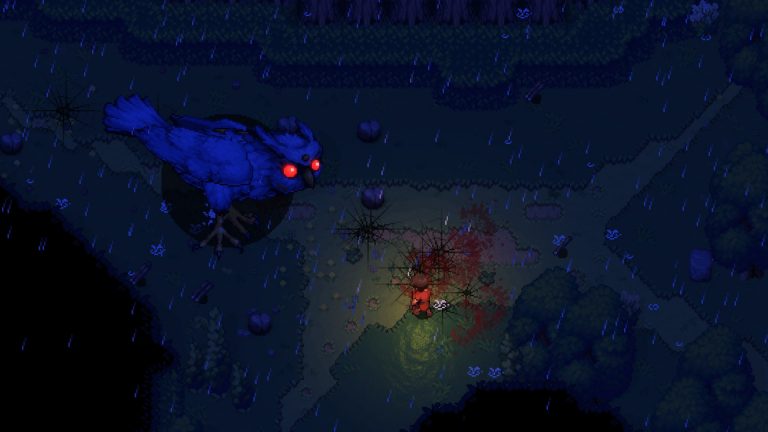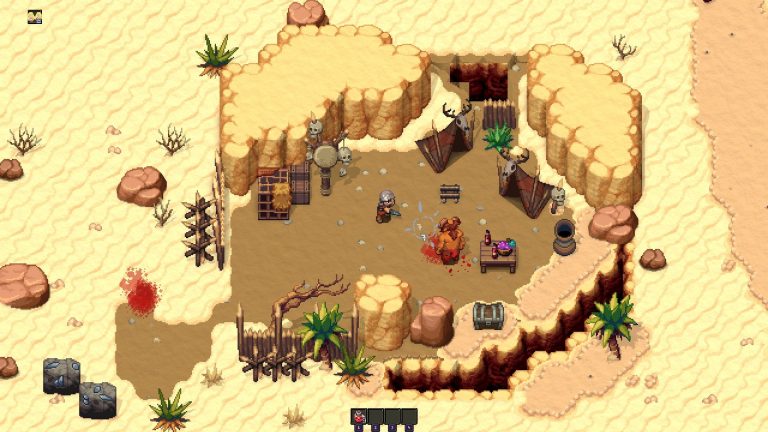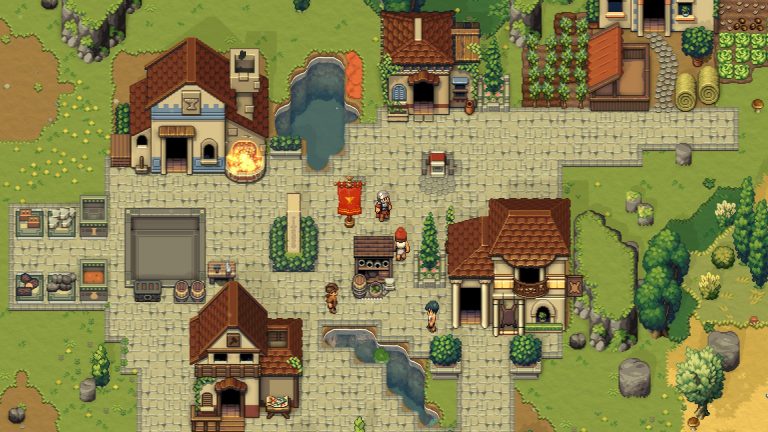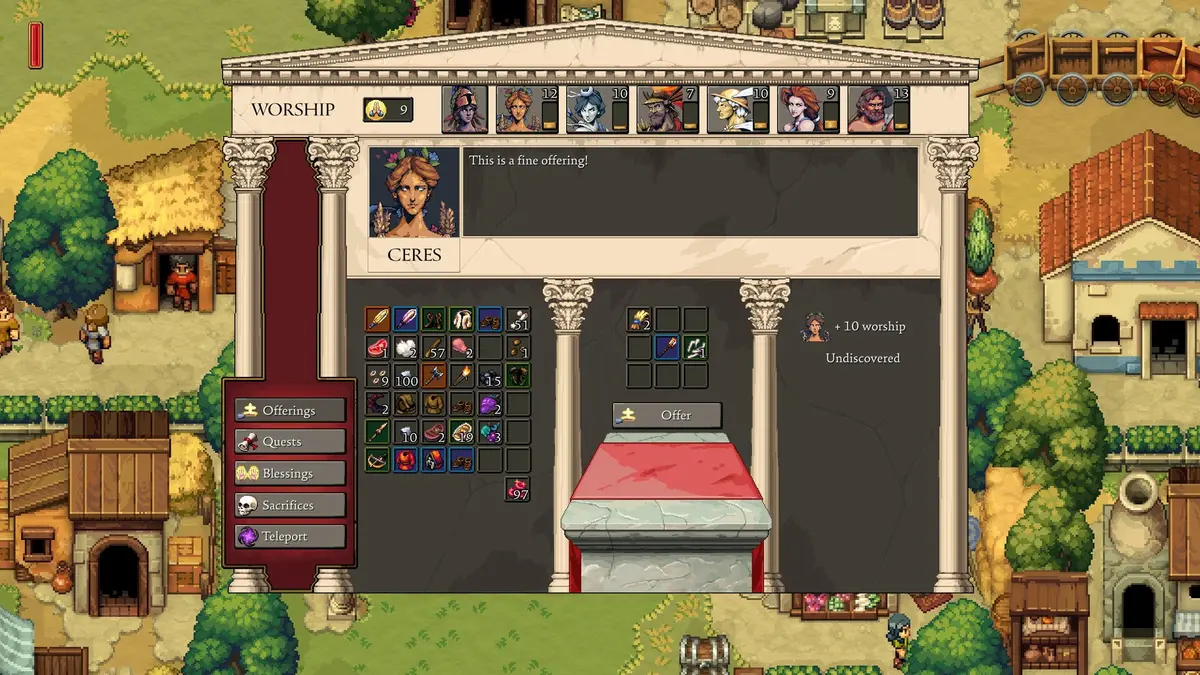
If you are looking to mod Romestead, the honest picture in Early Access is this: there is no official Steam Workshop support yet, but an active community-driven modding scene already exists through Nexus Mods and a BepInEx-style loader. This guide explains exactly what is (and is not) supported today, how community mods are installed, and what to expect as the game matures — without pointing you at anything that isn’t real.
Romestead is a top-down pixel-art survival and town-builder with 1–8 player co-op from developer Beartwigs (publisher Three Friends), released into Steam Early Access on May 25, 2026 (Steam App ID 1805320). Because it is early in development, the modding situation is evolving — always re-check the official Romestead Discord and wiki before relying on any specific mod or method.
Is there official Steam Workshop support?
No — not at this stage. Romestead does not currently have Steam Workshop integration. In pre-launch developer discussions, the team indicated Workshop support is possible and likely down the line but had not yet been worked on. Treat that as community-reported rather than a firm promise, and don’t expect a one-click Workshop “Subscribe” button in the current build. If Workshop arrives, it will most likely come as the game moves toward its 1.0 release.
What that means practically: there is no server-side Workshop modding for Romestead, and the mods that do exist are distributed and installed manually through the community, as described below.
Where Romestead mods actually live: Nexus Mods
The current home of Romestead modding is Nexus Mods, where the community has built up an active catalogue. Rather than name specific mods that may be renamed, updated, or removed, it’s more useful to know the broad categories you’ll find there:
- A mod loader — a BepInEx-style ModLoader that other mods depend on. This is the foundation you typically install first.
- Cheat / trainer menus — since the game has no officially documented in-game developer console (see below), players who want cheats use community cheat-menu mods that add functions like resource or energy tweaks.
- Quality-of-life and tweak mods — various smaller adjustments to gameplay and resources.
Browse the Romestead section on Nexus Mods to see the current, up-to-date list — because this is a young game, the specific mods available change frequently, so the live Nexus page is always the source of truth rather than any static list.
How to install Romestead mods
There are two common install routes, both community-reported. Verify the exact steps and any required loader version on the specific mod’s Nexus page before you start.
1. Nexus auto-installer
Many Romestead mods ship with an auto-installer that detects your Steam installation path and places the files for you. This is the simplest option if a mod offers it — download, run, and point it at your game if it doesn’t find the folder automatically.
2. BepInEx loader + plugins folder
The more general method mirrors how mods work in many Unity/MonoGame titles: install a BepInEx loader into the game directory, then drop the mod into the loader’s plugins folder. Romestead is widely reported by the modding community to be built on MonoGame (C#/.NET), which is consistent with a BepInEx-style approach and with the dedicated server shipping as a .NET Server.dll.
Check the loader version each mod requires (for example, a specific BepInEx 6 build) on its Nexus page — installing the wrong loader version is the most common reason a mod silently fails to load.
Mods are client-side — what that means for co-op and servers
The community mods available today are client-side, intended for single-player or listen-server (host-from-game) play. There is no official server-side mod framework, so you can’t load these mods onto a Romestead dedicated server the way you would with a game that supports server mods. If you’re playing co-op and want everyone to have a mod’s effects, each player generally needs it installed locally, and you should expect the usual caveats: mods can break after game updates, and mixing modded and unmodded clients can cause issues.
For more on how co-op hosting works — listen server versus dedicated — see our Romestead multiplayer and co-op guide. If you’d rather run a persistent world for your group without wrestling with any of this, our Romestead server hosting gives you an always-on dedicated world in a few clicks.
A note on cheats and the “console”
Because there is no officially documented in-game developer console in Romestead’s Early Access build, the cheat-menu mods on Nexus are currently the practical way to get cheat-style functions in single-player. Don’t confuse this with the dedicated-server console, which is real and documented (commands like save, stop, list, kick, and ban). We cover that fully in our Romestead console commands guide. The server config.json also has an EnableCheats option, but the official wiki lists it as “reserved for future use,” so it does not unlock a documented cheat command set yet.
Frequently asked questions
Does Romestead support Steam Workshop?
Not currently. Workshop support has been described by the developer as possible but not yet implemented. For now, mods come from Nexus Mods and are installed manually.
Where do I download Romestead mods?
From the Romestead section on Nexus Mods. It includes a ModLoader and a range of cheat-menu and tweak mods; the live page is the best source since the catalogue changes often in Early Access.
Can I put mods on my Romestead dedicated server?
There is no official server-side mod framework yet. The available mods are client-side, for single-player or listen-server play. Manage a dedicated server with its documented console commands and config.json options instead.
Will mods break when Romestead updates?
Likely, yes — in an actively developed Early Access game, updates often break community mods until the authors update them. Always check a mod’s Nexus page for the latest version and which game build it targets.
Ready to play?
Run your own Romestead Dedicated server with XGamingServer
Spin up an always-on Romestead Dedicated server your friends can join in minutes — no port-forwarding, no tech headaches.