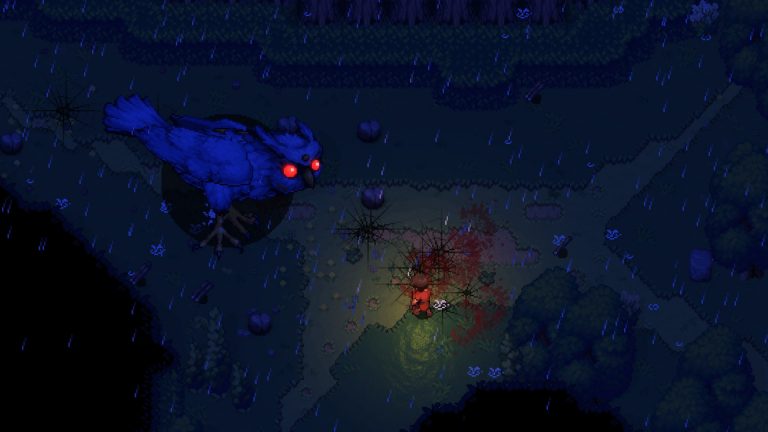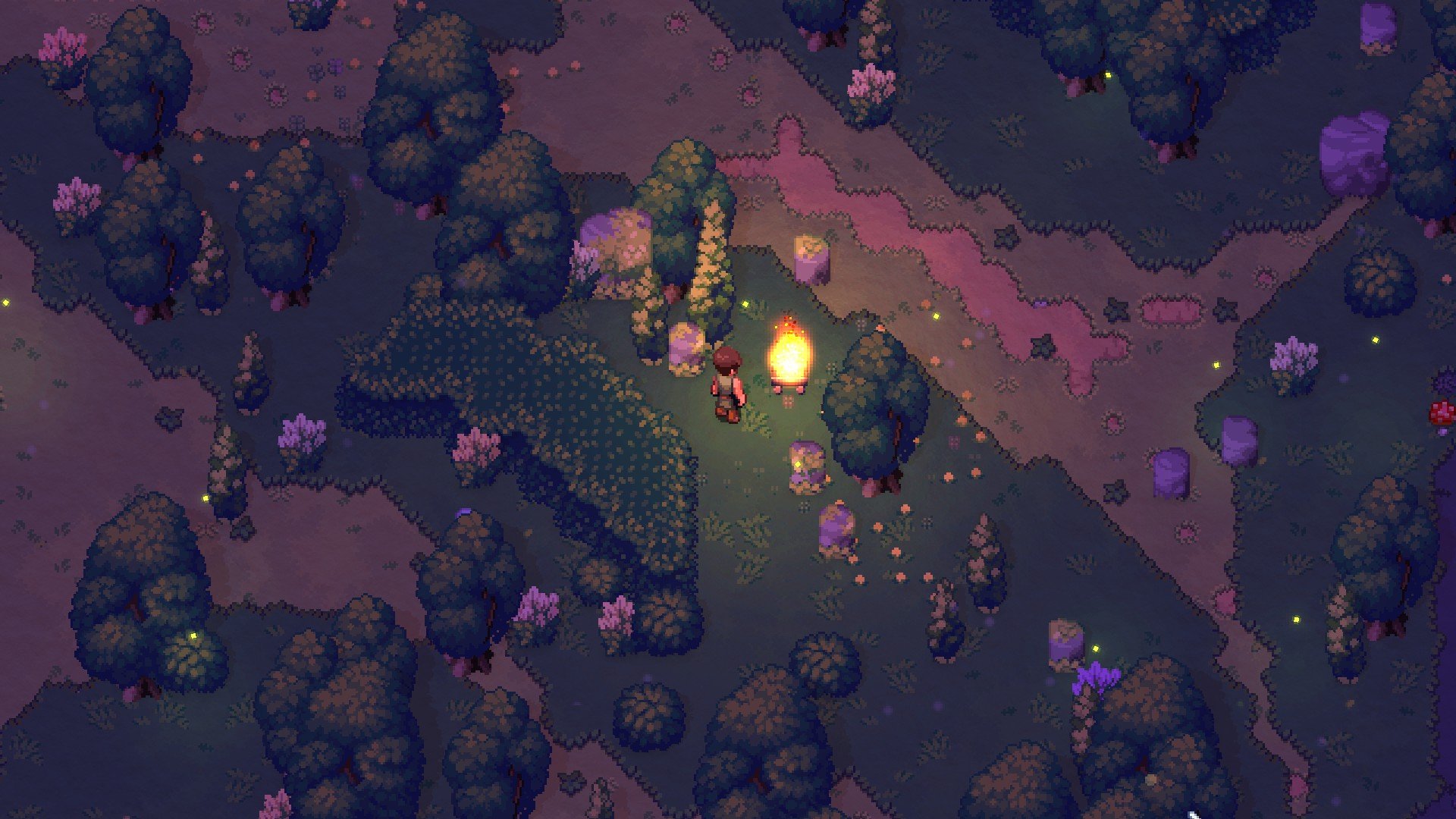
Romestead is a top-down, 2D pixel-art survival and town-builder set in the ruins of a fallen Roman Empire, where you rebuild civilization by day, fend off the undead by night, and earn favor with the Roman gods. It launched into Steam Early Access on May 25, 2026 (effectively May 26 in some regions), is built by Swedish studio Beartwigs, and is published by Three Friends. Crucially for anyone here, it supports co-op for 1-8 players both online and over LAN. This guide explains exactly how that co-op works in the current Early Access build, the two ways to host a shared world, and how to join one.
How co-op works in Romestead
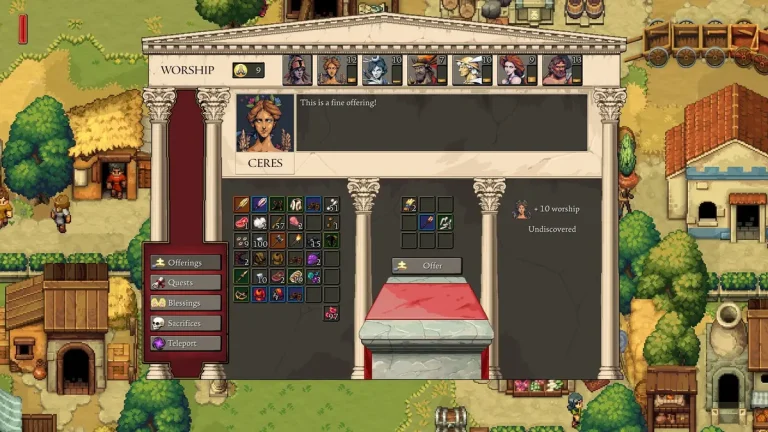
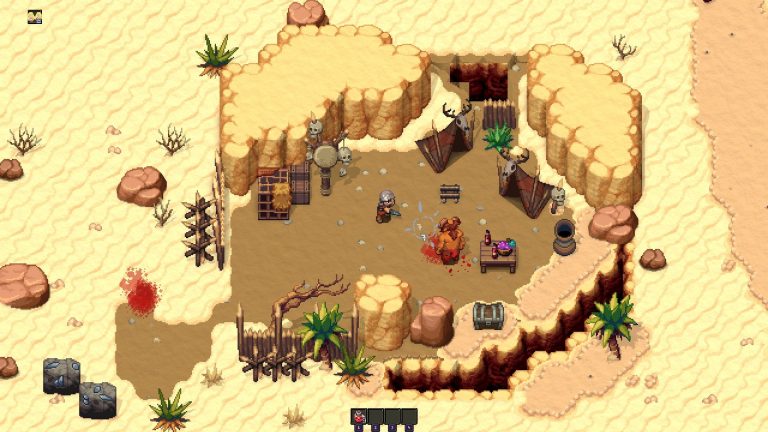
Romestead is playable solo or in co-op with up to 8 players (1-8). The Steam store page lists both online co-op and LAN co-op, plus Steam Cloud support. The cooperative loop is the classic survival-craft “host with friends” model: explore a procedurally generated world, gather and farm by day, clear handcrafted dungeons and points of interest, then defend your settlement together when the dead rise at night. A signature mechanic threaded through this is Roman mythology progression, where you earn favor with the gods through offerings and heroic deeds for gameplay advantages as your town expands.
One important caveat: Romestead is PC/Steam only at this stage. There are no console versions, so there is no cross-platform play to configure. Everyone in your group needs the game on Steam. (Steam-only availability is confirmed; no source explicitly addresses cross-play, so treat the “no cross-play” point as a consequence of being Steam-only rather than a documented feature.)
Two ways to host: listen server vs dedicated server
There are two distinct hosting models in Romestead, and choosing between them is the single most important decision for a co-op group. The difference comes down to one thing: does your world need to stay up when nobody is the “host”?
| Aspect | Listen server (host-from-game) | Dedicated server |
|---|---|---|
| Setup effort | Zero install — host from the game | Install via SteamCMD (appID 4763510) |
| World uptime | Only while the host player is online | Persistent — no host player needed |
| How others join | Steam invite or join-by-IP | Join by IP (and password if set) |
| Runs on | The host’s PC (Windows) | Windows or Linux |
| Best for | Quick sessions with friends online together | Always-on group worlds, communities |
Listen server (peer-to-peer, hosted from the game)
The simplest option: one player chooses to host a world from inside the game, and the others join via a Steam invite or by entering the host’s IP. It needs zero separate installation. The trade-off is that the world only exists while that host player is online — close the game and the world goes down for everyone. This is ideal for friends who tend to play at the same time and don’t need a 24/7 world.
Dedicated server (persistent)
Romestead ships an official dedicated server, distributed through SteamCMD. It runs a persistent world that stays up with no host player online, so people can come and go around the clock. Players join by IP and a password if you’ve set one. This is the right model for an ongoing group, a Discord community, or anyone who wants their progress to survive when everyone logs off. If you’d rather not manage the box yourself, a managed Romestead server hosting plan handles the install, ports, and always-on uptime for you.
How to set up a dedicated server
The official Romestead Wiki documents the dedicated server setup, and the facts below are taken from it. The server is cross-platform: there are native binaries for Windows (Server.exe) and Linux (Server.dll, run via dotnet). It is not Windows-only, and no Wine is required on Linux. The .NET 8 Runtime is required (the standard runtime is enough — ASP.NET Core runtime is not needed); on Linux you’ll also want the curl and expect packages.
Note the App IDs are different: the game itself is 1805320, but the dedicated server downloads under 4763510. Pull it with SteamCMD using anonymous login:
steamcmd +login anonymous +app_update 4763510 validate +quitOn Linux you then launch the server with:
dotnet Server.dllThe default port is UDP 8050 — forward and allow it on your firewall and router. Configuration lives in a config.json file. These are the documented options:
AutoStartWorldName— world to load on startupAutoCreateAndLoadWorld— auto-create a world without menu navigationAutoCreateWorldSize—0= Small,1= Standard,2= LargePassword— server access passwordPort— listening port (default 8050)MaxPlayers— concurrent player limitEnableCheats— reserved for future use
For a step-by-step walkthrough with the full directory layout, see our Romestead server documentation, or the deeper guide to installing a Romestead server on Linux.
Managing a running server: console commands
The dedicated server has its own console (the panel Console tab or an attached terminal). These commands are documented on the official wiki and run on the server, not in a player’s game client:
stop/quickstop— shut down with / without savingsave/quicksave— manual savelist— show connected playerssay— broadcast a message to playerskick/ban/unban— player management
One honest caveat: there is no officially documented player-facing developer console in the current Early Access build. The wiki does not document an in-game cheat, spawn, or admin command list for the game client, and the server-side EnableCheats option is explicitly listed as “reserved for future use.” Claims floating around third-party sites about a misc.json toggle, a backslash key, or .ui/.imgui commands are unverified — don’t rely on them. If you need admin tools right now, manage the world through the server console commands above, and check the in-game settings or the official Romestead Discord for any newer console toggle. Our Romestead console commands reference tracks what’s actually confirmed.
A note on mods in co-op
Romestead does not support the Steam Workshop. The modding scene that exists today is community-driven: there’s an active Nexus Mods community with a BepInEx-style ModLoader plus various mods (cheat menus, resource tweaks, all-in-one packs). These mods are client-side, intended for single-player or listen-server play — there is no server-side Workshop modding for Romestead. If you want to mod, see our Romestead mods guide, and re-check the exact loader version on the specific mod’s Nexus page before installing, since these are community projects that change.
What you need to play
The game client is Windows-only. Steam lists these requirements (the dedicated server, by contrast, is cross-platform per the section above):
| Tier | Specs |
|---|---|
| Minimum | Windows 10 (64-bit), Intel Core i5, 8 GB RAM, DirectX 11, 2 GB available space |
| Recommended | Windows 10 (64-bit), Intel Core i7, 16 GB RAM, DirectX 11, broadband internet, 4 GB available space |
Steam does not specify a GPU model in either tier — only DirectX 11 — so any DirectX 11-capable GPU should work. There are no listed Linux or macOS client requirements. For the full breakdown, see our Romestead system requirements guide.
Frequently asked questions
How many players can play Romestead co-op?
Up to 8 players (1-8), per the Steam store page. The game supports both online co-op and LAN co-op.
Does Romestead have cross-play?
Romestead is PC/Steam only at this stage, with no console versions, so cross-platform play isn’t applicable — everyone needs the game on Steam.
Do I need a dedicated server to play with friends?
No. You can host a listen server straight from the game and invite friends via Steam or join-by-IP, with zero install. The catch is the world only stays up while the host is online. A dedicated server (SteamCMD appID 4763510) keeps the world persistent without a host player — see our Romestead overview for whether that effort is worth it for your group.
What port does the Romestead dedicated server use?
The default is UDP 8050. Forward and allow it on your firewall and router, or set a different value with the Port option in config.json.
Can I use mods on a co-op server?
There’s no Steam Workshop and no server-side modding for Romestead. The available mods come from Nexus Mods (a BepInEx-style ModLoader) and are client-side, suited to single-player or listen-server play.
Ready to play?
Run your own Romestead Dedicated server with XGamingServer
Spin up an always-on Romestead Dedicated server your friends can join in minutes — no port-forwarding, no tech headaches.