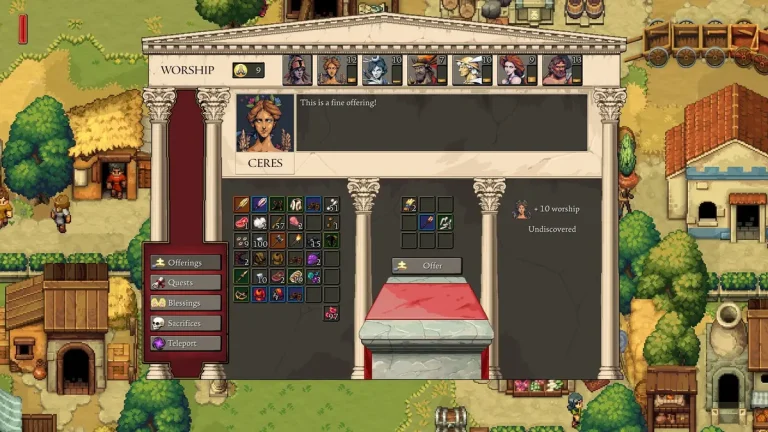
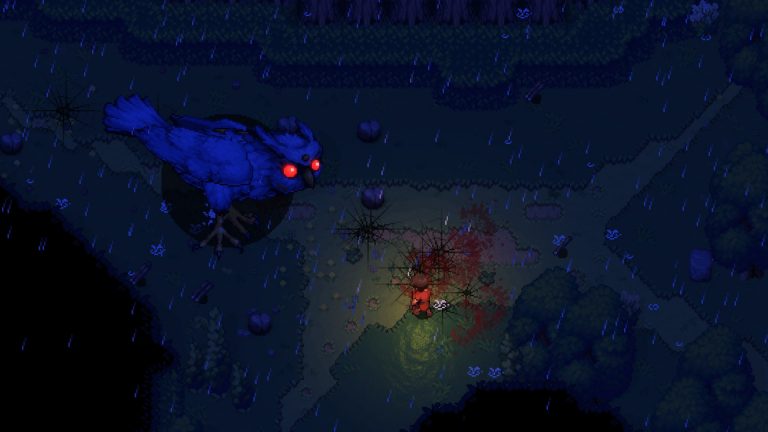
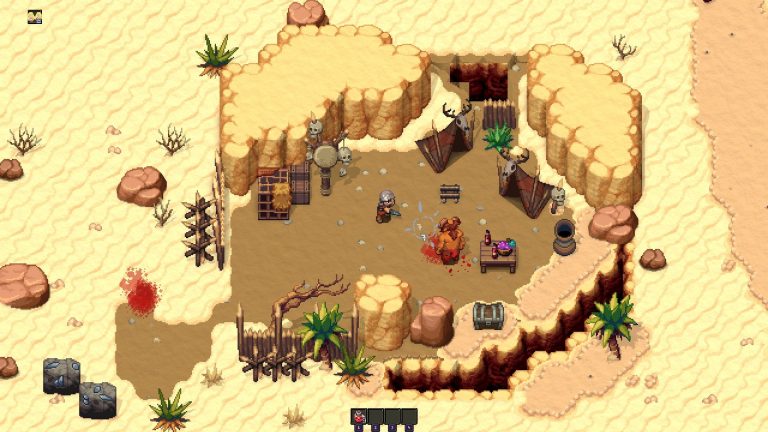
Romestead is a top-down 2D pixel-art survival and town-builder set in the ruins of a fallen Roman Empire, where you rebuild civilization by day and fend off the undead by night. It launched into Steam Early Access on May 25, 2026, developed by Beartwigs and published by Three Friends. Because it is a 2D game running on a lightweight engine, its hardware demands are modest by survival-game standards. This guide breaks down the official Steam system requirements, explains what each spec actually means in practice, and covers what you need for smooth co-op with up to 8 players.
Official Romestead system requirements
The specs below are taken verbatim from the official Steam store page for Romestead. Note that the Steam listing does not name a specific graphics card in either tier — it only requires DirectX 11 support. The game client is Windows-only.
| Component | Minimum | Recommended |
|---|---|---|
| OS | Windows 10 (64-bit) | Windows 10 (64-bit) |
| Processor | Intel Core i5 | Intel Core i7 |
| Memory | 8 GB RAM | 16 GB RAM |
| Graphics | DirectX 11 (no model specified) | DirectX 11 (no model specified) |
| DirectX | Version 11 | Version 11 |
| Network | — | Broadband Internet connection |
| Storage | 2 GB available space | 4 GB available space |
That’s it — no listed GPU model, no Linux or macOS client requirements. If you have a reasonably modern Windows PC, you almost certainly clear the bar. The bigger question for most players is not “can I run it?” but “will it run smoothly in co-op?”, which we get into below.
What these specs actually mean
Operating system: Windows 10 64-bit (client is Windows-only)
Both tiers list Windows 10 (64-bit). The Steam page does not list a Linux or macOS client, so the playable game client is effectively Windows-only at this stage of Early Access. This is an important distinction: while the client is Windows-only, the official Romestead dedicated server is cross-platform and ships native binaries for both Windows and Linux. So you can run a Linux server and still need a Windows PC to actually play.
Processor: Core i5 (min) to Core i7 (recommended)
Steam lists generic Intel families rather than specific generations, which means almost any modern i5 or i7 (or an AMD Ryzen equivalent) will be fine. In a top-down survival sim, the CPU does most of the heavy lifting — world simulation, enemy AI during night raids, crafting and farming systems, and synchronising state across co-op players. A stronger CPU (the recommended i7) matters most when the world is busy: a large town, a full 8-player session, or a heavy night-time wave of undead.
Memory: 8 GB (min) vs 16 GB (recommended)
8 GB is enough to boot and play, but 16 GB is the recommended target and the more comfortable choice if you also keep Steam, a browser, Discord, and other apps open while playing. RAM headroom also helps when you join larger procedurally generated worlds or host a listen server from your own machine, since you’re then running both the game and the host process locally.
Graphics: any DirectX 11-capable GPU
This is the most reassuring spec. Steam does not specify a graphics card model in either the minimum or recommended tier — it only requires DirectX 11 support. For a 2D pixel-art game, that’s expected: the rendering load is light, so integrated graphics on a modern laptop or any dedicated GPU from the last decade should handle it. Do not trust any guide that quotes a specific “required GPU” for Romestead; that figure isn’t on the official page, and we won’t invent one here.
Storage: 2 GB (min) to 4 GB (recommended)
The install footprint is tiny by 2026 standards — Steam lists 2 GB minimum and 4 GB recommended. The recommended figure leaves room for save files and the content Beartwigs adds over the Early Access period. An SSD isn’t required, but as with any game it will shorten load times.
Network: broadband for co-op
A broadband connection appears only in the recommended column, which lines up with Romestead’s co-op focus. Single-player has no online requirement, but for online co-op (up to 8 players) a stable broadband connection keeps the session smooth — especially if you’re the one hosting.
What you need for smooth co-op (1–8 players)
Romestead supports both single-player and online co-op for 1–8 players, plus LAN co-op and Steam Cloud. There are two ways to play together, and they put different demands on your hardware and connection:
- Listen server (host from the game): one player picks “host a world” and others join via Steam invite or by IP. This needs zero extra install, but the world only exists while the host stays online. The host’s PC runs both the game and the session, so the host benefits most from the recommended specs (i7, 16 GB RAM, broadband).
- Dedicated server: standalone server software runs a persistent world with no host player online. Players join by IP (and a password, if one is set). This offloads the hosting work entirely from any player’s machine — so each player only needs to clear the basic client requirements, while the dedicated server handles world simulation 24/7.
If your group keeps hitting hitches when one person hosts, the upgrade path is usually a managed Romestead server rather than a more powerful gaming PC. A dedicated host keeps the world online around the clock and removes the host-quits-everyone-disconnects problem entirely. For the full setup walkthrough, see our Romestead server documentation.
Dedicated server requirements are different
If you’re hosting your own dedicated server rather than playing, the requirements are a separate matter from the PC client specs above. A few confirmed facts from the official Romestead Wiki server setup guide:
- The dedicated server is cross-platform: native
Server.exeon Windows and aServer.dllrun viadotneton Linux (no Wine required). - It requires the .NET 8 Runtime. On Linux you also need the
curlandexpectpackages. - The server is distributed via SteamCMD under its own App ID — 4763510 — which is separate from the game’s App ID of 1805320.
- The default listening port is UDP 8050, which you’ll need to allow through your firewall and router.
Downloading the server through SteamCMD uses the standard anonymous-login command:
steamcmd +login anonymous +app_update 4763510 validate +quitFor the complete Linux install process, see our guide on how to install a Romestead server on Linux. If you’d rather not manage any of this yourself, our Romestead multiplayer and co-op guide walks through the listen-server vs dedicated-server trade-offs in more depth.
Frequently asked questions
Can I run Romestead on a low-end PC or laptop?
Most likely yes. The minimum requirements are an Intel Core i5, 8 GB RAM, a DirectX 11-capable GPU, and 2 GB of storage on 64-bit Windows 10. There’s no specific graphics card listed, so integrated graphics on a modern laptop should be enough for a 2D pixel-art game. If you’re unsure, check your machine against the minimum column above.
Does Romestead have a Mac or Linux client?
No. The Steam page lists only Windows 10 (64-bit) requirements, so the playable game client is Windows-only. The dedicated server, however, is cross-platform and runs natively on both Windows and Linux — but that’s for hosting, not for playing.
What GPU does Romestead need?
Steam does not specify a graphics card model in either the minimum or recommended tier. The only graphics requirement listed is DirectX 11 support. Any DirectX 11-capable GPU should work; be wary of third-party sites that quote an exact card, as that figure isn’t on the official page.
How much RAM do I need for co-op?
8 GB meets the minimum, but 16 GB is recommended and the more comfortable choice — especially if you’re hosting a listen server from your own machine, since that runs both the game and the session locally. Players joining a dedicated server only need to meet the basic client specs, because the server handles the heavy work.
Will the requirements change as Early Access progresses?
Possibly. Romestead is in Early Access, and Beartwigs has said it expects 1–2 years in EA with more biomes, bosses, progression tiers, and performance work still planned. Specs can be revised over a game’s EA lifetime, so it’s worth re-checking the official Steam store page before a major update, and checking the official Discord or wiki if you want the latest details.
Ready to play?
Run your own Romestead Dedicated server with XGamingServer
Spin up an always-on Romestead Dedicated server your friends can join in minutes — no port-forwarding, no tech headaches.