Every factory in Satisfactory lives or dies by its logistics. You can have the perfect recipe and a wall of Constructors, but if items can’t reach the machines fast enough, your throughput collapses. This guide covers the fundamentals you actually need: how belts, splitters, and mergers behave, what each belt tier can carry, the difference between Smart and Programmable Splitters, and the long-running debate between manifolds and load balancers.
Belt, splitter, and merger basics
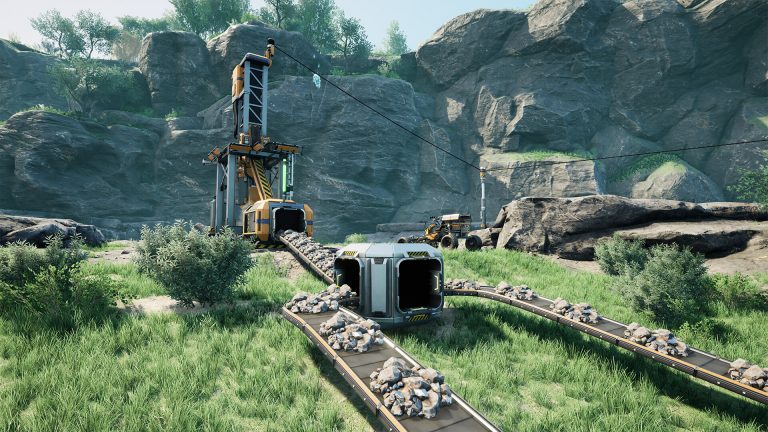
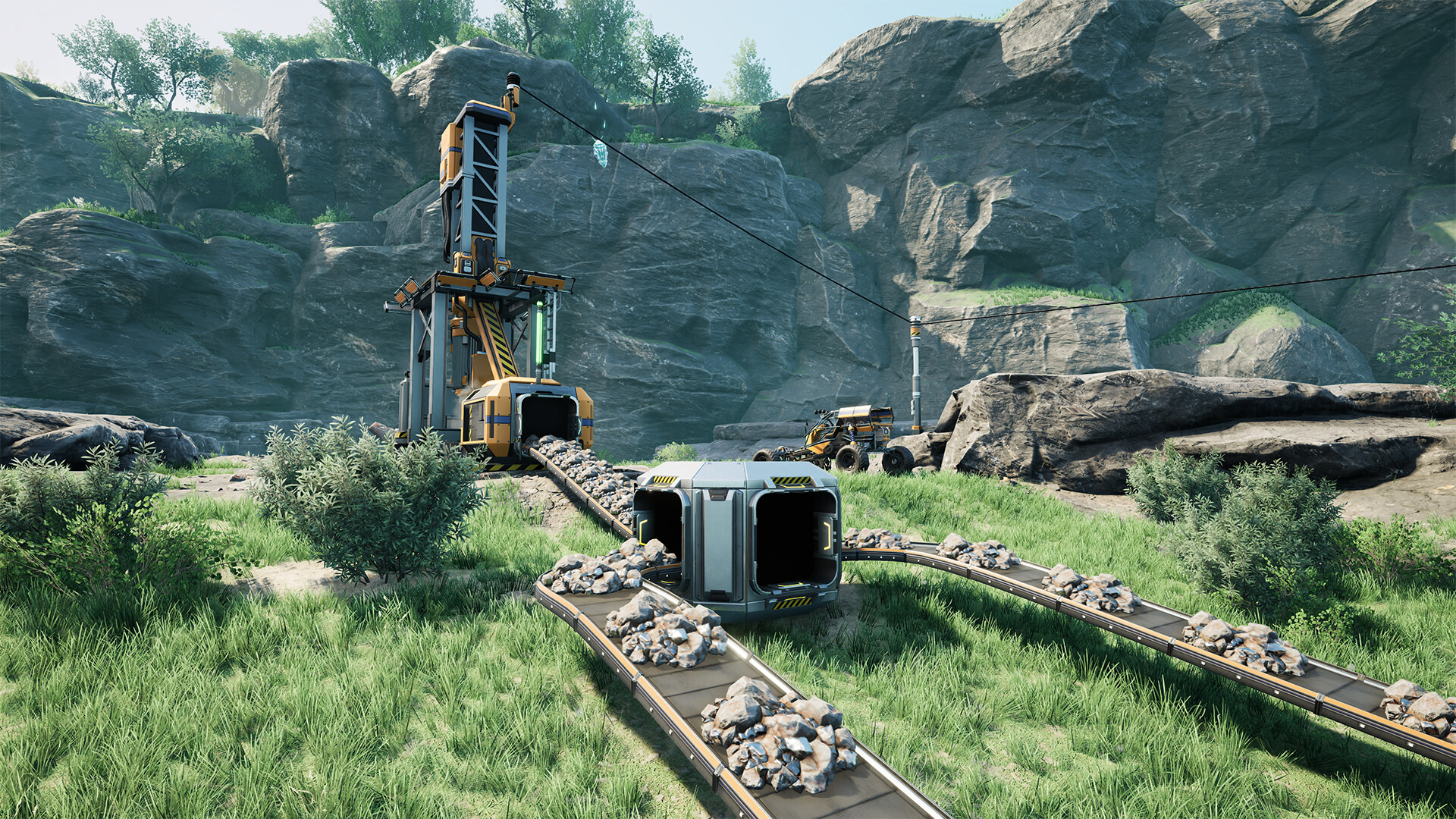
Conveyor Belts move solid items between buildings. They run at a fixed throughput depending on their tier, and an overloaded belt simply backs up rather than dropping items. Belts come in straight runs and Conveyor Lifts for vertical movement, both sharing the same per-tier throughput.
The basic Conveyor Splitter (unlocked in Tier 1 – Logistics) takes one input belt and feeds up to three outputs. It distributes items sequentially, and if any output is full, it spreads the incoming items evenly across the remaining outputs. The Conveyor Merger (also Tier 1) does the reverse: three inputs into one output. It pulls in a balanced way from whichever inputs have items, and if one input is empty or slower, it takes from the others instead. Both splitters and mergers internally run far faster than belts can deliver, so they’re rarely the bottleneck themselves; the belt feeding them usually is.
Belt throughput tiers
Each Logistics tier unlocks a faster belt. Knowing the exact numbers lets you match belt capacity to a machine line’s total output and avoid throttling. Here are the verified items-per-minute figures and where each Mark unlocks.
| Belt | Throughput (items/min) | Unlock |
|---|---|---|
| Mk.1 | 60 | Tier 0 (HUB Upgrade) |
| Mk.2 | 120 | Tier 2 – Logistics Mk.2 |
| Mk.3 | 270 | Tier 4 – Logistics Mk.3 |
| Mk.4 | 480 | Tier 5 – Logistics Mk.4 |
| Mk.5 | 780 | Tier 7 – Logistics Mk.5 |
| Mk.6 | 1200 | Tier 9 – Peak Efficiency |
A note on versions: the highest tier has shifted over the game’s development. Mk.6 at 1200/min was added in the 1.0 release, and earlier versions capped lower (Mk.5 was once 660/min before being raised to 780). If you’re following an older guide, double-check the belt numbers against your current build. The figures above reflect the released 1.0-era game.
The practical takeaway: a single belt can only carry up to its tier limit. If a line of machines produces more than 1200/min combined, no single belt can move it all, and you’ll need to split the load across multiple parallel belts.
Smart and Programmable Splitters
The two upgraded splitters add filtering, and both are unlocked through the Caterium research chain in the MAM rather than the standard milestone tree. The Smart Splitter lets you set one rule per output, choosing from five options:
- Any — behaves like a normal splitter output, distributing parts evenly with other Any outputs.
- None — the output is unused (the default on the side ports).
- Any Undefined — only items that don’t match a specific rule on another output pass through.
- Overflow — used only when no other suitable output is available, typically because the others are full.
- A specific item — only that item passes; its recipe must be unlocked to appear in the list.
Smart Splitters are the backbone of sorting mixed belts: route Iron Plates one way, Iron Rods another, and dump everything else into Any Undefined. The Overflow filter is especially handy paired with an AWESOME Sink — set excess production to overflow into the Sink so machines never back up and stall.
The Programmable Splitter goes further: it allows multiple item rules on each output instead of just one, with a large rule budget across all outputs. That makes it ideal for sorting heavily mixed (“sushi”) belts where each output needs to catch several item types. Anything a Programmable Splitter does can technically be replicated by chaining several Smart Splitters, but a single Programmable unit saves a lot of space and wiring.
Manifolds vs load balancers
This is the design choice that defines how you feed a row of machines. Both aim to keep every machine running, but they get there differently.
A manifold runs a single belt down a line of machines, with a splitter in front of each one tapping off what it needs. Because splitters fill sequentially, the machines closest to the source fill and start first, while machines at the far end have to wait for the upstream buffers to top off. Given enough time and sufficient input rate, every machine in a manifold reaches 100% efficiency — it just takes a warm-up period as the buffers saturate. Manifolds are compact, dead simple to build, and trivial to extend: just stretch the belt and drop another machine on the end.
A load balancer uses a network of splitters and mergers to divide the input into exactly equal shares so every machine receives its full rate immediately. There’s no warm-up: every machine hits 100% from the first item. The cost is complexity and footprint — balancers take more buildings, more space, and careful planning to get the ratios right, and they’re harder to expand later.
The general rule of thumb: use manifolds for fast, easy builds and anything you expect to extend (most early and mid-game factories), and reach for load balancers when you have a fixed, planned line and want every machine producing instantly with no buffer delay. For deeper layout strategy that builds on these patterns, see our factory layout tips, and pair good logistics with the right power setup so your lines never brown out.
Putting it together
Plan logistics around the math. Add up a machine line’s total throughput, pick a belt tier that can carry it (or split across belts when you exceed 1200/min), feed it with a manifold for simplicity, and bring in Smart or Programmable Splitters once you need to sort mixed belts or shunt overflow to the Sink. As you scale up across the map, belts give way to trains for long-distance hauling, and unlocking faster belts ties directly into your milestone progression. New pioneers should start with the beginner guide before optimizing.
Frequently asked questions
How many items per minute does the top-tier belt carry?
The Mk.6 Conveyor Belt carries 1200 items per minute, the fastest in the released game. If a single machine line outputs more than that, you need to split production across multiple parallel belts.
Are manifolds worse than load balancers?
No. A correctly fed manifold reaches 100% efficiency on every machine, it just needs a warm-up period while buffers fill. Load balancers hit full speed instantly but cost more buildings and space. Manifolds are usually the better default because they’re simple and easy to expand.
What’s the difference between a Smart and Programmable Splitter?
A Smart Splitter allows one rule per output (a specific item, Any, None, Any Undefined, or Overflow). A Programmable Splitter allows multiple item rules per output, making it far better for sorting heavily mixed belts. Both unlock via the Caterium research chain in the MAM.
Dialing in logistics is even more rewarding when you’re building together — spinning up a shared always-on Satisfactory server for you and your friends means the factory keeps humming even when you log off. For step-by-step setup and admin help, check the Satisfactory server documentation.
Ready to play?
Run your own Satisfactory server with XGamingServer
Spin up an always-on Satisfactory server your friends can join in minutes — no port-forwarding, no tech headaches.