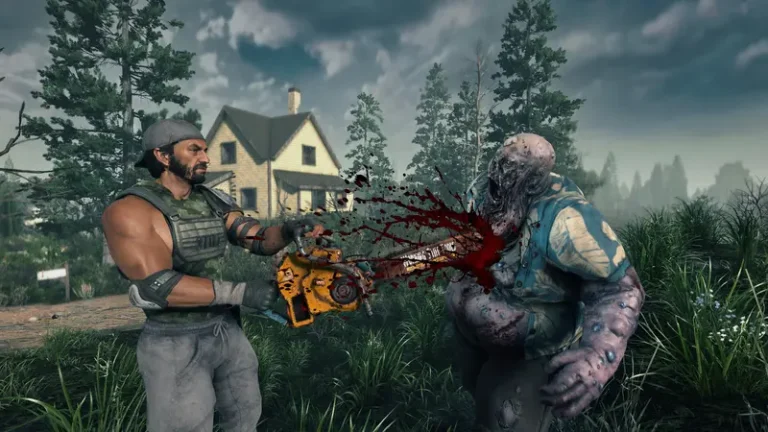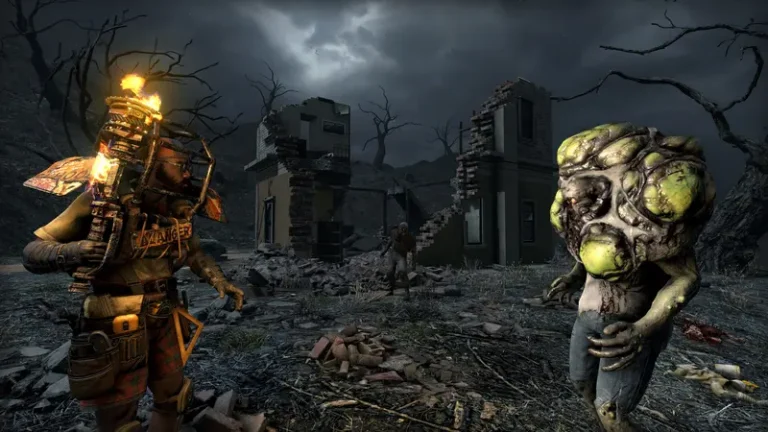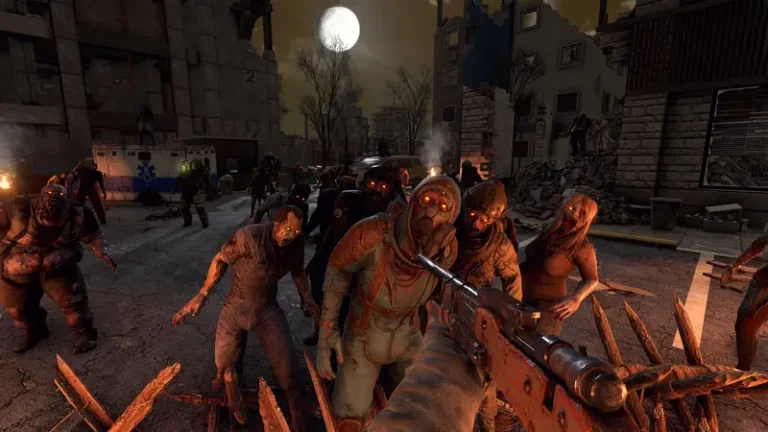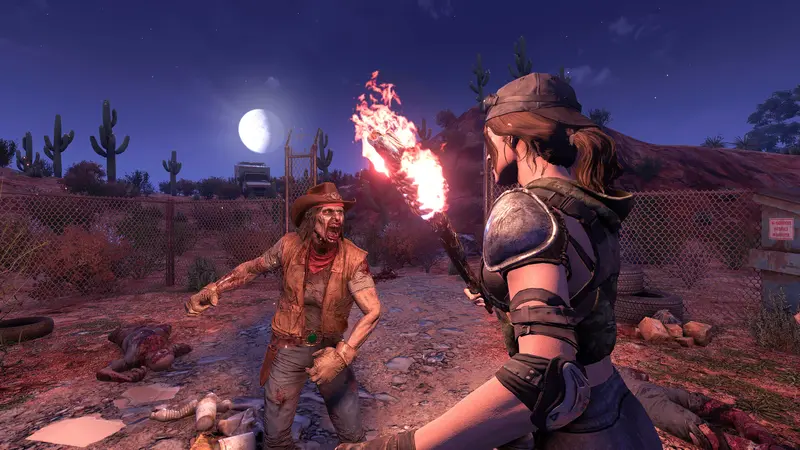
Undead Legacy is one of the most respected 7 Days to Die overhaul mods — a deep, systems-driven rework by Subquake that turns the game into a slower, more realistic survival sim. If you’re tired of vanilla and want depth over difficulty spikes, this is the overhaul to try. Here’s what it changes, which game version it runs on, and how to install it (including on a server).
What is Undead Legacy?
Undead Legacy (UL) is a large single-developer quality-of-life and immersion overhaul that’s been in development since Alpha 11 (first stable in 2017). Rather than making zombies brutally hard, it deepens crafting, inventory, and survival systems. Its headline changes:
- Redesigned UI & HUD with detailed item stats and customizable elements.
- Weight-based encumbrance replacing vanilla’s slot-based inventory.
- Research system — unlock schematics through research, separate from skill points.
- Multi-step crafting with reworked workstations and intermediate components.
- Weapon/tool durability & maintenance plus attachments (scopes, grips, suppressors).
- Vehicle overhaul — more vehicles, fuel consumption, component maintenance, repairable abandoned vehicles.
- Tool-based harvesting (e.g. a sickle for crops), a lockpicking minigame, expanded electricity and automation.
What game version does Undead Legacy run on?
This is the most important thing to know before you install: the stable release of Undead Legacy (2.6.17) is pinned to 7 Days to Die Alpha 20.7. It is not compatible with the 1.0 release or the newer V2.x / V3.0 “Dead Hot Summer” builds. To play it you must roll your game back to the A20.7 branch in Steam (right-click the game → Properties → Betas).
The mod isn’t abandoned — a next build (2.7) targeting the newer V2.x line is in development — but there’s no committed release date, so for now UL means playing on the older A20.7 branch. Always check Subquake’s official site for the current status before you start.
How to install Undead Legacy
- Back up your saves (
%APPDATA%\7DaysToDieon Windows). - Switch Steam to the A20.7 branch so the game version matches the mod.
- Install via the 7D2D Mod Launcher (easiest — it pins the right build), or manually extract the UL folders into the game’s
Modsdirectory. - Disable Easy Anti-Cheat. UL adds custom code, so EAC must be off or it won’t load (see our EAC guide).
- Start a fresh world — vanilla saves are not compatible.
Undead Legacy is free; Subquake has stated that any paid copy is a scam.
Running Undead Legacy on a server
For co-op, the mod must be installed on both the server and every client, all on the A20.7 branch with EAC off. It’s PC-only (EAC-off breaks console compatibility, so no crossplay). The community recommends 16 GB+ RAM for 8–16 players given the extra systems.
XGamingServer 7 Days to Die hosting lets you install an overhaul like UL server-side, set the branch, toggle EAC, and manage your world from the panel — with instant setup and 24/7 support.
FAQ
Why won’t Undead Legacy work on 1.0 or the current game? Stable UL is locked to Alpha 20.7. Switch to the A20.7 Steam beta branch to play it; V2.x support is coming only with the unreleased 2.7 build.
Do I need EAC off? Yes — EAC must be disabled or the mod won’t load.
Can I add it to an existing save? No. Undead Legacy requires a fresh world.
Is it harder than vanilla? It’s deeper rather than harder — more crafting and management, a steeper learning curve, but it’s an immersion/realism overhaul, not a combat-brutality one. If you want brutal, see Ravenhearst.
Ready to play?
Run your own 7 Days to Die server with XGamingServer
Spin up an always-on 7 Days to Die server your friends can join in minutes — no port-forwarding, no tech headaches.