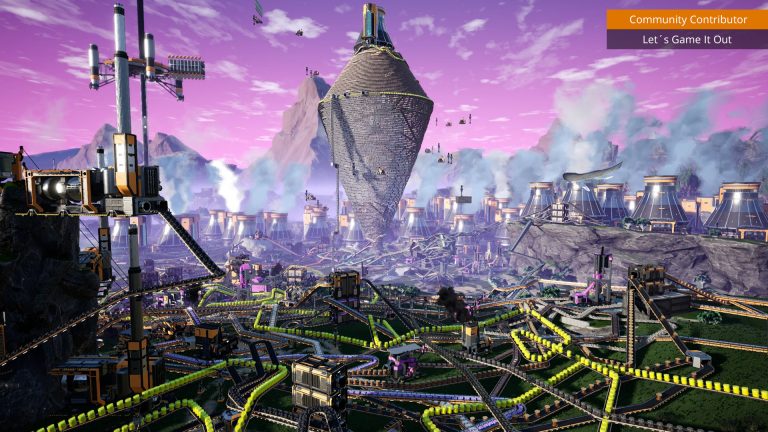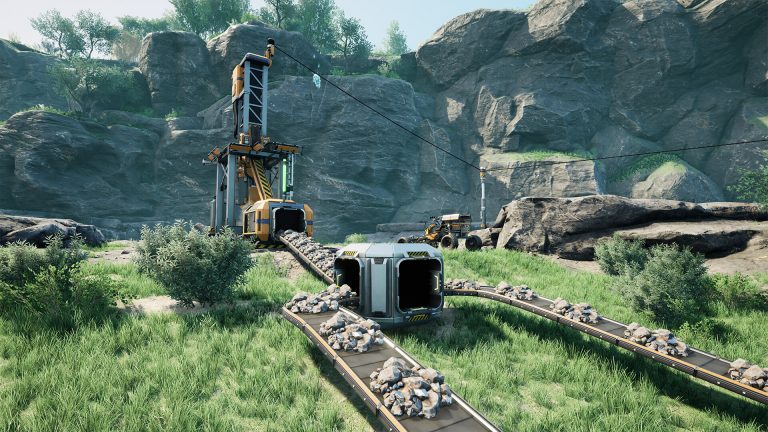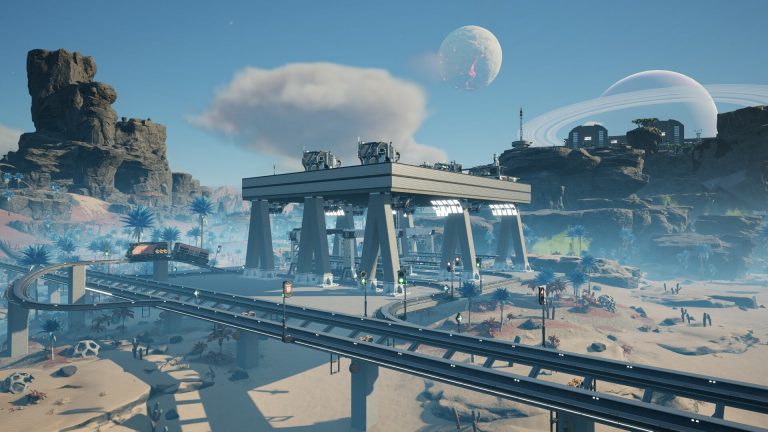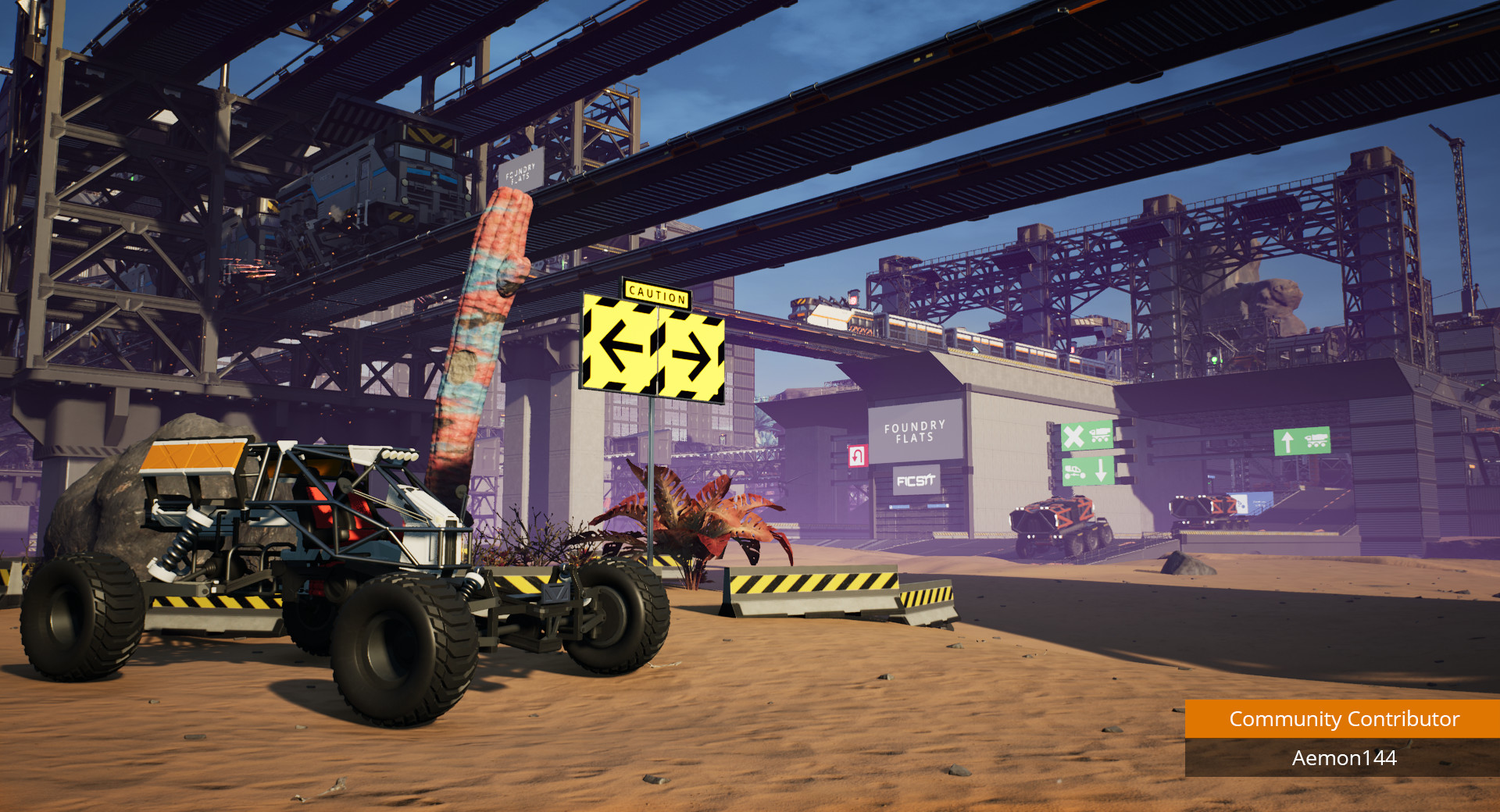
Belts are wonderful right up until you need to move steel across half the map. That is where trains earn their keep. Once your factory sprawls across multiple biomes, the Railway becomes the backbone of late-game logistics: a single rail line can carry far more material than a wall of conveyors, and it does so over distances belts could never reasonably cover. This guide walks through building rail, setting up stations and freight platforms, and the part that trips up almost everyone — train signals and how to keep your network from grinding to a deadlocked halt.
Unlocking and building rail
The Railway, Train Station, Freight Platform, Freight Car and Electric Locomotive all unlock together at Tier 6 — Monorail Train Technology. Train signals come slightly later in the same tier, under Railway Signalling. If you are still working toward this point, our Satisfactory progression guide covers milestones, tiers and the Space Elevator path that gets you there.
Rail is built much like other structures. Each segment costs Steel Pipe and Steel Beam — the first 18 m needs one of each, then one of each per additional 12 m. Track is 6 m wide, and segments can run from 12 m up to 100 m long. You can lay rail directly on the ground or snap it to foundations, ramps, stations and platforms. Snapping to foundations is strongly recommended: it keeps grades consistent and turns predictable.
Two construction limits matter. The minimum turning radius for a clean 90-degree turn on foundation is about 17 m measured at the track center, so leave room for sweeping curves rather than tight corners. Inclines are also restricted — starting and ending on flat foundations, the maximum slope is roughly 28 m of rise over 94.5 m (about 1:3.375), and you can push that steeper using ramps or beams. Locomotives hate hills, so flatter is faster.
Stations, freight cars and platforms
A Train Station is where automated trains stop to load and unload. Crucially, stations are directional: a train on autopilot only stops when approaching from the arrow-indicated direction and passes straight through from the other side. The attached track also doubles as a power line — a station feeds power to all of its connected platforms and links other stations on the same network. That means your Electric Locomotive draws power from the rail itself rather than carrying fuel.
Behind the station you snap Freight Platforms in a continuous straight line. Each solid platform has 48 item slots with two inputs and two outputs; fluid platforms hold 3,200 m³ instead. A platform is set to LOAD or UNLOAD with a single toggle — there is no “do both in one stop” mode, so a station that fills inbound trains and empties outbound ones needs platforms set in their respective directions. During a transfer the connected belts pause briefly (the load/unload cycle runs about 27 seconds), so size your buffers accordingly.
The cargo itself rides in Freight Cars, each holding 32 item slots of solids or fluid (2,400 m³ as of Patch 1.2). An Electric Locomotive pulls the train, requiring between 25 and 110 MW — it draws the 25 MW minimum at all times, even parked, and spikes toward 110 MW while accelerating under load. On perfectly flat rail one locomotive can haul a very long train, but even gentle inclines slash that capacity dramatically, which is another reason to keep grades shallow. Trains are automated through a saved timetable: drag stations into the schedule, set load/unload behavior per stop, and save. Note that a schedule with only one station will not loop.
| Component | Key figure | Notes |
|---|---|---|
| Railway segment | 6 m wide, 12–100 m long | Steel Pipe + Steel Beam per segment |
| Freight Car | 32 slots / 2,400 m³ fluid | Solids or fluid, never both at once |
| Solid Freight Platform | 48 slots, 2 in / 2 out | Toggles LOAD or UNLOAD only |
| Electric Locomotive | 25–110 MW | Powered by the rail itself |
| Signals + Railway | Tier 6 | Monorail Train Tech + Railway Signalling |
Block signals vs path signals
Signals are the single most important concept once you run more than one train. Without them, two trains sharing a line will collide. Both signal types are crafted from 2 Steel Pipe and 1 Computer, and both can only be placed on track, snapping to joints. They are also directional — a train cannot move against a signal, so bidirectional lines need signals facing both ways.
Block Signals divide a track into “blocks” — the stretch of rail between two signals. If any part of a train occupies a block, every block signal entering it turns red, locking other trains out until it clears. Blocks need at least one entry and one exit signal, and all entry signals on a block must be the same type. Block signals shine on straight double-track runs and at stations.
Path Signals are smarter. Instead of reserving an entire block, they use a path reservation system: multiple trains can enter the same junction simultaneously as long as their reserved paths do not intersect. Path signals also look ahead to the next signal so a train never stops mid-intersection blocking everyone behind it. A train station cannot sit inside a path block. The practical rule: use path signals at merges, crossings and any junction, and block signals on the simple straight sections between them.
Avoiding deadlocks
A deadlock happens when trains reserve overlapping space and each waits forever for the other. The fixes are mostly about discipline:
- Guard every junction with path signals, not block signals. The wiki specifically flags that block signals can misbehave at merges, sometimes letting two trains in at once. Path signals were built for exactly this case.
- Make blocks at least as long as your longest train. A train that overhangs into the next block can never fully clear, freezing the line behind it.
- Prefer two-way (double-track) mainlines with dedicated directions over single shared track. Bidirectional single track demands signals facing both ways and is far easier to deadlock.
- Keep junctions level. Path signals on sloped track can incorrectly clear colliding trains, so put crossings on flat foundation.
- Place a signal just past every station exit so a waiting train clears the junction behind it rather than blocking the main line.
For the broader logistics picture — when to reach for trains versus belts, drones or trucks — pair this with our belts, splitters and manifolds guide and the factory layout tips. Powering a sprawling rail network reliably is its own challenge, covered in the power guide.
FAQ
When should I switch from belts to trains?
Trains pay off for long-distance bulk transport — moving large volumes of ore, ingots or fluids between distant biomes where a belt run would be impractical. For short hops within a factory, belts remain simpler and have no loading pauses. If you are just getting started, see the beginner guide first.
Do I need both block and path signals?
For a single train on its own loop, none are required. The moment a second train shares any track you need signals to prevent collisions. The standard pattern is path signals at every junction and crossing, with block signals breaking up the long straight sections in between.
Why does my train just sit there?
Usually a signal issue. Check that signals face the correct direction (they are directional), that the train’s path is not blocked by another train overhanging a short block, and that you actually saved the timetable — schedule changes only take effect once saved. Single-station schedules also will not loop.
Trains genuinely come alive in co-op, where one player lays the network while another wires up power and stations. If you want a persistent world that stays online for the whole group, you can run a dedicated Satisfactory server to build alongside friends, and our Satisfactory server setup docs walk through getting it configured. For exact recipe inputs as you scale up, the hard drives and alternate recipes guide is worth a look.
Ready to play?
Run your own Satisfactory server with XGamingServer
Spin up an always-on Satisfactory server your friends can join in minutes — no port-forwarding, no tech headaches.