
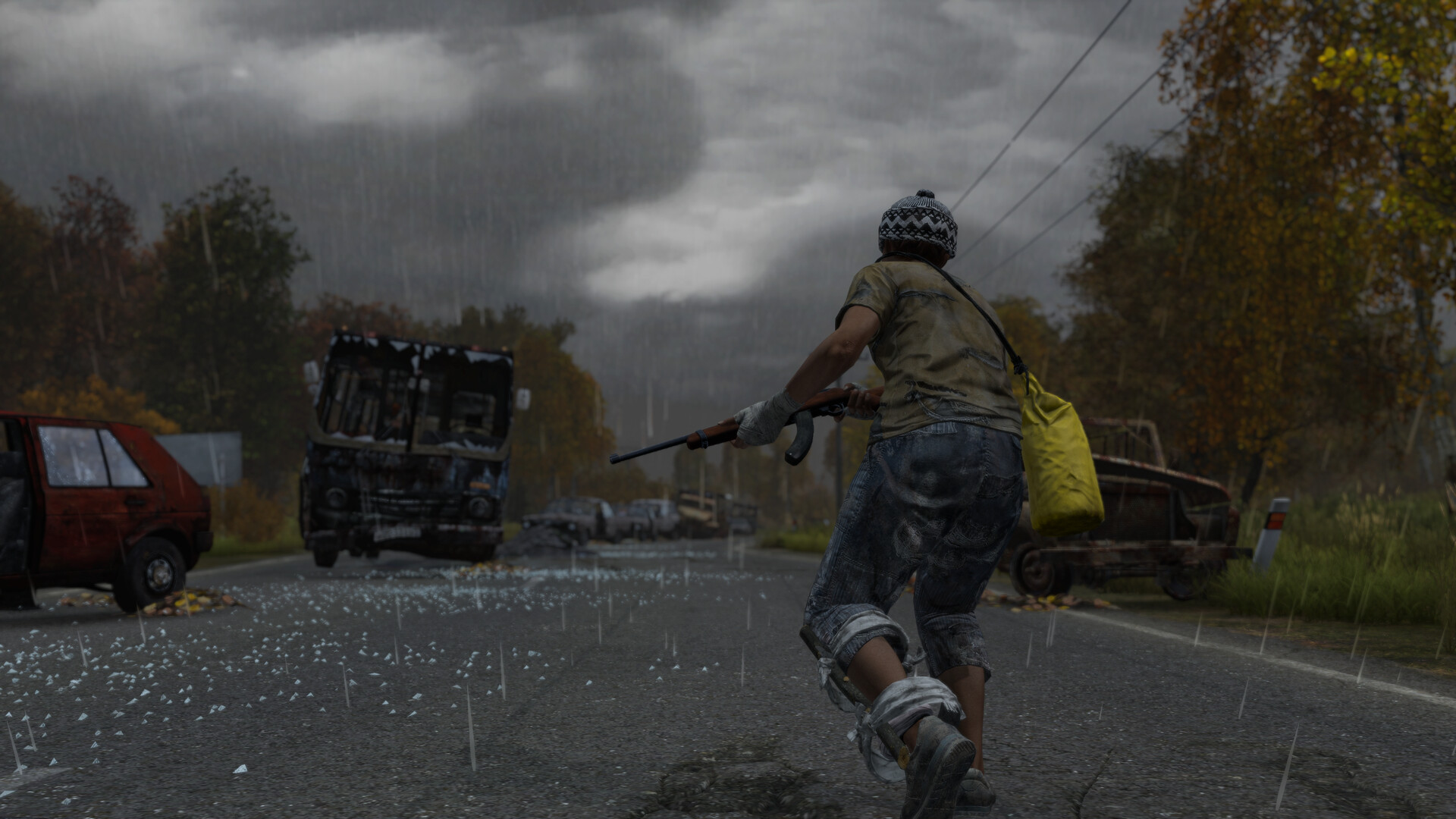
Namalsk is the legendary frozen wasteland of DayZ — a community mod so brutal that Bohemia Interactive later built an entire official winter map (Sakhal) inspired by its ideas. Before you set foot on the ice, it is worth knowing exactly what you are walking into: hourly storms that can knock you unconscious, cold that drains your health permanently, and a tiny, dense map where player fights start within minutes. This guide covers what Namalsk actually is, the mechanics that make it lethal, its key locations, and how to install and survive it.
What Is Namalsk? (A Community Mod, Not Vanilla DayZ)
Namalsk is a free community mod, not part of the base game. It was created by Adam “Sumrak” Franců — a modder whose Namalsk work dates back to Arma 2, and who is now the Creative Lead on DayZ itself. The DayZ Standalone version released on December 3, 2020, and it remains one of the most popular modded maps on PC. Because it is a PC mod, Namalsk is not available on consoles.
It is important to separate Namalsk from Sakhal, the official Frostline DLC winter map. They share a cold theme, but Sakhal is a paid official map (~105 km²) without Namalsk’s frostbite-sickness and EVR systems, while Namalsk is a much smaller, denser, free mod map with its own deep lore. Namalsk actually ships as two mods working together: Namalsk Island (the terrain) and Namalsk Survival (the code that powers frostbite, the EVR storm, and the endgame). The map loads without Survival, but the signature mechanics will not function.
The EVR Storm: Namalsk’s Signature Threat
The EVR storm is a recurring, server-wide event and the thing every Namalsk player learns to fear first. When one approaches, the game warns you: you hear eerie, distant children’s calls, and your screen shifts to a sepia tone and then a deep yellow. If you are caught in the open when it hits, you are knocked unconscious and take heavy damage — community sources describe losing roughly half your health — and you wake up injured seconds to minutes later.
There are two reliable ways to survive a storm. The first is shelter: get inside a building, close all the doors, go prone, and wait it out. The second is the APSI, a piece of headgear found around the Athena Research Institute (Athena 2). You wear it like night-vision goggles and activate it (the L key on default keybinds) when a storm begins; it shields you from the EMP-like waves but drains its battery heavily, so carry spares. Server admins can tune how often storms fire (some hardcore configs space them out to roughly every few hours), so timing varies between communities.
True Winter, Cold and Frostbite
Namalsk simulates what the community calls “True Winter.” It is significantly colder than vanilla Chernarus — you are effectively at the Arctic Circle — and without proper insulation you can suffer lasting health loss rather than just shivering. The frostbite sickness layer is specific to the Namalsk Survival mod and is one of the clearest differences from the official Sakhal map.
The underlying cold system still follows vanilla DayZ rules: clothing has insulation values driven by material, thickness, condition and wetness, and getting wet or wearing damaged gear sharply reduces warmth. Your first priorities on spawning are therefore warm layers, a heat source, and dry clothing. Fires are central — they warm you, dry your kit, and thaw frozen food, which on Namalsk often must be cooked or warmed before you can eat it. If you want the full breakdown of insulation, layering and the best warm kit, see our DayZ clothing, gear and backpacks guide.
Key Locations on Namalsk
Namalsk is small and dense, so locations matter more than on sprawling maps. Here are the verified landmarks worth knowing.
| Location | Role | Loot tier |
|---|---|---|
| Vorkuta | The map’s only city; main early-game hub with food, water and starter gear | Early-game |
| Northern Army Base | Accessible military area close to spawns, near a lake for fishing | Early / mid |
| Sebjan Dam | One of the few land bridges between north and south; a notorious PvP chokepoint | Mid-tier |
| Tara (industrial / harbor area) | Industrial zone; source of crafting filaments for the endgame space suit | Mid / industrial |
| Athena Research Institute | Late-game hotspot and major PvP zone; APSI, Pulsar Locator and high-tier loot | Late-game / high |
| Lantia | Hidden endgame area reached only via the portal sequence | Endgame |
Vorkuta in the north anchors most fresh-spawn runs because it holds the highest concentration of early loot. Sebjan Dam is where players funnel when crossing the map, making it a constant fight. Athena is the true prize: its two largest buildings and scattered barracks hold medical and military gear, and it is where the APSI and Pulsar Locator appear — but expect snipers. For general high-tier gear strategy beyond Namalsk, our DayZ best loot locations guide and weapon attachments guide are good companions.
The Endgame: Space Suit, Portal and Lantia
Namalsk has a genuine endgame quest. Players gather crafting filaments (sourced from the Tara industrial areas) and components to build the LEHS Mk3 space suit, locate a Pulsar Locator (found at Athena and the oil rig), and use a control panel deep inside Athena during an EVR storm to open a portal — reaching the hidden Lantia area for unique rewards. The exact recipe and steps are detailed and have shifted across mod updates, so treat the broad sequence as the verified part and confirm precise component lists against current in-game/wiki sources for your server’s version before committing a run.
How to Install and Play Namalsk
Because it is a mod, you play Namalsk through the DayZ Launcher on PC. The workflow is straightforward: subscribe to both the Namalsk Island and Namalsk Survival mods on the Steam Workshop, let them download, then launch the DayZ Launcher where they appear in your mod list. From the in-game server browser you can filter for Namalsk servers, which auto-load the correct mods when you join. You must own DayZ to play. For server-side setup, both mods must be installed on the server and listed in the mods field (for example @Namalsk Island;@Namalsk Survival), and the mission/config files matter for storm frequency and difficulty.
Survival Tips for Namalsk
- React to storm warnings instantly. The moment the screen yellows or you hear the children’s calls, get indoors, shut doors, and go prone — or switch on your APSI.
- Treat warmth as a constant resource. Carry the means to make fire, keep clothing dry, and avoid swimming unless necessary.
- Loot Vorkuta first, then push carefully. Build a warm, fed loadout in the north before challenging Sebjan or Athena.
- Expect PvP fast. The map is tiny, so contact comes quickly on busy servers — move with cover in mind.
- Use food sources. With supplies scarce, lakes and the coast make fishing and growing your own food valuable, and managing disease and sickness matters even more in the cold.
Frequently Asked Questions
Is Namalsk free, and is it on console?
Namalsk is a free community mod created by Adam “Sumrak” Franců. Because it is a mod loaded through the DayZ Launcher, it is PC-only and not available on consoles. The paid official winter map is Sakhal (the Frostline DLC), which is a separate thing.
How do I survive the EVR storm?
When the warning signs appear (children’s calls, the screen turning sepia then yellow), either get inside a building, close all doors and lie prone, or activate an APSI device. Caught in the open and unprotected, you will be knocked out and take heavy damage.
What is the difference between Namalsk and Sakhal?
Sakhal is the official, paid Frostline DLC map and is much larger. Namalsk is a smaller, free PC mod with its own lore, the EVR storm, frostbite sickness and a space-suit endgame quest — systems that Sakhal does not include. Namalsk’s compact size also makes it far more PvP-focused.
Namalsk rewards a coordinated group: someone watching for storms while others loot Athena, shared fires to fight the cold, and backup when Sebjan Dam turns into a firefight. If you and your friends want a persistent, always-on world to learn the ice on your own terms, running a dedicated DayZ server you control lets you set the storm frequency and difficulty, and our DayZ server setup documentation walks through installing community mods like Namalsk step by step.
Free DayZ Tools
Speed up your server with our free DayZ tools:
Ready to play?
Run your own DayZ server with XGamingServer
Spin up an always-on DayZ server your friends can join in minutes — no port-forwarding, no tech headaches.



