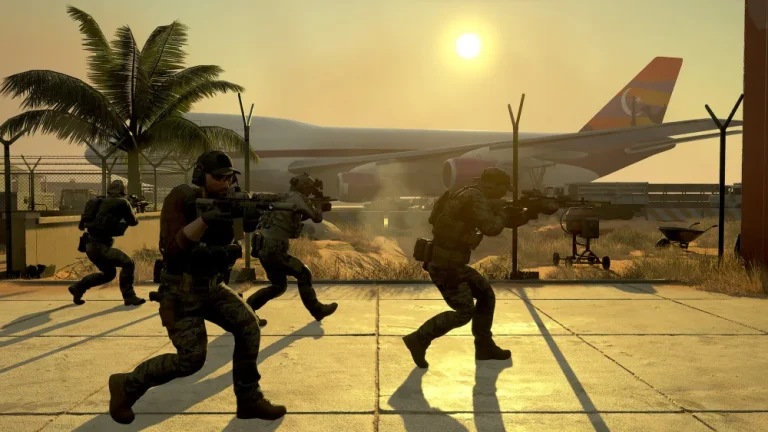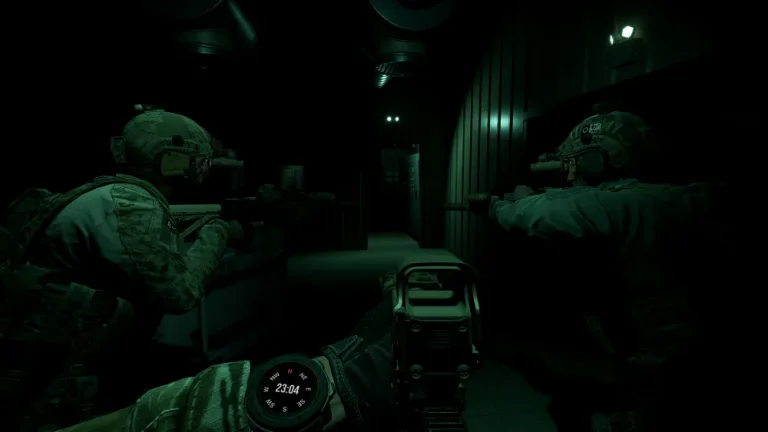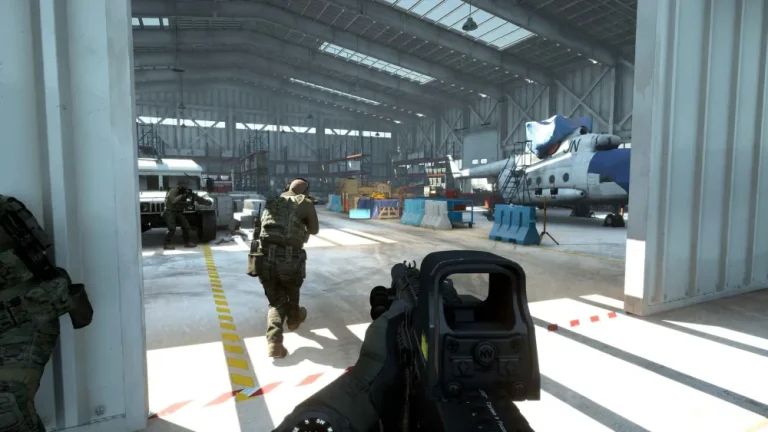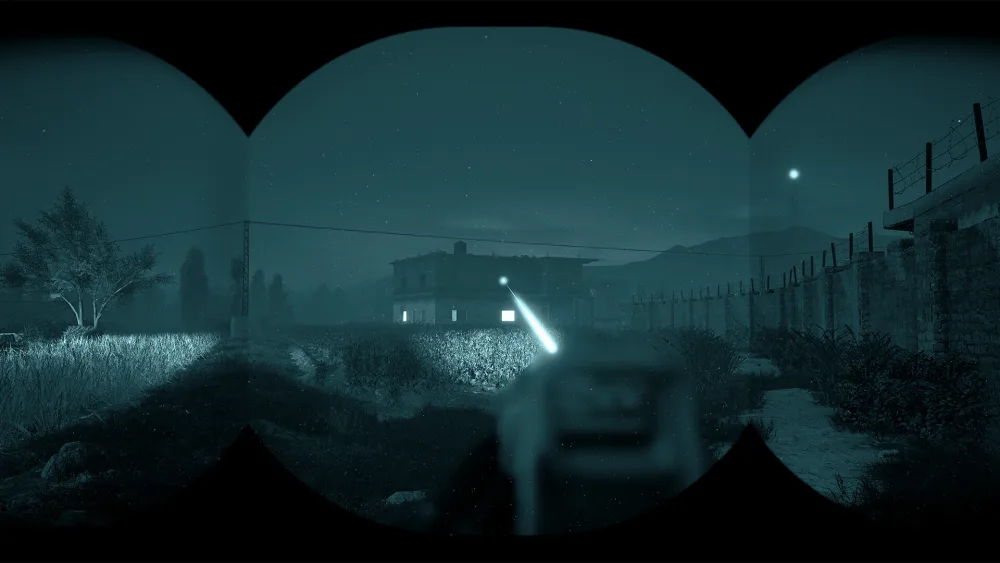
GROUND BRANCH is at its best played with other people — it’s a tactical shooter built around coordination, communication and slow, deliberate teamwork. Here’s how co-op and multiplayer work in GROUND BRANCH, how many players it supports, and the most reliable way to play together after the V1.0 launch (July 16, 2026).
Is GROUND BRANCH co-op?
Yes. Co-op is core to GROUND BRANCH. You can team up against AI in Terrorist Hunt and Intel Retrieval, the new V1.0 Extraction hostage-rescue mode, and the Operations campaign missions — all playable online co-op (Operations is also playable lone-wolf). It’s a PvE-friendly game that rewards a coordinated fireteam over lone-wolf runs.
How many players does GROUND BRANCH support?
- Co-op: up to 8 players against AI.
- PvP: 8v8 (16 players total) in modes like Team Elimination, Uplink, Defuse and Deathmatch.
- Server hard limit: 16 players. A dedicated server’s
MaxPlayersranges from 8 to 16 — 8 is typical for co-op, 16 for full PvP.
Does GROUND BRANCH have crossplay or console versions?
GROUND BRANCH is a PC (Steam) title. There’s no console version or crossplay — everyone plays on PC. The dedicated server is Windows-based and free to run.
The best way to play together: a dedicated server
You can host a game peer-to-peer, but that means someone has to keep the game open, and everyone drops if the host leaves or lags. A dedicated server fixes that: it stays online 24/7, independent of any player’s PC, with low latency for the whole group. On a dedicated server you control:
- Map rotation and game modes (co-op and PvP)
- AI count and difficulty
- Round timers and player slots (8–16)
- A password for private squad-only sessions
Getting a co-op server running
The GROUND BRANCH dedicated server is officially Windows-only and involves SteamCMD and config files — or you can skip all that with a managed host. XGamingServer’s GROUND BRANCH hosting runs on AMD Ryzen 9 7950X hardware with instant setup, a visual config panel, one-click updates and DDoS protection — spin up a 24/7 co-op server in minutes and invite your squad. New to it? See how to set up a GROUND BRANCH dedicated server and how to connect to your server.
Read more
- GROUND BRANCH Game Modes Explained
- GROUND BRANCH Extraction Mode Guide
- GROUND BRANCH Beginner’s Guide
Ready to play?
Run your own Ground Branch server with XGamingServer
Spin up an always-on Ground Branch server your friends can join in minutes — no port-forwarding, no tech headaches.