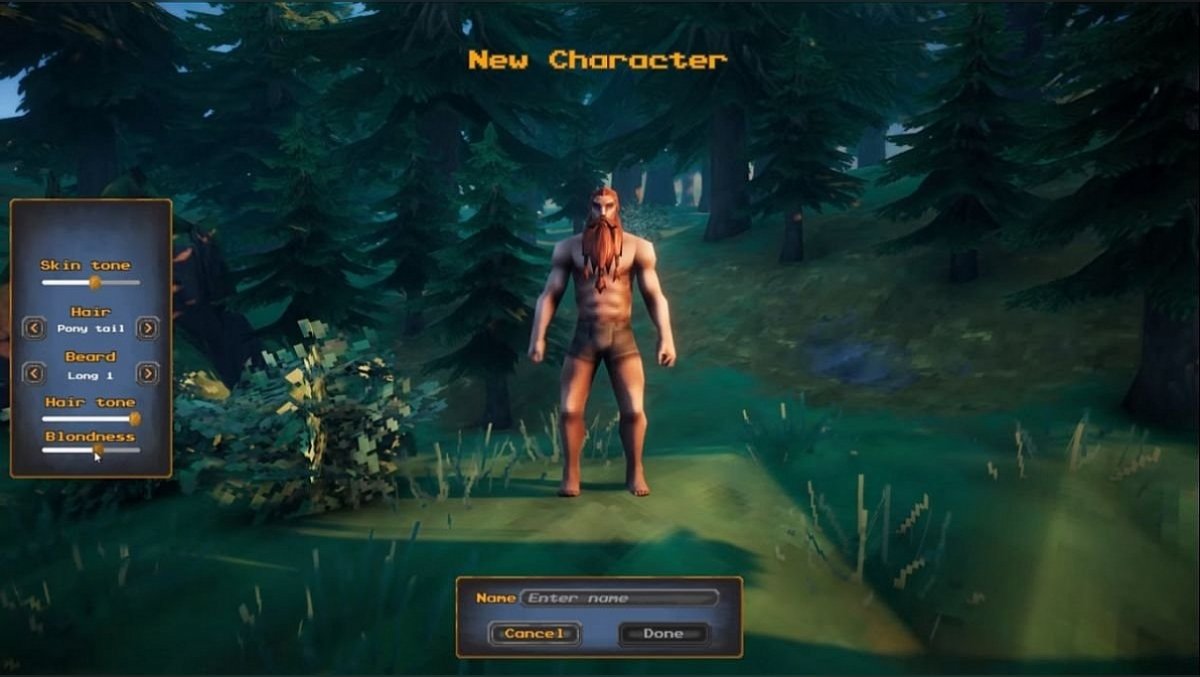
In this guide, we will show you how to backup and save your character inventory and skills.
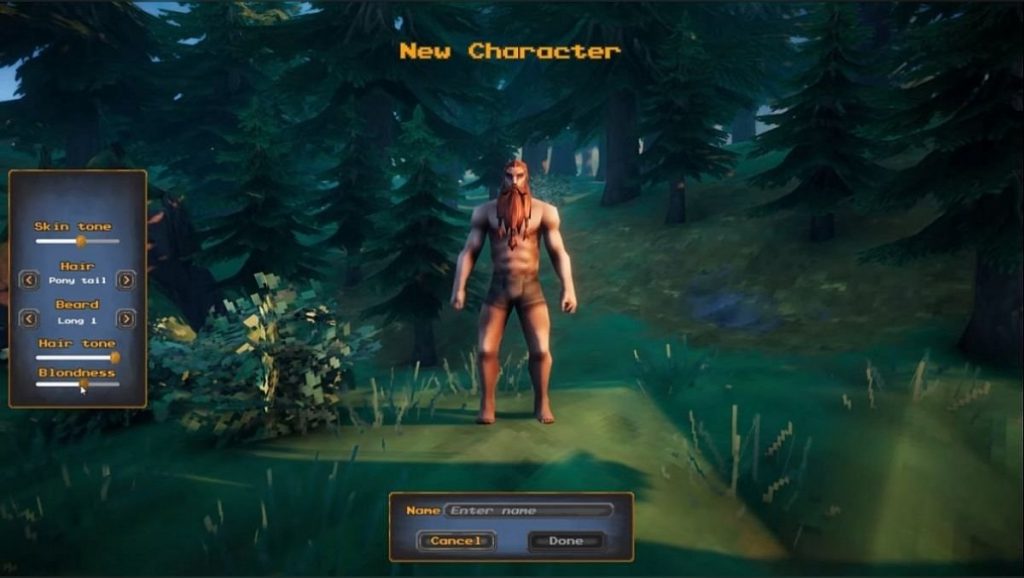
All game progress (inventory, skills) is kept with your character. Therefore this you can move your character between worlds, which means that this is an important part of the game you don’t want to lose.
Go to your pc below folder
C:\Users\<username>\AppData\LocalLow\IronGate\Valheim\characters
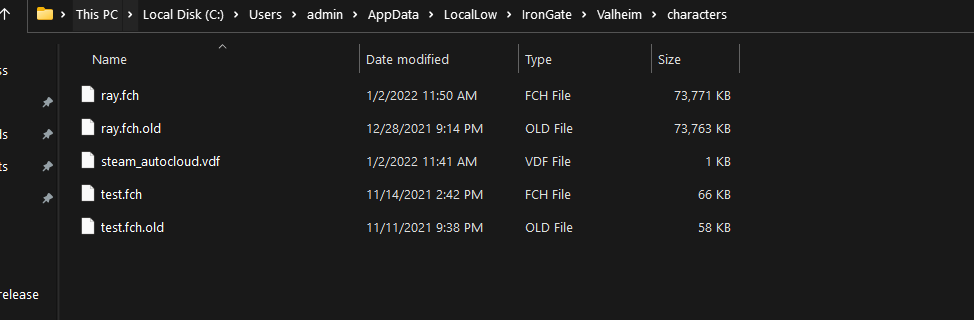
Inside the folder, you can see your characters copy the contents to a backup location
Do this on a regular to make sure you never lose your Vaheilm progress if anything happens to your game.
Looking to rent a Valheim server? Check out our Valheim Server hosting plans
Ready to play?
Run your own Valheim 1.0 server with XGamingServer
Spin up an always-on Valheim 1.0 server your friends can join in minutes — no port-forwarding, no tech headaches.