Want to add databases to your game server? below we will show you how to do just that
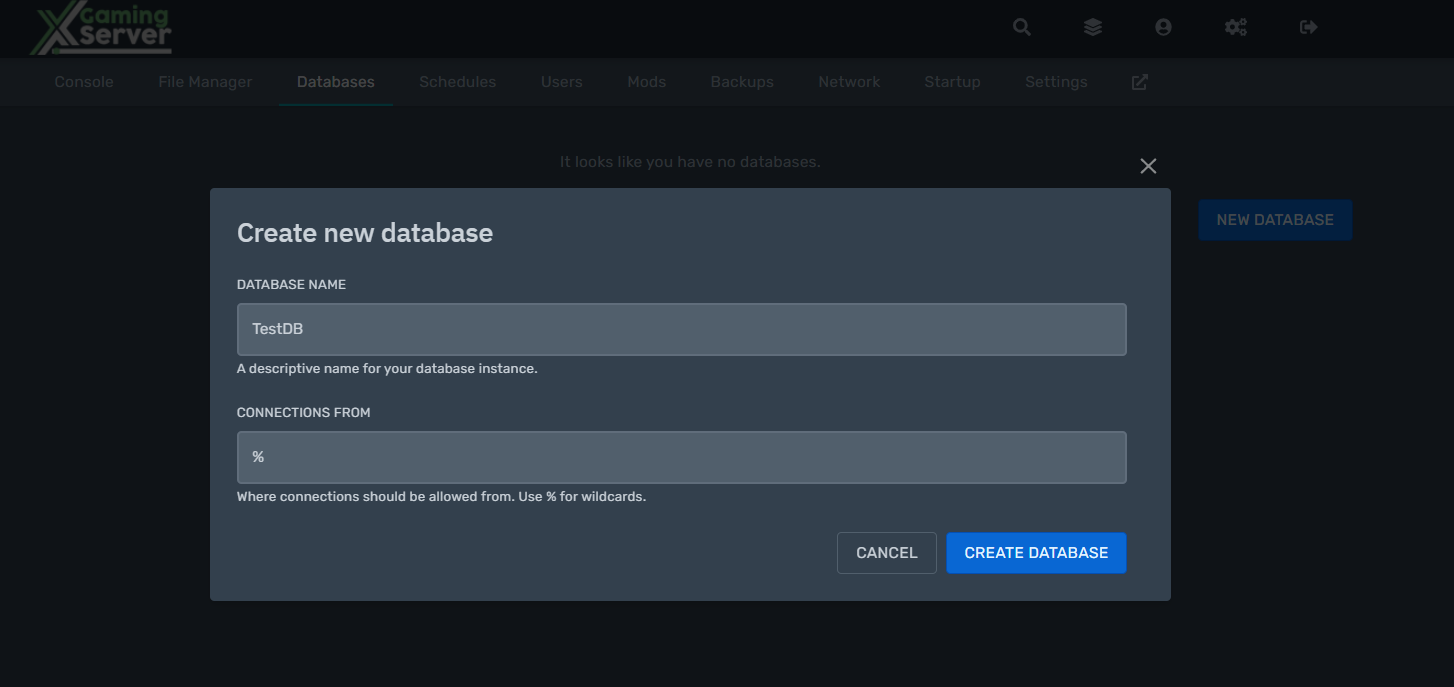
go to the panel and create a new database as shown below
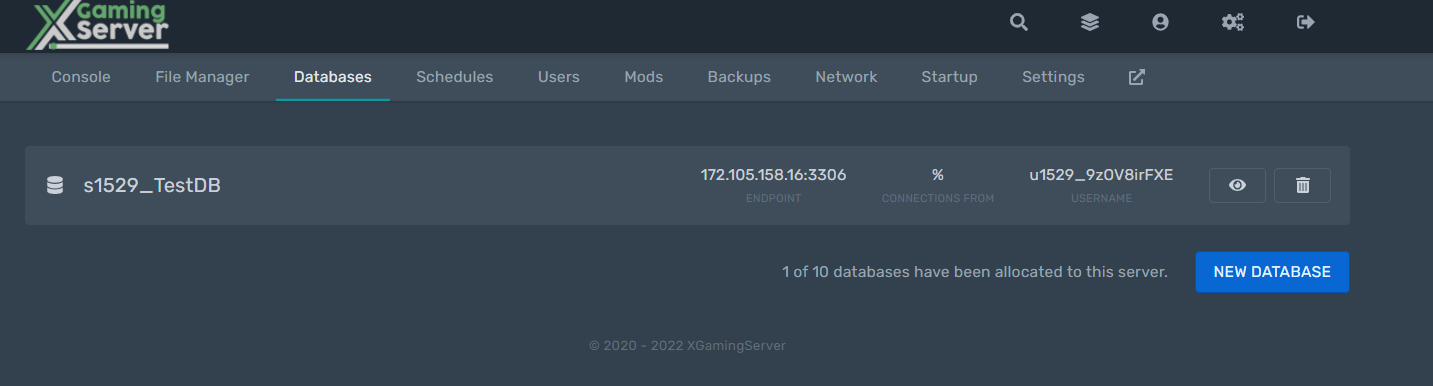
After creating the database click the eye that will show you the details of your database
Download MySQL Workbench here and install. MySQL Workbench is a visual database design tool that integrates SQL development, administration, database design, creation and maintenance into a single integrated development environment for the MySQL database system
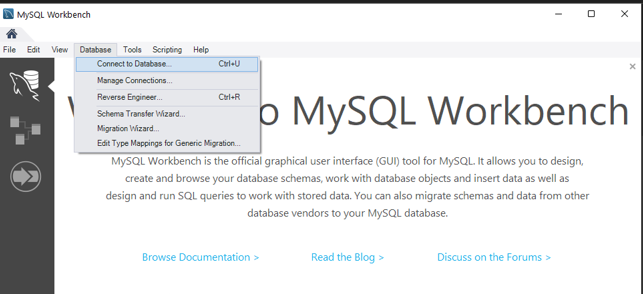
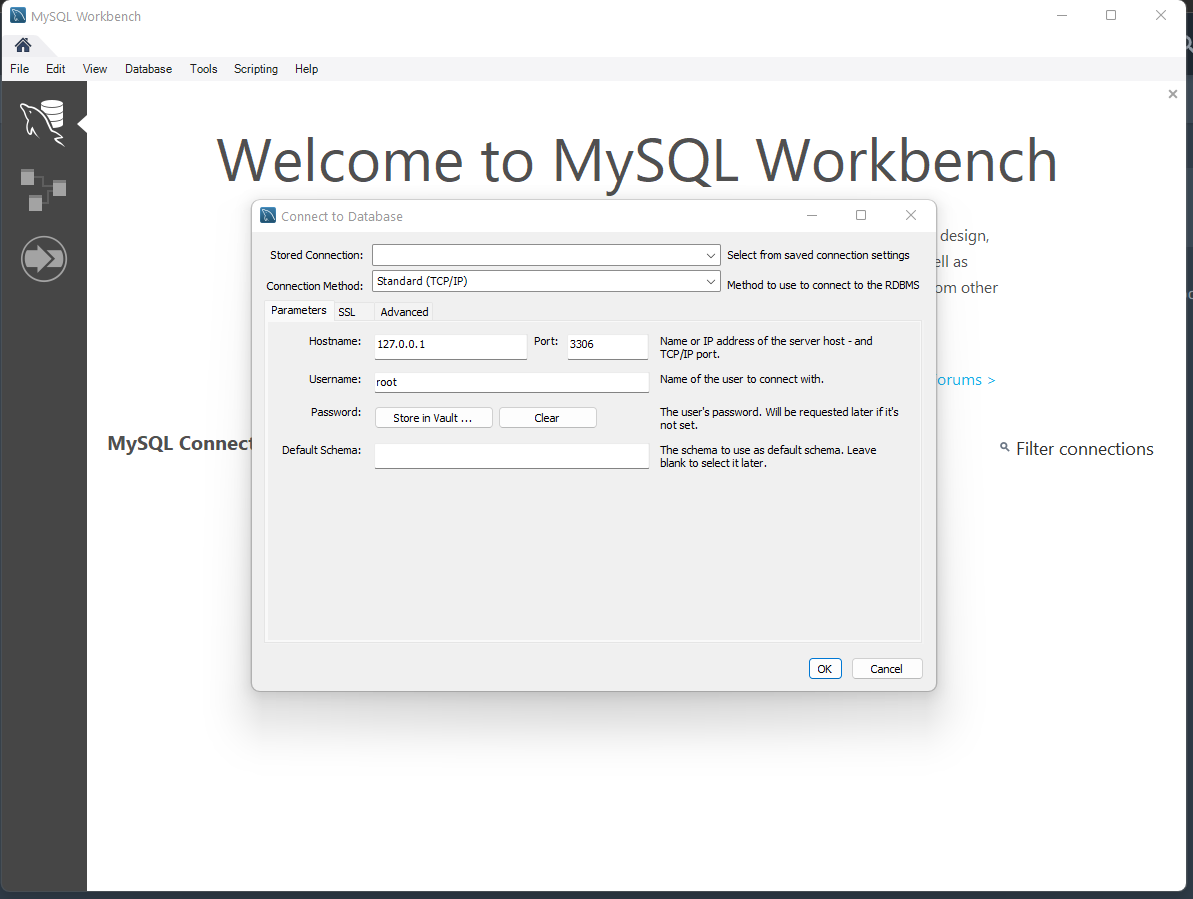
after running the workbench click the database sections and Connect to Database
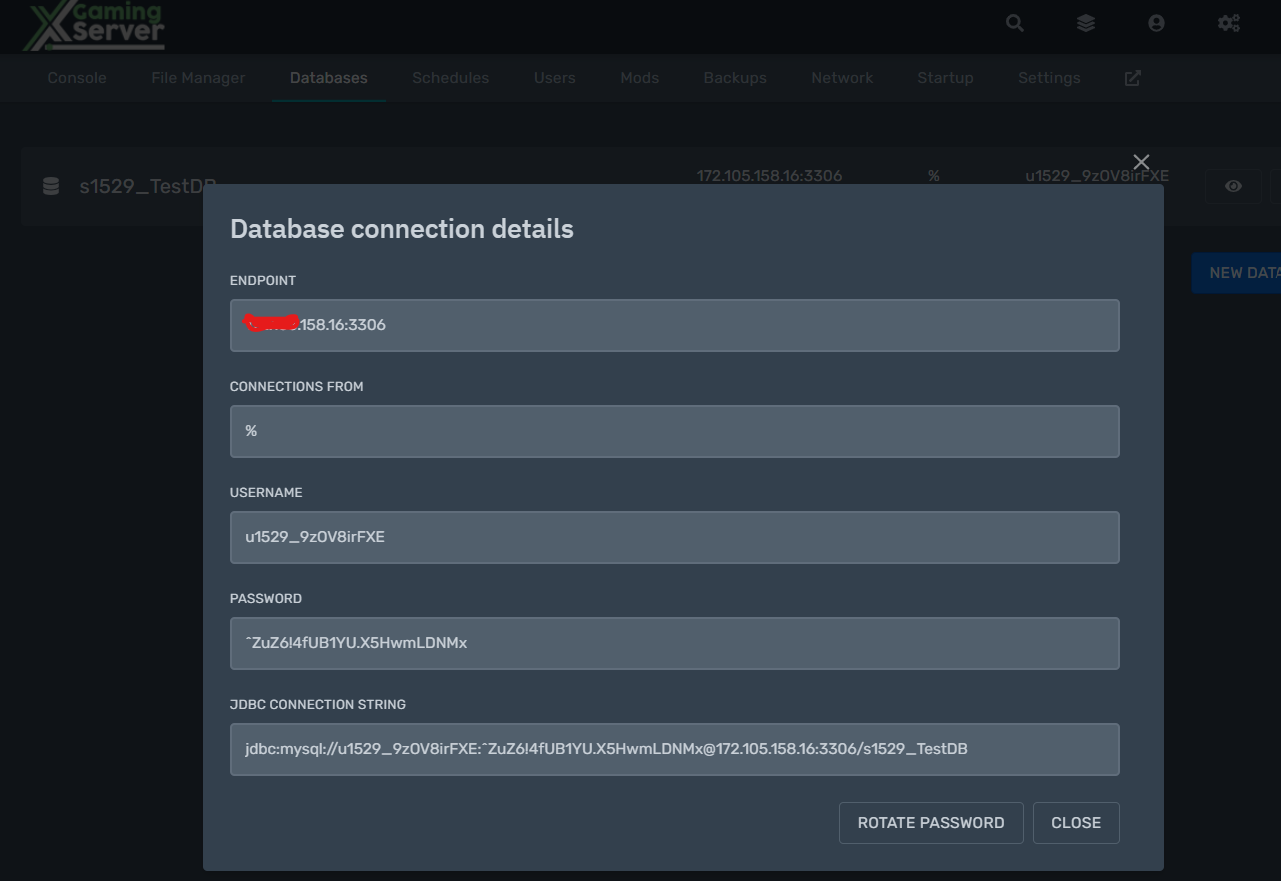
Enter the details from the panel to the workbench to connect
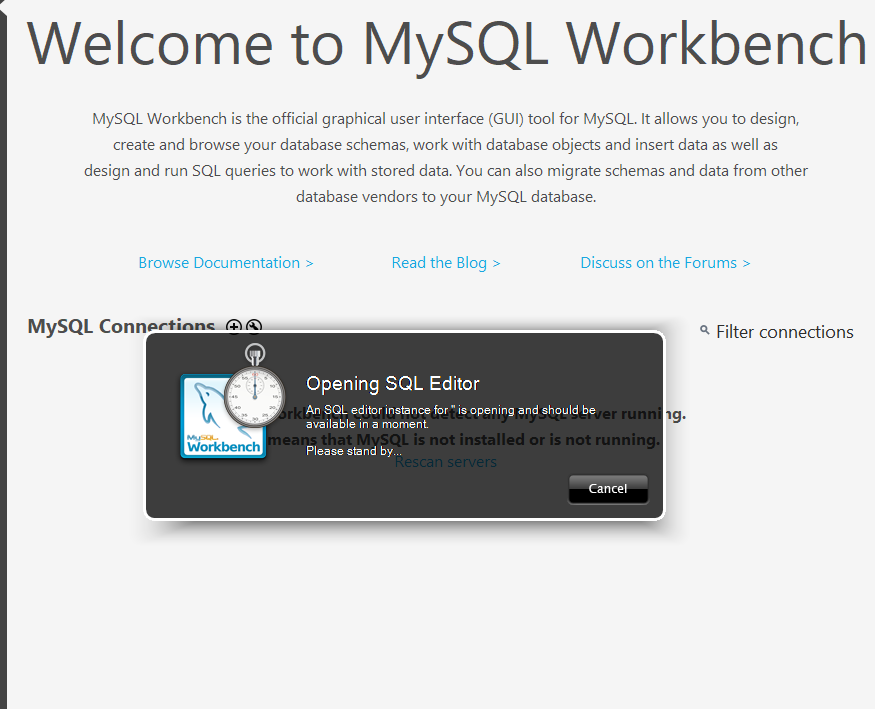
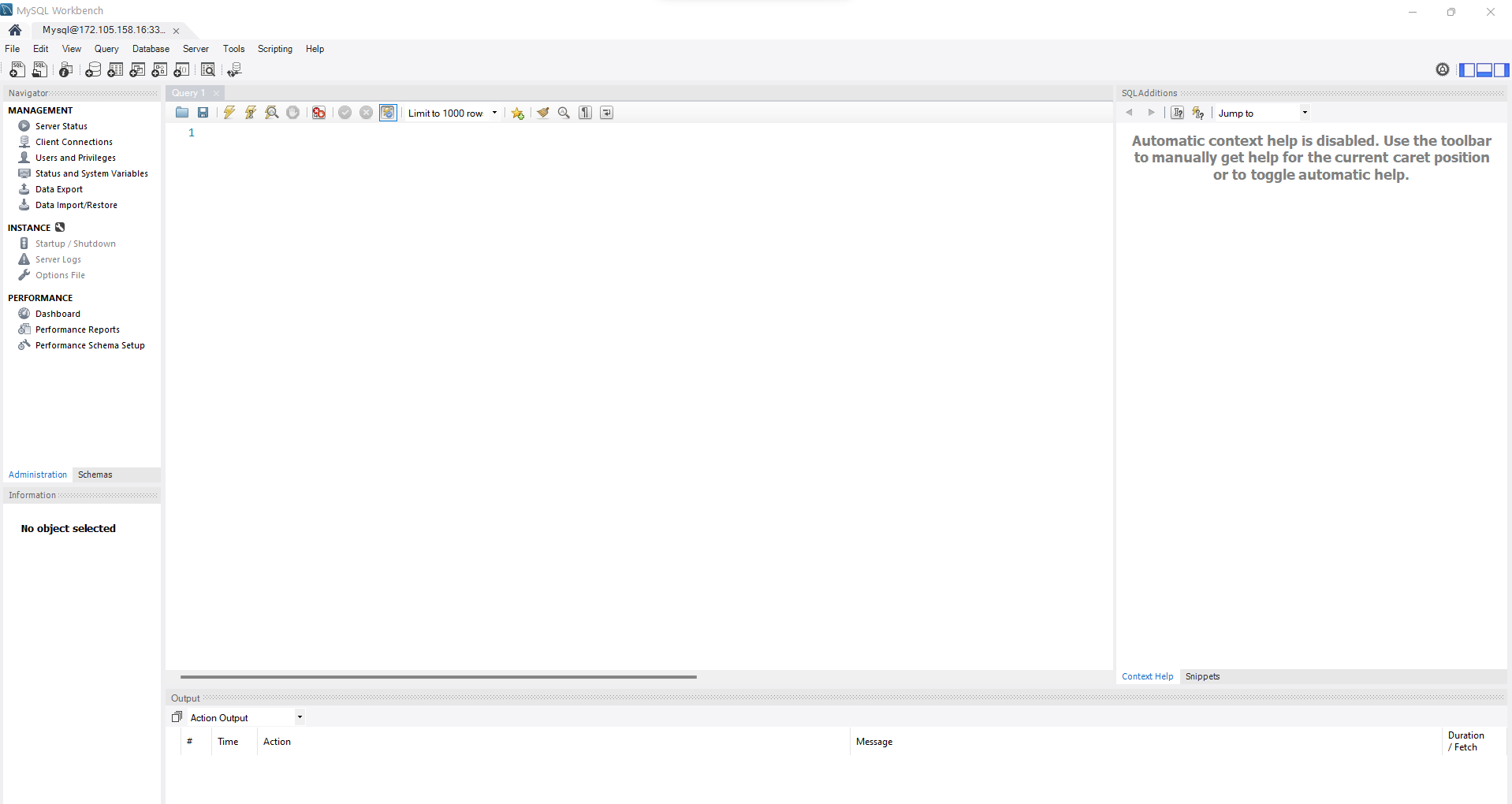
and congratulations you have just connected to the MySQL database
Ready to play?
Run your own game server with XGamingServer
Spin up your own game server in minutes — 130+ games, instant setup, mods and DDoS protection included.