

A Minecraft server slot is a capacity for players on a certain Minecraft server and each slot represents a single player who can connect to the server at the same time with other players, The amount of slots may be changed from our control panel and we will show you how in this article!
How to edit your server’s slots:
1- go to your server’s control panel and hit “Stop” to stop your server
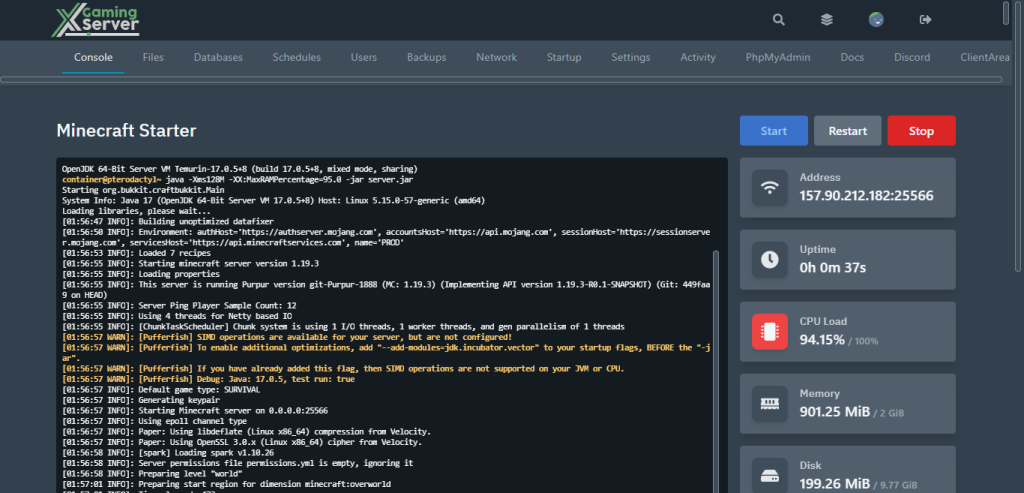
2- go to “Files” tab
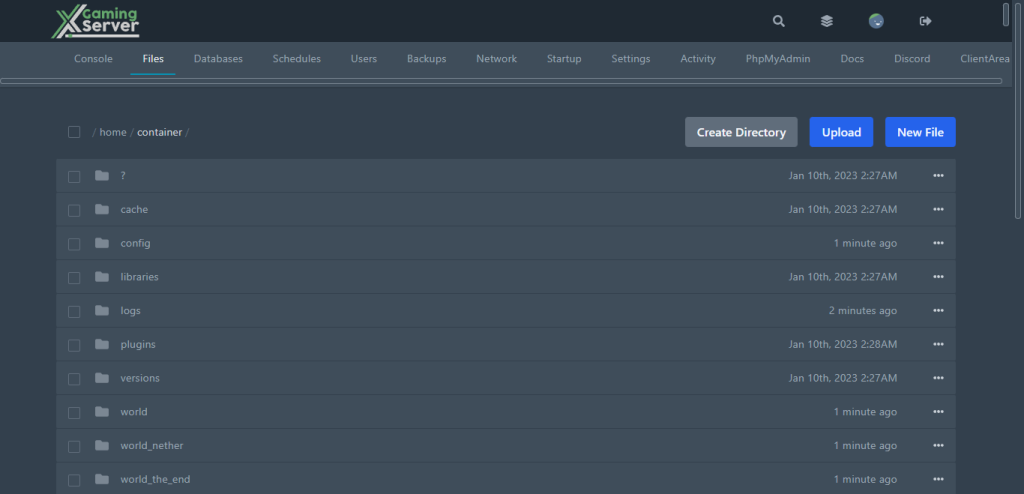
3- try and find “server.properties” and open it
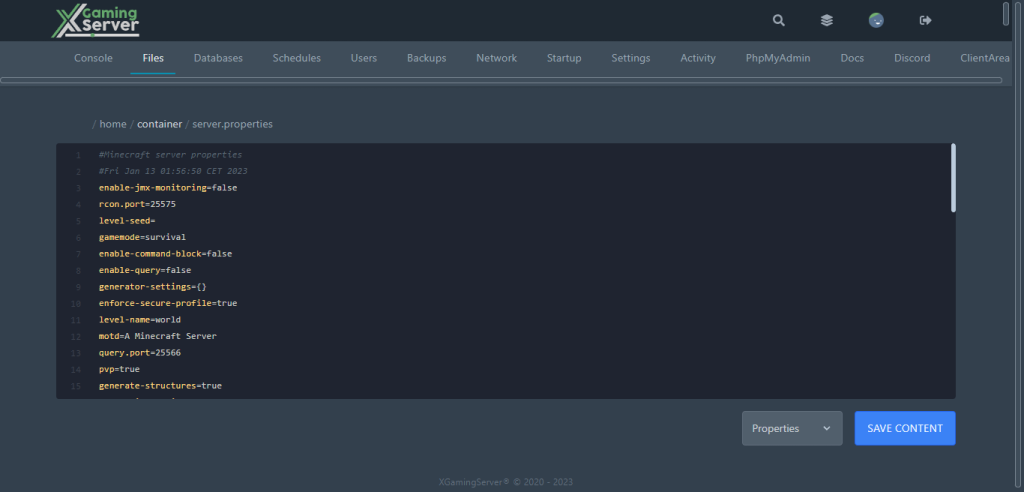
4- Look for “max-players” and then select how many people you want to be able to join your server
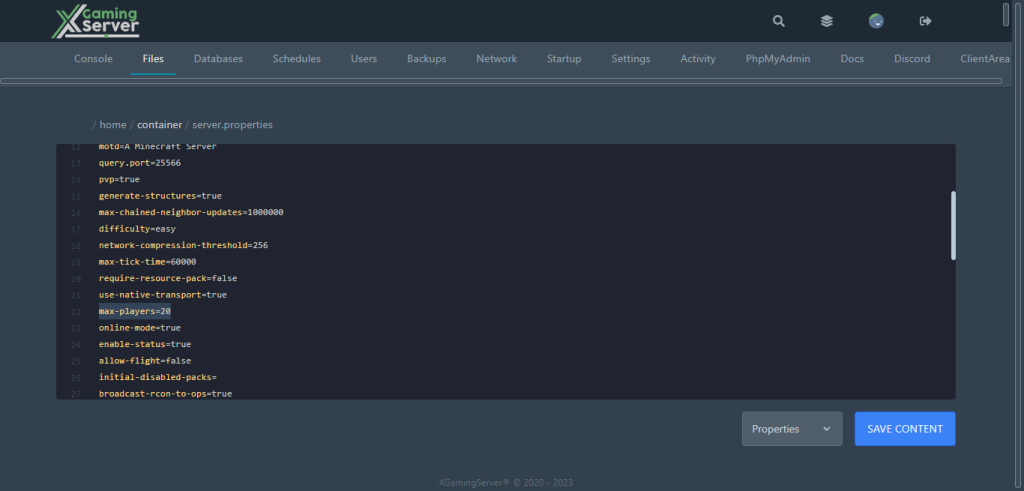
5- click on “Save Content” to save what we just changed
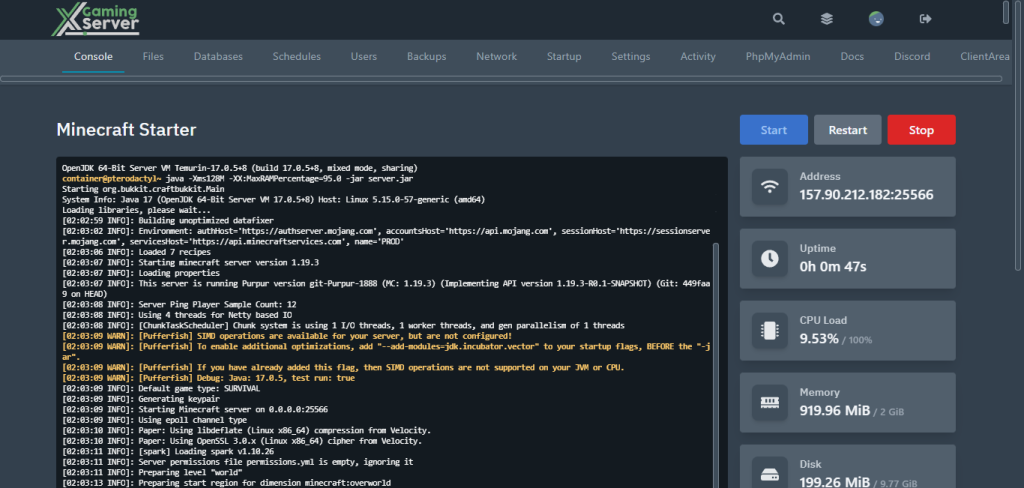
6- go to “Console” tab then start your server by hitting “Start”
If you need any help with your service don’t hesitate to contact us through our support tickets at https://billing.xgamingserver.com/submitticket.php
Free Minecraft Tools
Speed up your server with our free Minecraft tools:
Ready to play?
Run your own Minecraft server with XGamingServer
Spin up an always-on Minecraft server your friends can join in minutes — no port-forwarding, no tech headaches.






