
Palworld dedicated server how to set up guide
Setting up a game server can be a complex task, but with the right guidance, it becomes a…
Setting up a game server can be a complex task, but with the right guidance, it becomes a…
Setting up a game server can be a complex task, but with the right guidance, it becomes a…

Setting up a game server can be a complex task, but with the right guidance, it becomes a…
Changing your server’s default map can transform your gaming experience. In this article we will show you how…
Configuring the maximum number of players on your Counter Strike 2 server is key to creating the right…
In the world of The Front, where players engage in exciting battles and embark on thrilling adventures, server…
In this article, we will walk you through a comprehensive step-by-step guide on how to manage admins in…
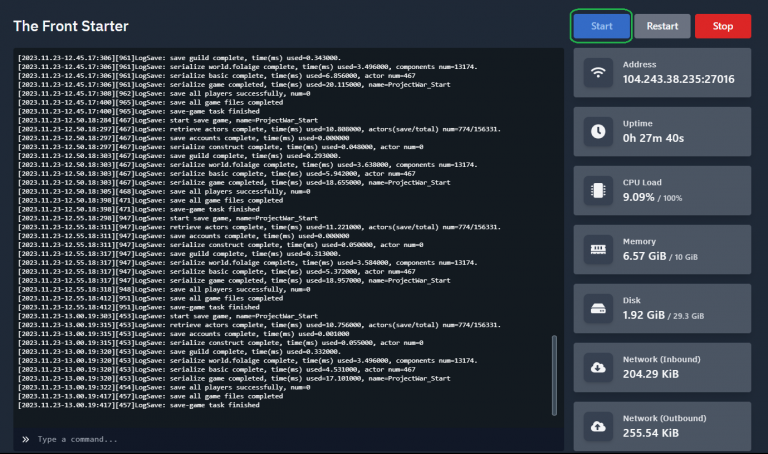
Implementing password protection is a crucial security measure for The Front server, defending against unauthorized entry and potential…
Setting up an Arma Reforger dedicated server is essential for the ultimate multiplayer experience. This comprehensive guide covers…

Hardware Requirements Clarify: the system requirements vary depending on how many players you have on your server. CPU –…
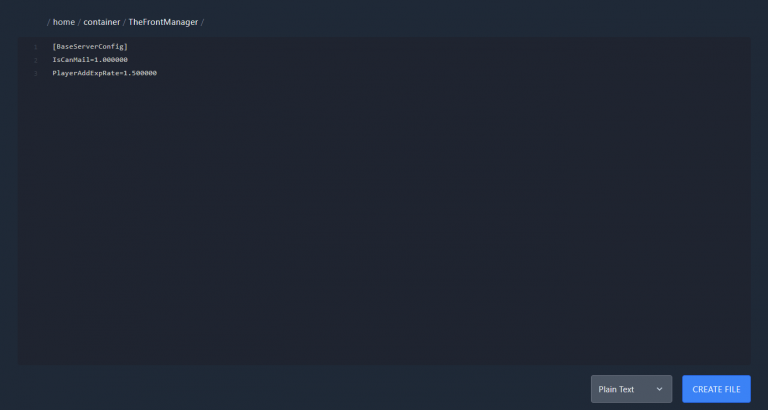
Setting up a dedicated server for “The Front” is a critical step in ensuring that your server functions…
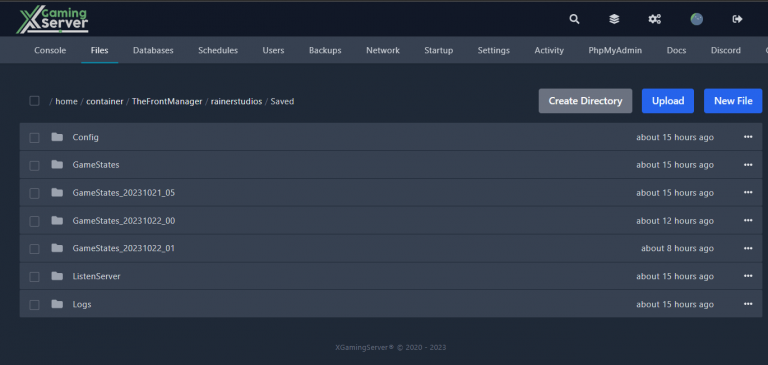
This guide provides steps to wipe your 'The Front’ server. Firstly, you have to log in to the panel, shut down your server, then navigate to a particular folder to locate game saves. Delete all the files inside, except those for admin and bans if you wish to maintain them. Finally, restart the server, which will automatically generate a new world for a clean 'The Front' server experience.



