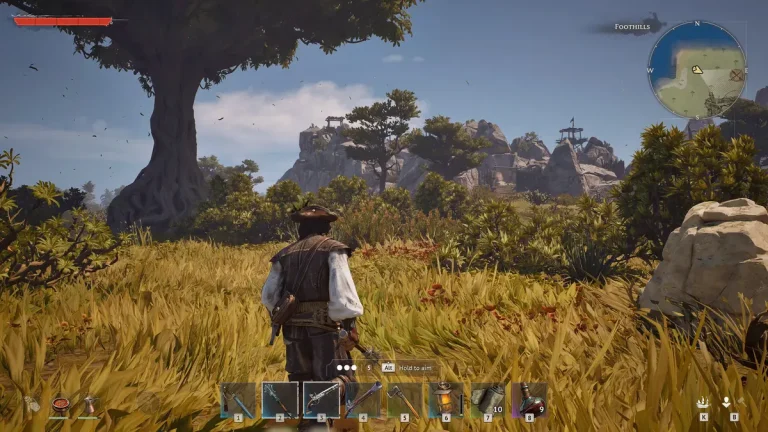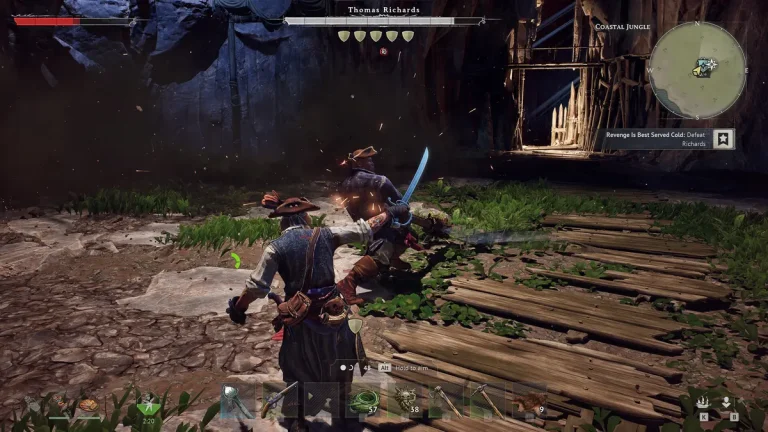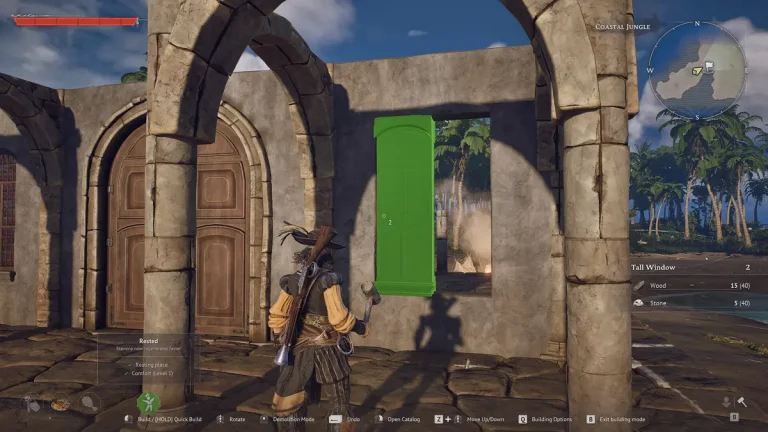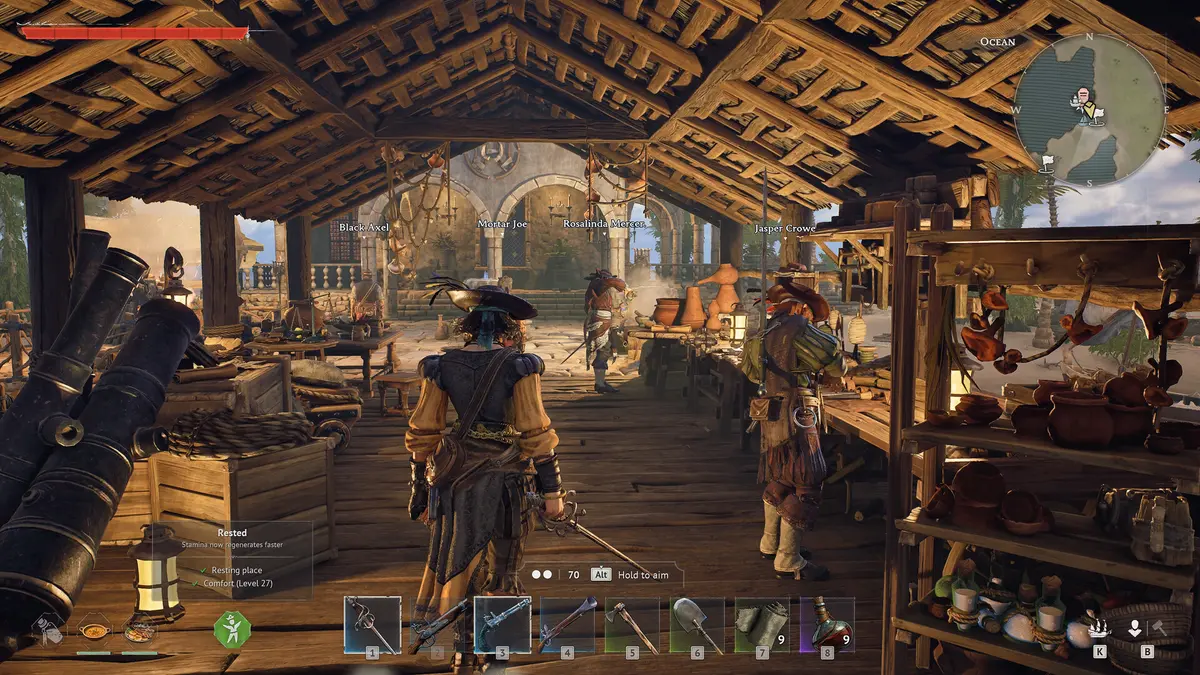
Windrose is built to be played with a crew. Whether you want a relaxed two-player voyage or a full eight-pirate armada, here’s exactly how co-op multiplayer works in Windrose — player limits, how to invite friends, crossplay, and how to keep your world online around the clock.
How many players can play Windrose co-op?
A Windrose world supports a maximum of eight players — that’s you and up to seven friends sailing the same seas. However, the developers recommend a crew of around four, because every extra player adds load to the world simulation. On a host’s home PC, pushing toward eight can cause noticeable performance dips, lag during naval battles, and rubber-banding. If you want a large, stable crew, a dedicated server (more on that below) handles the extra players far better than someone’s gaming PC.
Is Windrose split-screen or local co-op?
No. Windrose is online co-op only — there is no local split-screen or couch co-op. Every player needs their own copy of the game, their own PC, and an internet connection. You sail together over the network, not on one screen.
How to play Windrose with friends
The fastest way to get a crew together uses the in-game host option:
- From the main menu, choose “Host a game” instead of “Solo / Offline.”
- Select the world you want to play — you can host an existing solo save, so your progress carries straight over.
- The game generates an invite code for your world.
- Your friends open the “Play” menu, choose “Connect to server,” and enter that invite code to drop into your world.
This player-hosted method is great for a quick session, but it has one big limitation: the world only exists while the host is online. When the host closes the game or logs off, everyone is disconnected and nobody can play until that one person comes back. That’s where dedicated servers change everything.
Windrose dedicated servers: keep your world online 24/7
A dedicated server is the only way to keep your Windrose world online independently of any single player. Instead of relying on the host’s PC, the world runs on its own machine — so your crew can hop in whenever they want, day or night, with nobody waiting on the host to “boot it up.”
Steam owners can download a free Windrose Dedicated Server app and run it themselves, but self-hosting means leaving a PC on around the clock, forwarding ports, and managing updates and backups by hand. For most crews that’s a hassle — which is why managed hosting exists.
With XGamingServer Windrose hosting your world is online 24/7 on dedicated hardware, with one-click updates, automated backups, full config access, and DDoS protection — no spare PC, no port forwarding, no babysitting. Spin one up, share the address with your crew, and your seas are always open. Before you launch, our free player slot calculator helps you size the right plan for your crew, and the server config generator builds your ServerDescription.json in seconds.
Does Windrose have crossplay?
Windrose is available on Steam, the Epic Games Store, and Stove. In standard player-hosted co-op, players are generally matched within their own store — so the simplest path is for your whole crew to buy on the same platform. The most reliable way to bring a mixed group together is to run a dedicated server and share its address, which sidesteps store-specific matchmaking. Crossplay behaviour is still evolving during Early Access, so check the in-game notes for the latest before you organise a cross-store crew.
Does progress carry over between solo and co-op?
Yes — one of Windrose’s best features is that you can take a solo world online. Host an existing save and your buildings, ships, crew, and unlocks come with it. The reverse matters too: if you build your crew’s progress on a dedicated server, that world lives on the server permanently, so no single player “owns” the save and nobody loses access if the host stops playing.
Tips for a smooth Windrose co-op crew
- Keep performance in mind. Four players is the sweet spot; if you want more, use a dedicated server rather than a home host.
- Divide ship roles. Naval combat is far easier when one player steers, others man cannons, and someone handles repairs — assign roles before a fight.
- Use a persistent world. A 24/7 server means your settlement keeps growing even when you’re offline and your crew can play on different schedules.
- Plan your ship. Coordinate upgrades with our ship calculator so your crew invests in the right hull and cannons together.
Frequently asked questions
How many players can play Windrose together?
Up to eight players share a world, though the developers recommend around four for the best performance. A dedicated server handles larger crews more smoothly than a home host.
Does Windrose have split-screen co-op?
No. Windrose is online co-op only — there’s no local or split-screen play. Each player needs their own PC and copy of the game.
How do I invite friends to my Windrose world?
Choose “Host a game,” select your world, and share the invite code. Friends use “Connect to server” in the Play menu to join. For a world that’s always online, run a dedicated server instead.
Do I need a dedicated server for Windrose?
Not to play casually — but a dedicated server is the only way to keep your world online 24/7 so your crew can join anytime without waiting for the host. It’s also more stable for larger crews.
Ready to play?
Run your own Windrose server with XGamingServer
Spin up an always-on Windrose server your friends can join in minutes — no port-forwarding, no tech headaches.