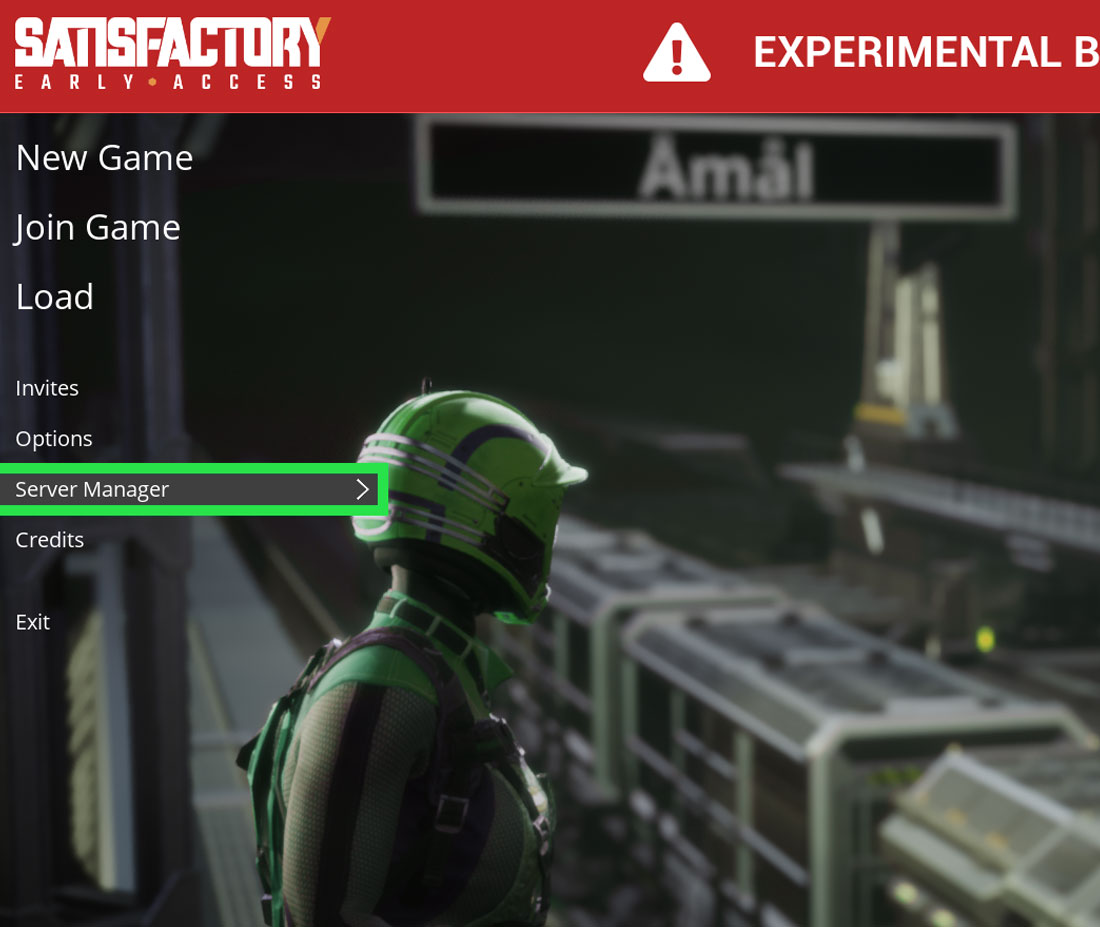
On the update 5 of satisfactory users, we allowed to create and join their own dedicated servers. in this tutorial, we are going to show you how to join a satisfactory server using IP and port.
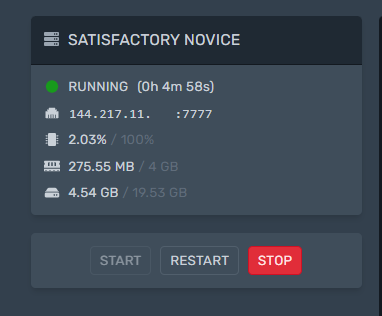
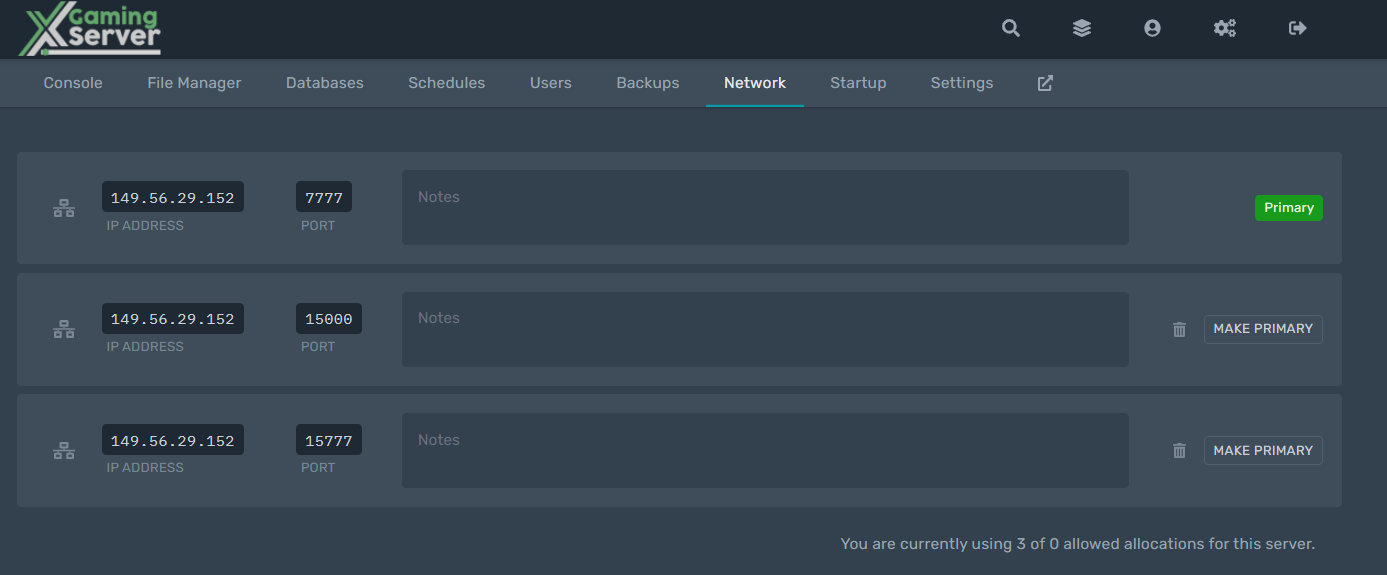
1. Login to game panel and obtain your Ip address and port
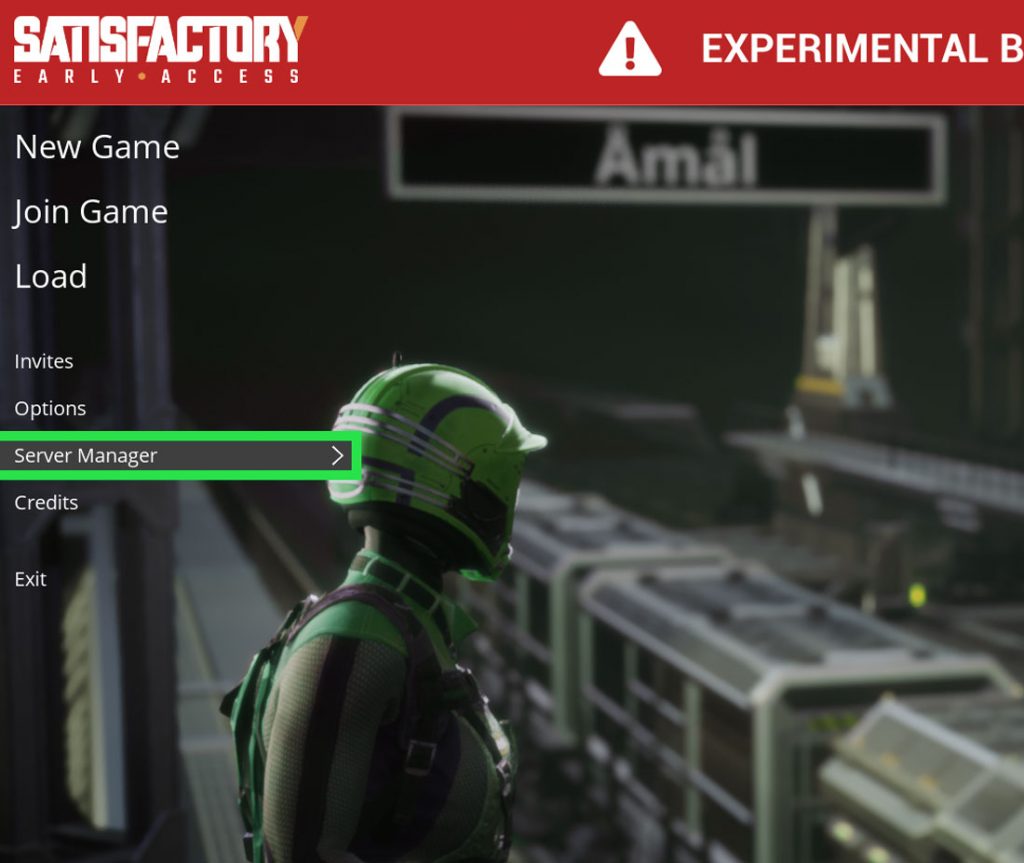
2. Launch Satisfactory and click Server Manager.
3. Select Add Server on the lower right-hand side.
4. Paste the IP and port copied as shown.Make sure you see the third query port to connect
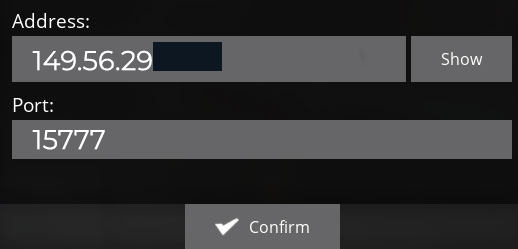
5. Once you confirm you can now join the satisfactory server

Looking to host a Satisfactory server? Rent one with us
Check out how to How to Upload game Save to Your Satisfactory Server
Ready to play?
Run your own Satisfactory server with XGamingServer
Spin up an always-on Satisfactory server your friends can join in minutes — no port-forwarding, no tech headaches.