
The Nether is a parallel dimension in Minecraft that can be reached through a Nether portal and has unusual biomes, materials, and creatures. In this article we will show you how to disable this dimension from your Minecraft server!
How to disable The Nether world:
1- go to your server’s control panel, then hit “Stop” to stop your server
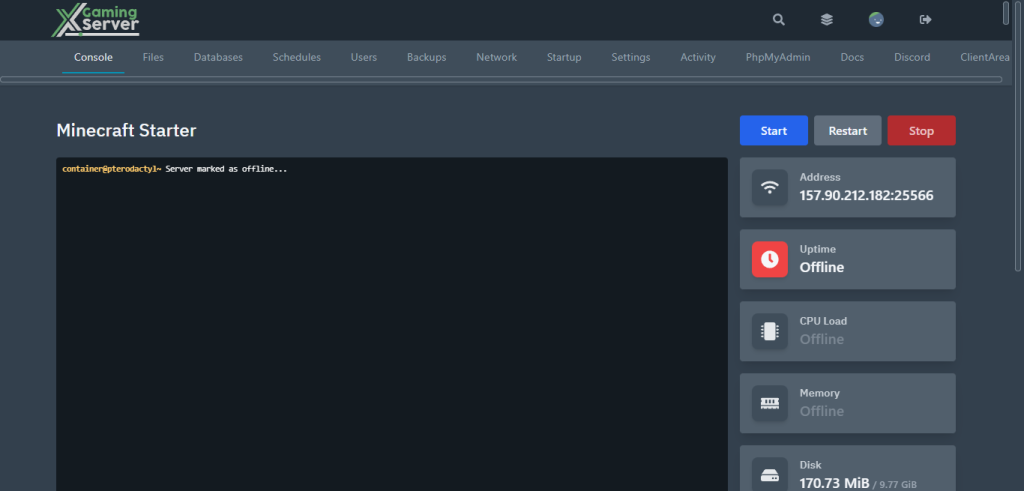
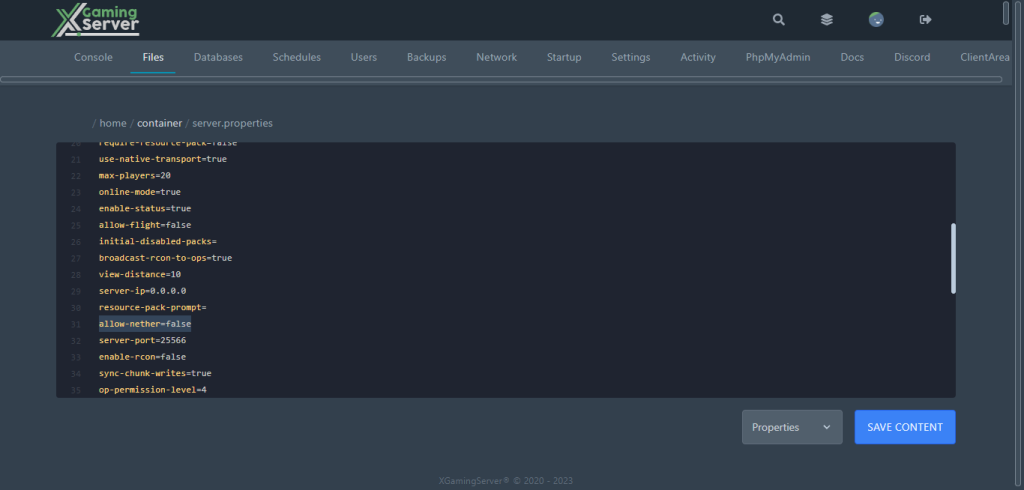
2- go to “Files” then try and find “server.properties” and open it
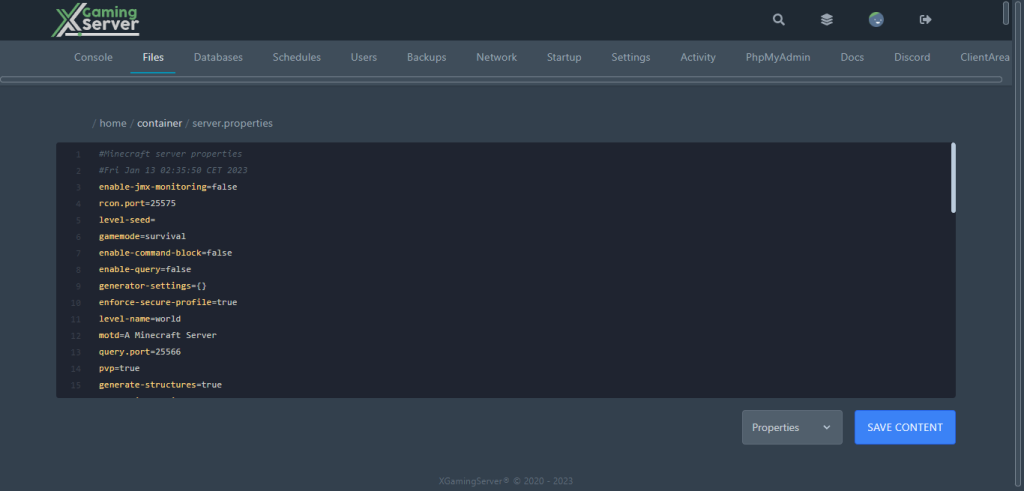
3- search for “allow-nether” and change it from “true” to “false” then hit “Save Content”
4- go to “Console” then hit “Start” to start your server
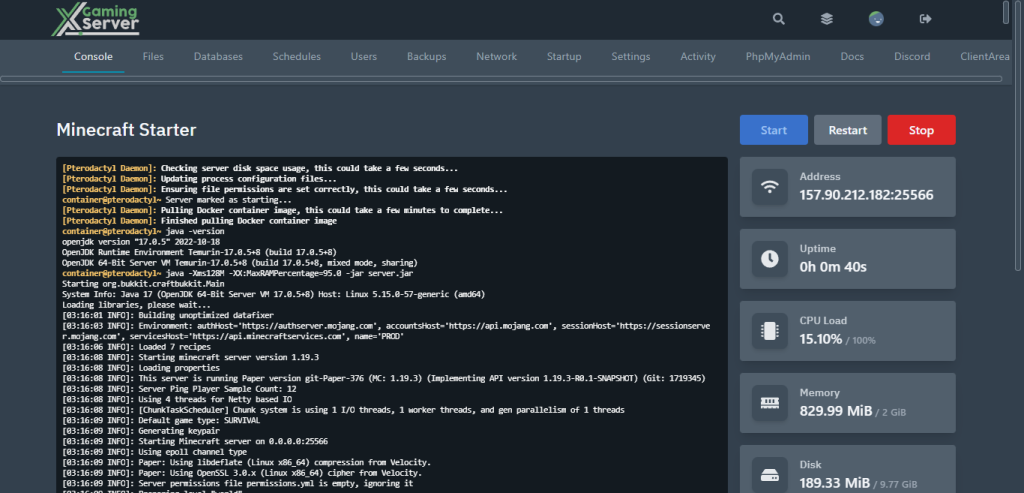
And this is how to disable The Nether world from your Minecraft server
If you need any help with your service don’t hesitate to contact us through our support tickets at https://billing.xgamingserver.com/submitticket.php
Free Minecraft Tools
Speed up your server with our free Minecraft tools:
Ready to play?
Run your own Minecraft server with XGamingServer
Spin up an always-on Minecraft server your friends can join in minutes — no port-forwarding, no tech headaches.






