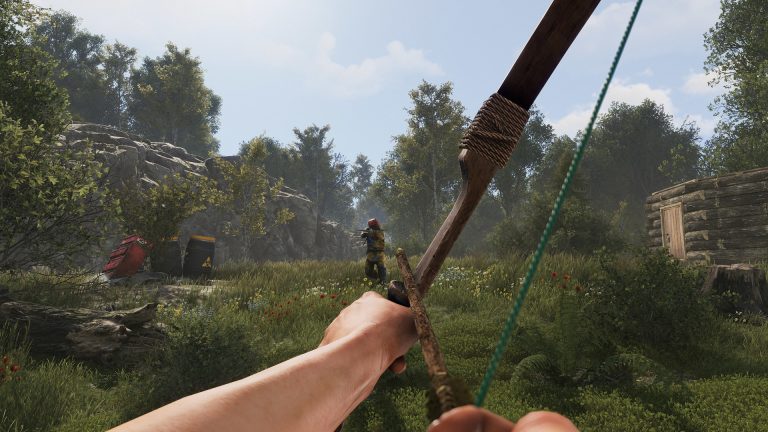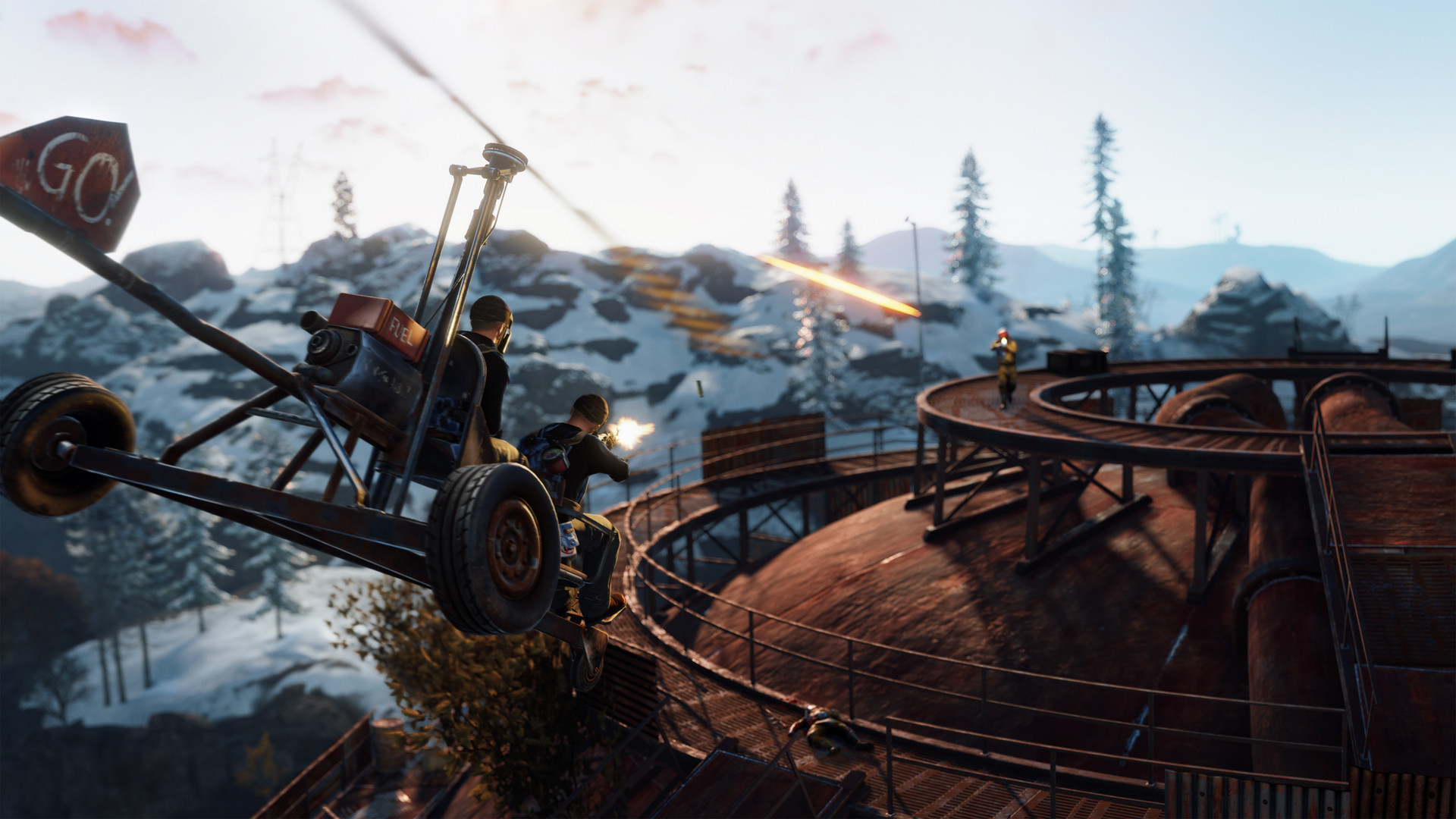
Rust is brutal solo and far more survivable in a group. The team system lets you mark allies on the map, the sleeping bag system lets you respawn near your base after death, and a web of separate authorization lists controls who can actually build, shoot turrets, and open doors. Getting all three set up correctly is the difference between a base your friends can defend and one where a teammate gets gunned down by your own turret. Here is how grouping up actually works.
Creating a Team: The Group UI
To form a team, look directly at another player and hold the use key (default E) to open the radial menu, then choose “Invite to Team.” They accept the invite from their own HUD and become a confirmed teammate. Once teamed, members appear as colored name markers in the world and as icons on the in-game map, and you can see each teammate’s health on the team HUD in the corner of the screen. This shared awareness is the core mechanical benefit: you stop accidentally shooting each other and you can find downed allies fast.
The default maximum team size is 8 players. The team HUD is built to display up to eight members, which is why most servers settle on that number. Server owners can change the cap with the maxteamsize server convar, so “duo,” “trio,” “quad,” and “solo-only” servers are simply running a lower value. There is no separate built-in “clan” feature in vanilla Rust beyond the team system itself; large modded servers add clan tags and clan management through plugins, but the official mechanic is the team.
Group Limit Servers
It is worth understanding the difference between team size and a group limit. Team size is the formal cap on how many players can be in one in-game team (the maxteamsize value). A “group limit” is a server rule, often enforced by admins or plugins, that restricts how many players can roam, raid, and base together regardless of whether they formally team up. On a “max 3 group limit” server, you cannot get around the rule by simply not pressing the invite button. Always read a server’s group-limit rules before you bring more friends than allowed, because breaking them is a common ban reason.
Sleeping Bags and Respawning
When your character dies, you respawn either on a random beach or at a registered respawn point. The Sleeping Bag is the cheap, craftable respawn point, costing 30 cloth and unlocked from the start, which is why “place a bag” is one of the very first things to do after building any base. After placing a bag or respawning on one, it goes on a respawn cooldown of roughly 5 minutes before you can use it again. Place several bags so you always have one off cooldown.
The Bed is the upgraded version with a shorter respawn cooldown (around 2 minutes), making it the preferred option for serious groups who expect to die repeatedly during a fight or raid. On death you choose your spawn from the death-screen map, where each bag and bed shows as a numbered icon; you can label bags so you know which is at home, which is near the raid, and which covers a monument run. Each player is limited to 15 respawn points by default, controlled by the max_sleeping_bags convar (set to -1 to disable the limit entirely).
Bags can be assigned to teammates so the whole group spawns inside the base. To stop griefers from filling your respawn quota with junk bags, the “Bag Gifting” option lets you choose who may assign a bag to you: Anyone (default), Team (teammates and friendly contacts only), or Disabled (nobody).
| Item / Setting | Detail | Notes |
|---|---|---|
| Default max team size | 8 players | Adjustable via maxteamsize convar |
| Sleeping Bag craft cost | 30 cloth | Unlocked by default |
| Sleeping Bag respawn cooldown | ~5 minutes | Per-bag cooldown |
| Bed respawn cooldown | ~2 minutes | Upgraded, more expensive |
| Respawn point limit | 15 per player | max_sleeping_bags (-1 disables) |
| Bag gifting modes | Anyone / Team / Disabled | Anti-grief control |
Exact values such as cooldowns and costs are tuned in Rust’s monthly updates, so treat the numbers above as the current ballpark rather than permanent constants, and confirm the live figures in-game on patch day.
Authorizing on the Tool Cupboard
The single most important shared structure is the Tool Cupboard (TC). It grants building privilege, meaning only authorized players can place, upgrade, rotate, or pick up structures around it. When you place a TC you are automatically authorized; the protected area projects out from the foundations connected to it (commonly described as roughly a 50-meter zone). Crucially, teammates are not auto-authorized just because they are on your team. Each teammate must walk up to the TC and press E to authorize individually. Hold E to reach the option to deauthorize yourself or clear the whole list.
Authorized players are also ignored by base traps that respect building privilege, like flame and shotgun traps, so getting everyone on the TC list keeps your own defenses from cooking your group. Lock the TC with a code lock so a raider who pushes in cannot simply authorize and demolish your base from the inside.
Authorizing on Turrets and Doors
Auto Turrets keep a separate authorization list from the tool cupboard. A turret will shoot anyone not on its own list, even fully TC-authorized teammates, so every member must press E on each turret to be added. Set the turret to peacekeeper mode (green laser) if you want it to fire only when shot at, or shoot-on-sight (red laser) for full lockdown. Authorized players are never targeted in either mode.
Doors use a third system: the Code Lock. The player who places the lock sets the main code and is the owner; teammates type that code once to be added as authorized users so the door opens for them automatically. There is also a separate temporary “guest code” for visitors. The takeaway for any group is that base access is three independent layers, TC, turrets, and locks, and a teammate must be added to all the relevant ones before they are truly part of the base.
Sharing a Base Smoothly
A clean group setup looks like this: form the team, everyone authorizes on the TC, everyone authorizes on every turret, everyone enters the door codes, and everyone places and labels a bag inside. Rotate authorization off players who go inactive so a captured teammate cannot be used to access your base. Pair this with solid walls and trap placement from our Rust base building guide, layered defenses from the base defense guide, and the right kits from the armor and clothing guide, and your group will hold ground far better than the sum of its players.
FAQ
What is the maximum team size in Rust?
The default maximum is 8 players, and the team HUD is built to display eight members. Server owners can raise or lower this with the maxteamsize convar, which is how duo, trio, quad, and solo-only servers are configured.
Why does my own turret shoot my teammate?
Auto turrets use their own authorization list, completely separate from the tool cupboard and from your team. Being on your team or authorized on the TC does not stop a turret from firing. Each teammate must press E on every turret to be added to its list.
How many sleeping bags can I place?
Each player has a default limit of 15 total respawn points (bags and beds combined), governed by the max_sleeping_bags convar. Server owners can change this value or set it to -1 to remove the limit entirely.
Grouping up is half the game in Rust, and the smoothest way to do it is on a server you and your friends control, where you can set the team size, group limit, and bag limits to suit your crew. If you are thinking about setting up a Rust server to play with friends, the convars above are all editable, and the Rust server documentation walks through applying them. For the wider game, see our progression guide and raiding guide.
Free Rust Tools
Speed up your server with our free Rust tools:
Ready to play?
Run your own Rust server with XGamingServer
Spin up an always-on Rust server your friends can join in minutes — no port-forwarding, no tech headaches.