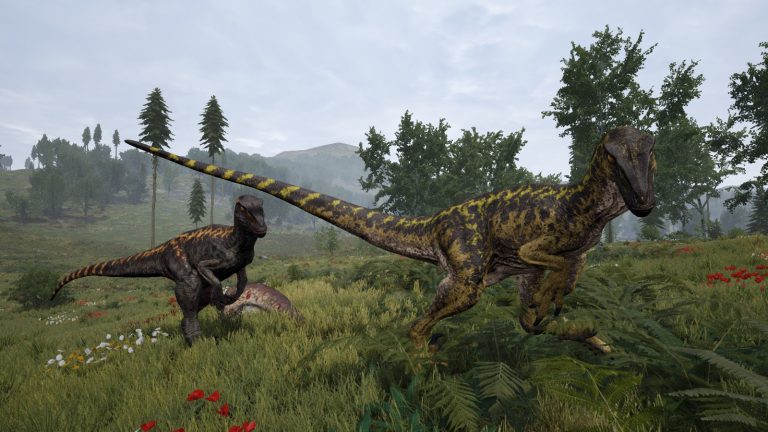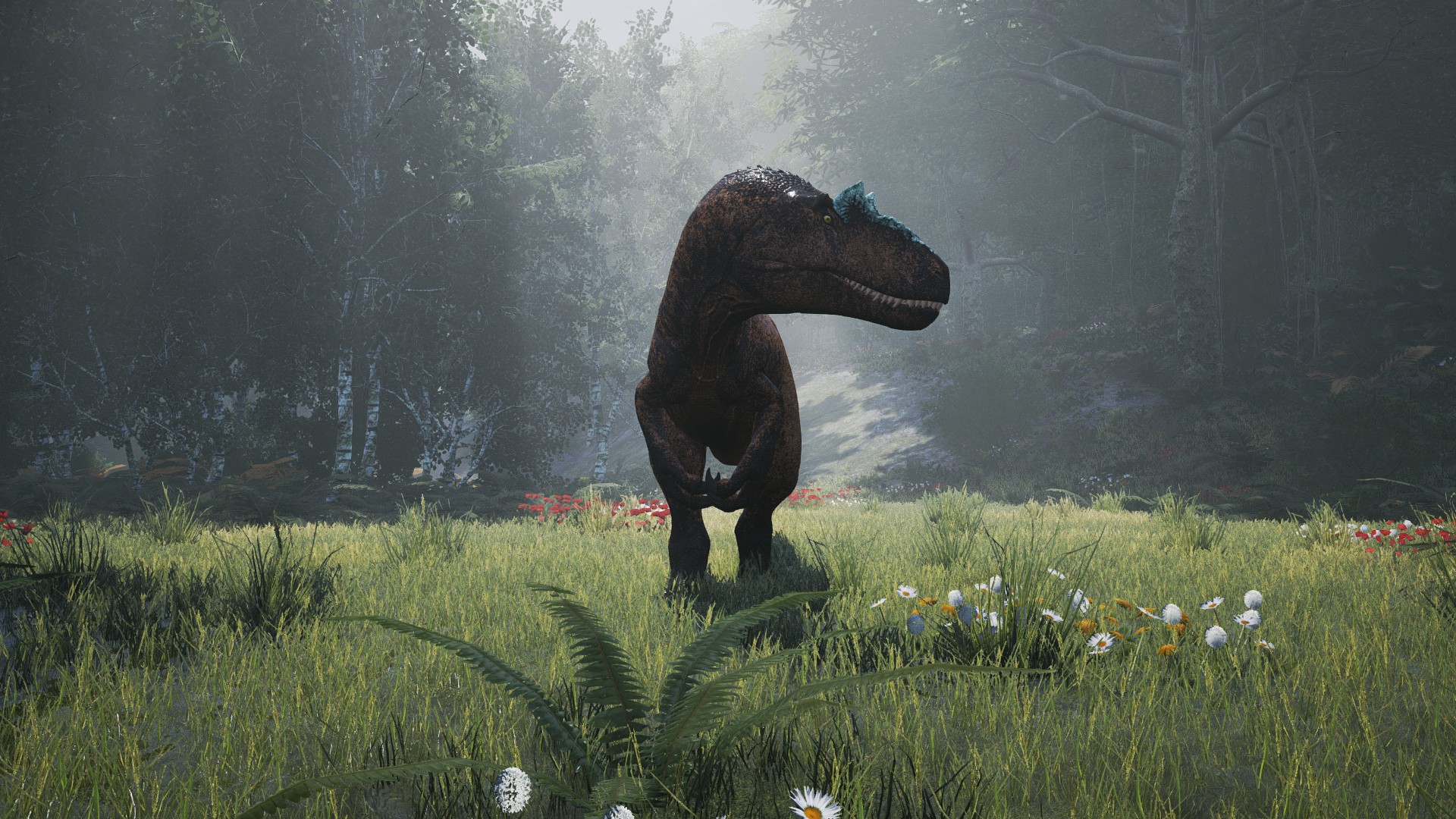
Running your own The Isle Evrima dedicated server gives you full control over growth rates, the playable dinosaur roster, AI density, migrations and admin tools — things you simply cannot tune on a public server. This guide walks through the complete setup on both Windows and Linux: installing the server with SteamCMD, editing the two config files Evrima uses, forwarding the right ports, launching for the first time, and fixing the connection problems that trip up almost everyone. Every value below is for the live Evrima branch, not the deprecated Legacy build, so you can copy it with confidence.
Evrima vs Legacy: get this right first
The single most common reason a setup fails is mixing up old Legacy instructions with the current Evrima game. The Legacy branch used different ports (27015–27017), a different map (Isle_V3) and a ?listen launch flag. None of that applies to Evrima. The live game runs on a Steam beta branch literally named evrima, uses the Gateway map, and registers with the server list through Epic Online Services. If you follow a tutorial that mentions ?listen or query port 27015, stop — it is out of date. Everything in this article is verified against the official theisle.info host guide, the Steam Evrima hosting guide, and the community reference Game.ini.
Step 1: Install the server with SteamCMD
The Isle dedicated server is a free, anonymous SteamCMD download. You do not need a Steam account that owns the game. The dedicated server app ID is 412680, and you must pull it from the evrima beta branch — without -beta evrima, SteamCMD will hand you the obsolete Legacy build, which will not match modern clients.
Once you have SteamCMD installed and running, the canonical install script is:
login anonymous
force_install_dir C:\theisleserver
app_update 412680 -beta evrima validate
quit
You can also run it as a single line, which is handy for update scripts and scheduled tasks:
steamcmd +login anonymous +force_install_dir C:\theisleserver +app_update 412680 -beta evrima validate +quitOn Linux, swap the install path for a Linux directory (for example /home/theisle/server) and run the same command sequence. The validate flag verifies file integrity and is worth keeping in your update routine — you will re-run this exact command after every game patch, because a server that lags the client version becomes invisible in the browser. If you point SteamCMD at the default Steam library instead of a custom force_install_dir, the typical Windows install path is steamapps\common\The Isle Dedicated Server.
Operating system support
Both platforms are supported. On Windows you need Windows Server 2016 R2 or later (64-bit) with the Unreal Engine 4 prerequisites — the Visual C++ redistributables — installed, or the server will crash on launch. On Linux, Ubuntu is the recommended and most-documented distribution. The executables differ by OS: TheIsleServer.exe on Windows and the ./TheIsleServer.sh launch script on Linux.
Step 2: First launch to generate config files
Do not edit anything yet. The server generates its config folder and default Game.ini / Engine.ini only after it has been launched once. So the correct first-run sequence is:
- Install via SteamCMD on the
evrimabranch (Step 1 above). - Launch the server once so it creates the
Saved\Config\...Server\folder and the default INI files, then shut it down. - Edit
Game.ini(name, password, slots, RCON, admins, allowed dinos) andEngine.ini(EOS credentials). - Relaunch the server.
The config files live in different folders depending on your OS, so make sure you are editing the right one:
- Windows:
TheIsle\Saved\Config\WindowsServer\ - Linux:
TheIsle/Saved/Config/LinuxServer/
A common launch parameter form for Evrima is ?Port=7777 -log. The -log flag opens a console window so you can watch startup and catch errors. Again: there is no ?listen flag in the Evrima flow — that is a Legacy artifact.
Step 3: Configure Game.ini
Evrima uses two config files. Game.ini holds gameplay and identity settings; Engine.ini holds the EOS credentials. Section header and key spelling matter — a single typo causes the server to silently revert that value to its default rather than error out, which makes mistakes maddening to track down. Copy keys exactly.
The main gameplay block is [/Script/TheIsle.TIGameSession]. Here are the keys you will touch most, with verified default/example values:
| Key | Purpose | Example value |
|---|---|---|
ServerName | Browser display name | ServerName="My Evrima Server" |
MapName | Active map | MapName=Gateway |
MaxPlayerCount | Player slot cap | MaxPlayerCount=100 |
bEnableHumans | Enable the Human class | bEnableHumans=false |
bServerPassword | Require a join password | bServerPassword=false |
ServerPassword | The join password (used only if above is true) | ServerPassword="secret" |
bQueueEnabled | Enable the join queue | bQueueEnabled=false |
QueuePort | Queue system port | QueuePort=10000 |
bRconEnabled | Enable RCON | bRconEnabled=false |
RconPassword | RCON password | RconPassword="long-secret" |
RconPort | RCON listen port | RconPort=8888 |
bServerWhitelist | Whitelist-only mode | bServerWhitelist=false |
GrowthMultiplier | Juvenile→adult growth speed (1.0 = vanilla) | GrowthMultiplier=1 |
bEnableMutations | Mutation system | bEnableMutations=true |
bEnableDiets | Diet system | bEnableDiets=true |
bSpawnAI | Spawn huntable AI creatures | bSpawnAI=true |
AIDensity | AI population density | AIDensity=1 |
There are many more keys in this section that let you sculpt the world. ServerDayLengthMinutes=45 and ServerNightLengthMinutes=20 control the real-world length of day and night. The migration system is governed by bEnableMigration, SpeciesMigrationTime=10800 (seconds), bEnableMassMigration, MassMigrationTime=43200 and MassMigrationDisableTime=7200. Foliage is driven by bSpawnPlants and PlantSpawnMultiplier, while corpses are tuned with CorpseDecayMultiplier. Weather randomization uses bRandomWeatherEnabled=true plus MinWeatherVariationInterval / MaxWeatherVariationInterval (defaults 600 / 900 seconds). You can also toggle bEnableGlobalChat, bAllowRecordingReplay and bEnablePatrolZones. If you want to dig into pacing the world, our companion walkthroughs on adjusting growth speed and changing the day/night cycle go deeper on those specific values.
Admins, whitelist, and the playable roster
Access control and the playable dinosaur list live in the second section, [/Script/TheIsle.TIGameStateBase]. Each of these takes one Steam64 ID per line:
[/Script/TheIsle.TIGameStateBase]
AdminsSteamIDs=76561198XXXXXXXXX
WhitelistIDs=76561198XXXXXXXXX
VIPs=76561198XXXXXXXXX
AllowedClasses=Tyrannosaurus
AllowedClasses=Carnotaurus
EnabledMutations=(MutationName="Cellular Regeneration",EffectValue=0.15)
The AllowedClasses key controls which dinosaurs players can choose. The logic is important: add one line per species you want to allow; omit a species to block it; omit every AllowedClasses line entirely to allow all dinosaurs. Exact spelling matters because a misspelled species is simply skipped. A representative roster of valid class strings includes Hypsilophodon, Pachycephalosaurus, Stegosaurus, Tenontosaurus, Carnotaurus, Ceratosaurus, Deinosuchus, Diabloceratops, Omniraptor, Pteranodon, Troodon, Beipiaosaurus, Gallimimus, Dilophosaurus, Herrerasaurus and Maiasaura. This list grows with every patch, so treat it as an example set and check the current patch notes for newly added creatures rather than assuming this is exhaustive.
One historical gotcha: some older third-party templates placed the RCON keys under a [/Script/Engine.Game] section. For Evrima, the authoritative location is [/Script/TheIsle.TIGameSession] as shown above. Use that and ignore the older placement.
Step 4: Configure Engine.ini (EOS credentials)
Evrima registers with the public server list and handles cross-play through Epic Online Services. That means the server needs an EOS dedicated-server client ID and secret in Engine.ini:
[EpicOnlineServices]
DedicatedServerClientId=
DedicatedServerClientSecret=
These values ship with the standard Evrima server template and are frequently identical across hosts. You can also pass them at launch with flags such as -ini:Engine:[EpicOnlineServices]:DedicatedServerClientId=.... Because the secret is environment-specific, use the values from your official server template or host rather than copying one from a random guide. If this block is missing or wrong, the server may run but never appear in the browser — a frequent source of “my server isn’t listed” tickets.
Step 5: Open the right ports
Evrima’s port layout is simpler than Legacy’s. The game and query share a single UDP port, RCON uses TCP, and the queue uses its own port:
| Purpose | Port | Protocol |
|---|---|---|
| Game (and query) | 7777 | UDP |
| RCON | 8888 | TCP |
| Queue | 10000 | TCP |
The game port is UDP 7777, and Evrima reuses that same port for queries — there is no separate query port in the modern flow (one source lists 7778, but the official and most-cited value is 7777). To be safe, forward the UDP 7777–7779 range, which also covers you when running multiple servers. RCON listens on TCP 8888 and the queue system on port 10000.
If you host more than one instance on a single box, increment ports in a clean block per server: Port 7777 → 7787, RconPort 8888 → 8889, QueuePort 10000 → 10001, and forward each block. Ignore any advice referencing the Legacy Steam ports 27015–27017 or “QueryPort is no longer used” — those belong to the old branch.
Hardware requirements
Evrima’s server tick — particularly the AI simulation — is largely single-thread bound, which means clock speed matters far more than core count. Aim for high-frequency modern cores at 3.5 GHz or higher; a quad-core is a sensible minimum. The community reference wiki points to chips like the Xeon E3-1230 v6 as a solid baseline. RAM scales with slots and AI load:
- Small (≤20–30 slots): ~6–8 GB RAM
- Mid (50–100 players): ~8–12 GB RAM
- Full 100+ slots with AI on: ~12–16 GB RAM
Disk needs are roughly 30 GB on Ubuntu/Linux and up to ~70 GB on Windows Server once you account for the OS, install and saves. Plan for at least 10 Mbps of bandwidth as a floor, scaling up with your player count. AI is by far the biggest consumer of both CPU and RAM, so on busy servers lower AIDensity (try 0.5 or below) at 100+ slots to protect tick rate. For a full breakdown of sizing by player count, see our dedicated guide on The Isle Evrima server requirements and RAM.
Admin tools and RCON
To grant in-game admin powers, add Steam64 IDs to AdminsSteamIDs in the [/Script/TheIsle.TIGameStateBase] section of Game.ini, one per line, and restart the server. For remote moderation, enable RCON in [/Script/TheIsle.TIGameSession]:
bRconEnabled=true
RconPassword="something-long-and-secret"
RconPort=8888
Critically, standard Source-style RCON clients and mcrcon do not work with Evrima — it speaks its own RCON protocol. You must use an Evrima-compatible RCON client or bot. Verified commands that exist include announce (server-wide broadcast), kick and ban (by Steam64), playerlist, getplayerdata, save, togglewhitelist, addwhitelist / removewhitelist, updateplayables and getplayables (live roster control), toggleai, aidensity and setgrowthmultiplier (live tuning), wipecorpses, directmessage, getqueuestatus and pause. Argument formatting (comma vs space) varies by client, so follow your specific RCON tool’s documentation rather than assuming one rigid syntax. There is no documented set of spawn/teleport “cheat” RCON commands — do not rely on guides that invent them. Our full admin and moderation guide covers the command set in detail.
Connection troubleshooting
If your server runs but won’t appear in the browser or players can’t connect, work through these verified causes in order:
- Branch/version mismatch. The server must be on
evrimaand at the same game version as players. Re-runapp_update 412680 -beta evrima validateafter every patch. - UDP ports closed. Forward UDP 7777–7779 to the server’s LAN IP and open them in the OS firewall.
- Firewall blocking the executable. Add an inbound allow rule for
TheIsleServer.exe/.sh. - EOS credentials missing or invalid. Confirm the
[EpicOnlineServices]block inEngine.iniis present and correct, or the server won’t list. - Port collision. A second instance reusing the same Port/RconPort/QueuePort — give each its own block.
- Password or whitelist locking people out. With
bServerPassword=trueplayers must enter the password; withbServerWhitelist=trueonly listed Steam64 IDs get in. - NAT hairpinning. You often can’t join your own server from the same network — test from an external connection or enable NAT loopback on the router.
- Client-side filters. Have players clear region/ping/password filters and search by name.
Two of these have dedicated deep-dives: if your listing simply never appears, read why your server isn’t showing in the list, and for join failures see the full players-can’t-connect fix guide.
Self-host or rent?
Self-hosting on your own hardware is free and educational, and the steps above are everything you need. The trade-offs are real, though: Evrima’s single-thread sensitivity means a consumer PC sharing CPU with games and browsers will deliver inconsistent tick rate; you’re responsible for port forwarding, firewall rules, EOS configuration, NAT loopback quirks, and re-patching after every Evrima update; and a home connection rarely offers the upload headroom or uptime a populated server needs. If you’d rather skip the SteamCMD-and-firewall dance and get a high-clock, properly-forwarded instance with one-click updates, you can spin up a managed The Isle Evrima server in a few minutes. Our step-by-step panel walkthrough lives in the The Isle documentation.
Frequently asked questions
What is the SteamCMD app ID for The Isle Evrima dedicated server?
The dedicated server app ID is 412680, installed anonymously (no game ownership required). You must add -beta evrima to the app_update command — for example app_update 412680 -beta evrima validate — or SteamCMD will install the obsolete Legacy build instead of the live Evrima server.
What ports does a The Isle Evrima server use?
The game (and query) runs on UDP 7777, RCON on TCP 8888, and the queue on port 10000. Forward the UDP 7777–7779 range to be safe. Ignore Legacy-era references to ports 27015–27017 — those don’t apply to Evrima.
Where are the The Isle Evrima config files located?
They generate after the first launch. On Windows, look in TheIsle\Saved\Config\WindowsServer\; on Linux, in TheIsle/Saved/Config/LinuxServer/. You’ll edit Game.ini (gameplay, admins, allowed dinos, RCON) and Engine.ini (EOS credentials). Watch your spelling — a typo silently reverts that setting to its default.
How do I set admins on a The Isle Evrima server?
Add each admin’s Steam64 ID to AdminsSteamIDs under the [/Script/TheIsle.TIGameStateBase] section of Game.ini, one ID per line, then restart. For remote control, enable RCON with bRconEnabled=true, set RconPassword and RconPort=8888 — but remember you need an Evrima-compatible RCON client; mcrcon and Source-style tools won’t connect.
How much RAM does a The Isle Evrima server need?
Roughly 6–8 GB for a small 20–30 slot server, 8–12 GB for 50–100 players, and 12–16 GB for a full 100+ slot server with AI enabled. AI is the heaviest consumer, so reduce AIDensity at high slot counts. Because Evrima is single-thread bound, a fast 3.5 GHz+ core matters more than total core count.
Why won’t my The Isle Evrima server show up in the server list?
The usual culprits are a version mismatch (re-run the SteamCMD update after every patch), closed UDP 7777–7779 ports, or missing/invalid EOS credentials in Engine.ini — Evrima lists through Epic Online Services, so that block must be correct. Also confirm the server executable is allowed through the firewall.
Free The Isle Tools
Speed up your server with our free The Isle tools:
Ready to play?
Run your own The Isle Evrima server with XGamingServer
Spin up an always-on The Isle Evrima server your friends can join in minutes — no port-forwarding, no tech headaches.