

In this article, we will guide you through the process of enabling “keep inventory” in your Minecraft server. This modification will allow players to keep their items even after death!!
How to enable keep inventory in your server?
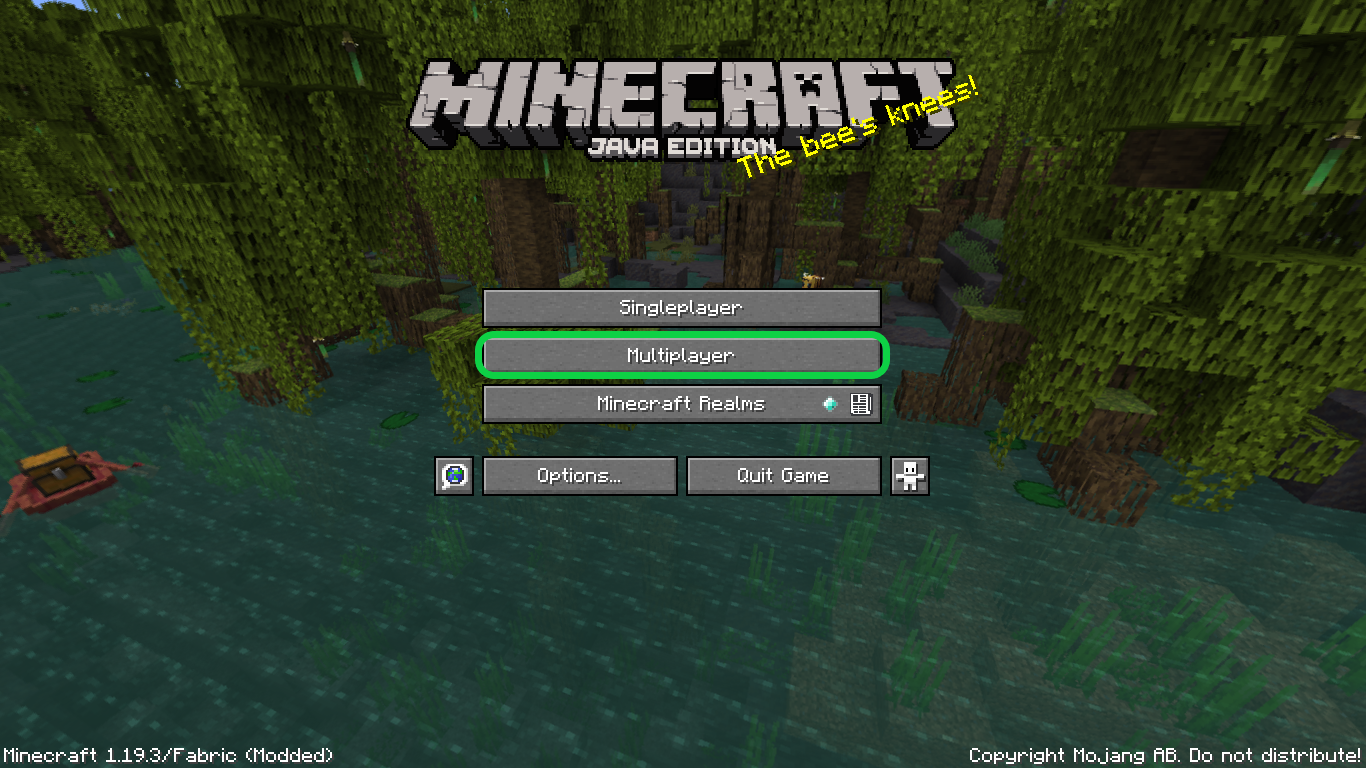
1- Start your Minecraft server from your server’s control panel, then open your game then click on “Multiplayer“
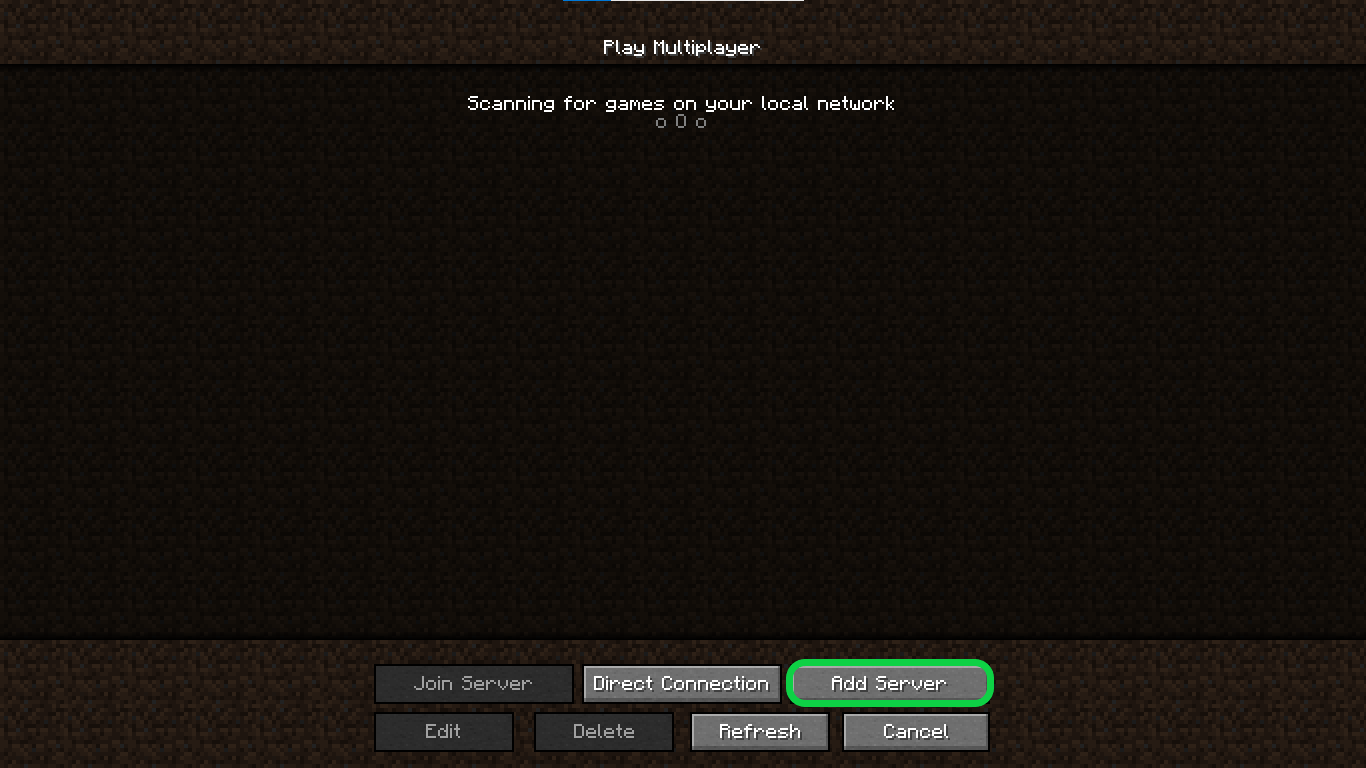
2- Click on “Add Server“
3- At “Server Address” enter your server’s IP, which you can find in your server’s control panel, then hit “Done“

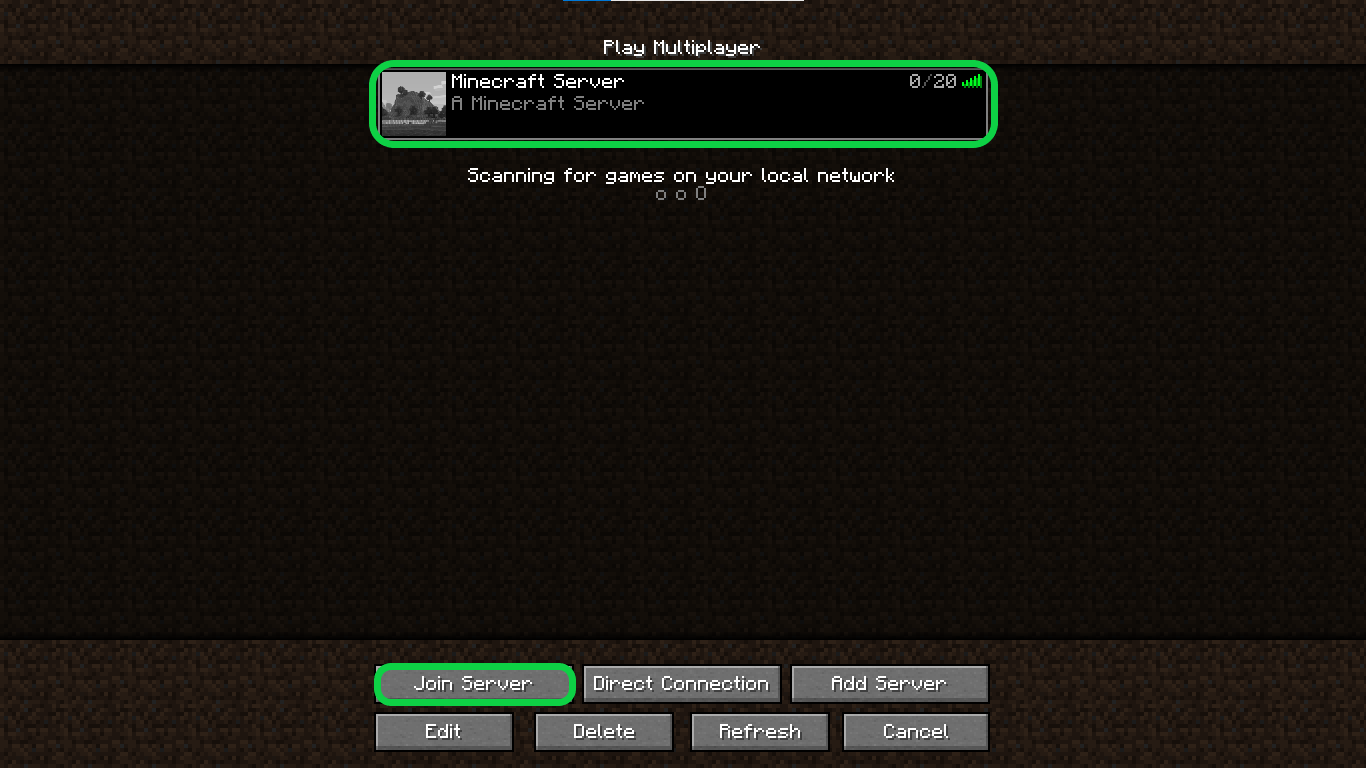
4- You will find your server added to the servers list select it then hit “Join Server“
5- Open the in-game chat, then run this command /gamerule keepInventory true then when you die in the world you used the command in you won’t lose your stuff!

Note: To use this command, you need to have server operator permissions, which means that you must be an OP (operator) on the server.
If you need any help with your service don’t hesitate to contact us through our support tickets at https://billing.xgamingserver.com/submitticket.php
Free Minecraft Tools
Speed up your server with our free Minecraft tools:
Ready to play?
Run your own Minecraft server with XGamingServer
Spin up an always-on Minecraft server your friends can join in minutes — no port-forwarding, no tech headaches.






