

In this article we will help you restore skins on your offline mode Minecraft servers!
How to restore the player’s skin:
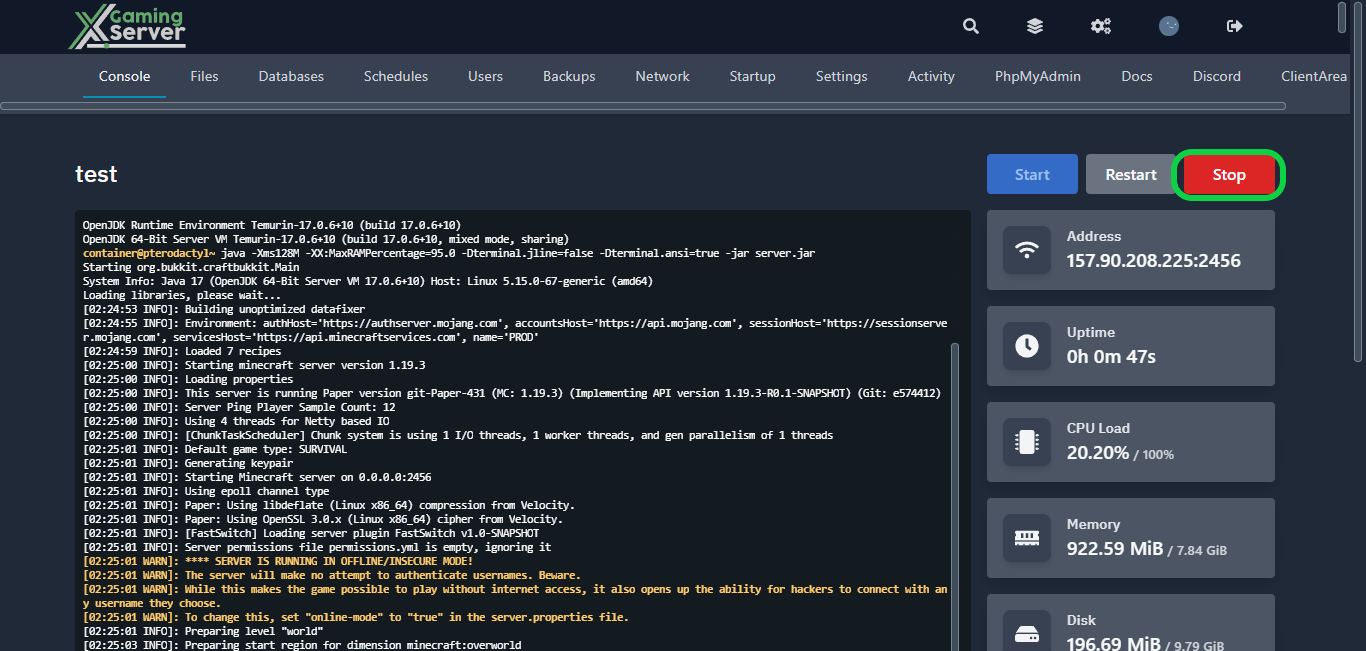
1- Go to your server’s control panel, then hit “Stop” to stop your server
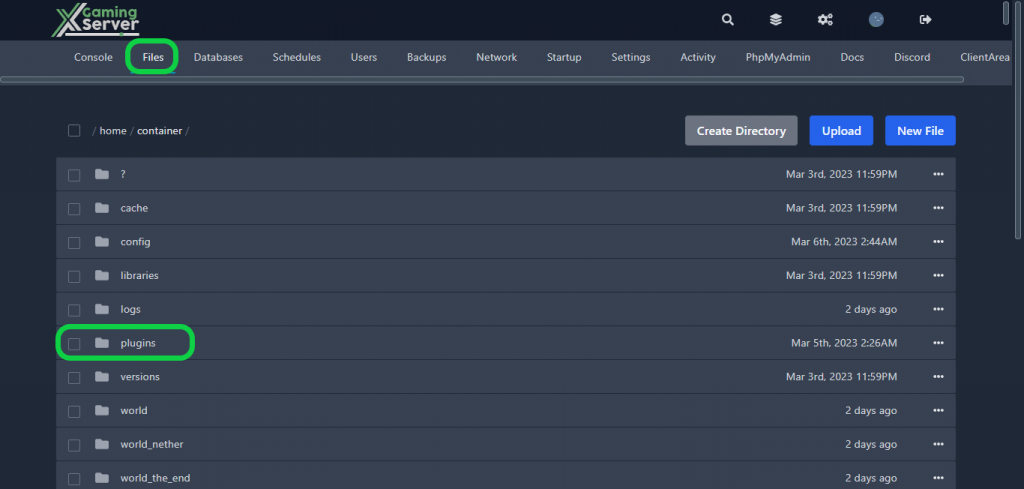
2- Go to the “Files” tab, then to the “Plugins” folder
3- Download SkinsRestorer and click the “Upload” button on the control panel

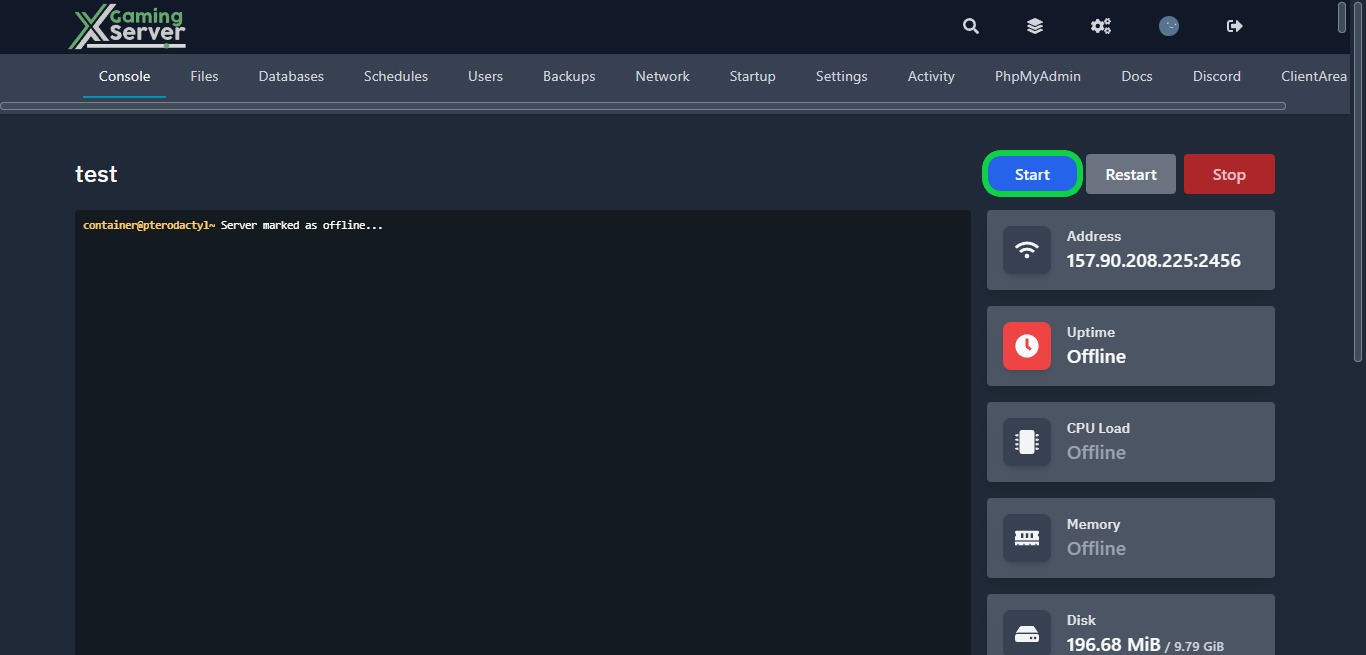
4- Go back to your server’s control panel then click “Start” to start your server
Note: With SkinsRestorer you can also modify your skins within the game using various commands such as /skin [skinname] to set your skin manually and /skin clear to remove your current skin.
If you need any help with your service don’t hesitate to contact us through our support tickets at https://billing.xgamingserver.com/submitticket.php
Free Minecraft Tools
Speed up your server with our free Minecraft tools:
Ready to play?
Run your own Minecraft server with XGamingServer
Spin up an always-on Minecraft server your friends can join in minutes — no port-forwarding, no tech headaches.






